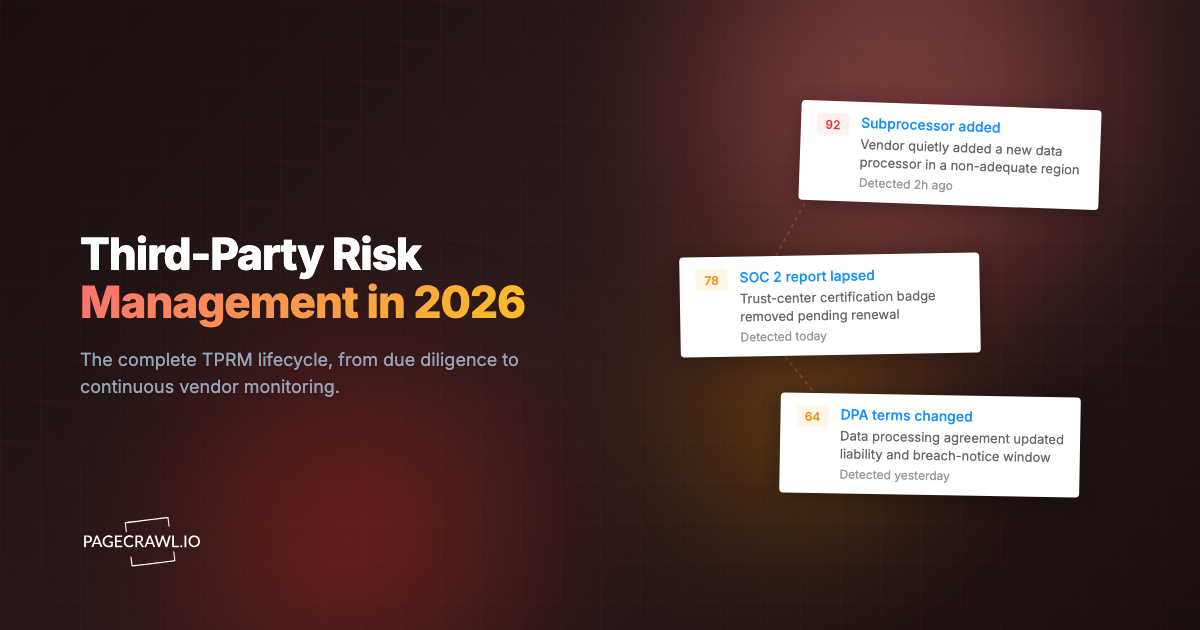
Picture your vendor risk team approving a new analytics vendor. The SOC 2 Type II report is clean, the security questionnaire comes back green, the data processing agreement is signed, and the vendor goes into the catalog as a low-risk, approved processor. Fourteen months later an auditor asks a simple question: which subprocessors handle your customer data today? Nobody can answer, because months ago the vendor quietly added a new subprocessor in a jurisdiction your DPA never contemplated, and the only place it was ever disclosed was one line on a trust-center page nobody had looked at since onboarding.
This is the structural flaw in most third-party risk management (TPRM) programs. The assessment is a snapshot. You evaluate a vendor at a single point in time, file the evidence, and move on, while the vendor keeps changing every week. New subprocessors get added. Certifications lapse. Privacy policies get rewritten. Companies get acquired. The risk you signed off on is not the risk you carry six months later, and the gap between assessments is exactly where third-party incidents originate.
This guide covers what continuous vendor monitoring is, why point-in-time TPRM goes stale, the specific vendor pages worth watching between assessments, how continuous monitoring fits the TPRM lifecycle, and how to build an automated alerting workflow that turns a quiet trust-page edit into a tracked risk event before your auditor finds it first.
What is continuous vendor monitoring?
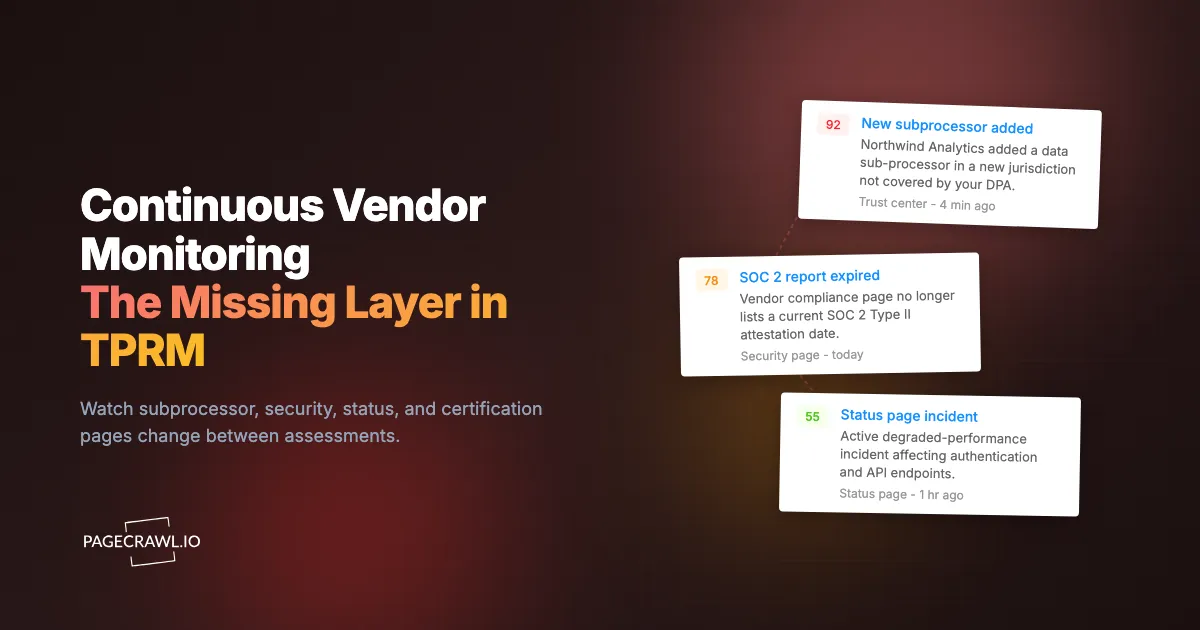
Continuous vendor monitoring is the practice of automatically watching a vendor's public-facing pages (trust center, subprocessor list, status page, certifications, privacy policy, and corporate news) for changes between formal risk assessments, so material shifts in a vendor's security, compliance, or ownership posture surface in days rather than at the next annual review.
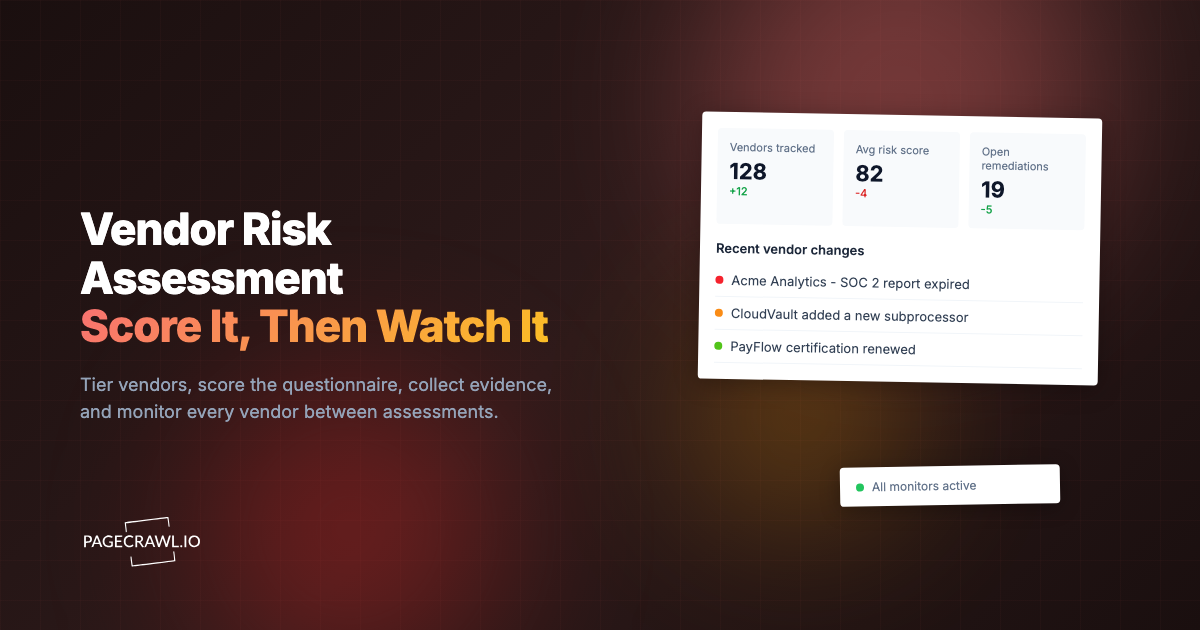
It is not a replacement for due-diligence questionnaires, penetration test reviews, or contract negotiation. It is the always-on layer underneath them. A point-in-time assessment answers "is this vendor acceptable right now?" Continuous monitoring answers the much harder question that follows: "is this vendor still the same as the one we approved?" The two work together. The assessment establishes a baseline; monitoring tells you when that baseline moves.
Why does point-in-time third-party risk management go stale?
Point-in-time TPRM goes stale because vendors change continuously while reassessments happen annually at best. Reassessment cycles for non-critical vendors commonly stretch to a year or two, and many vendors are never re-reviewed at all. In that window a subprocessor can be added, a certification can lapse, and a company can be acquired, all without triggering a single notification to you.
The math is brutal. A mid-size company can easily depend on hundreds of SaaS vendors, and each one maintains a trust center, a status page, a privacy policy, and a subprocessor list that can change at any time. No risk team can manually revisit hundreds of pages on a schedule tight enough to matter. So the pages go unwatched, and the program drifts toward a documentation exercise: a folder of evidence that was accurate the day it was collected and slowly decays afterward.
Worse, the most consequential vendor changes are deliberately low-noise. A vendor adding a subprocessor is not going to email every customer. A certification quietly slipping past its expiry date produces no announcement. A privacy policy rewrite that broadens data-sharing rights ships as a routine "we've updated our terms" footer link. These are exactly the changes a snapshot-based program never catches, and exactly the changes regulators and customers will ask you about. Continuous supply-chain and vendor website tracking closes that gap by treating vendor pages as live signals instead of one-time artifacts.
What should you monitor on a vendor's website between assessments?
Watch the pages where vendors disclose changes to their security and data posture but rarely announce them: the subprocessor list, trust and security pages, status and incident history, certification listings, the privacy policy and DPA, security advisories, and corporate news about funding or acquisition. These pages move between assessments and each one maps to a distinct category of third-party risk.

Subprocessor lists and data-residency changes
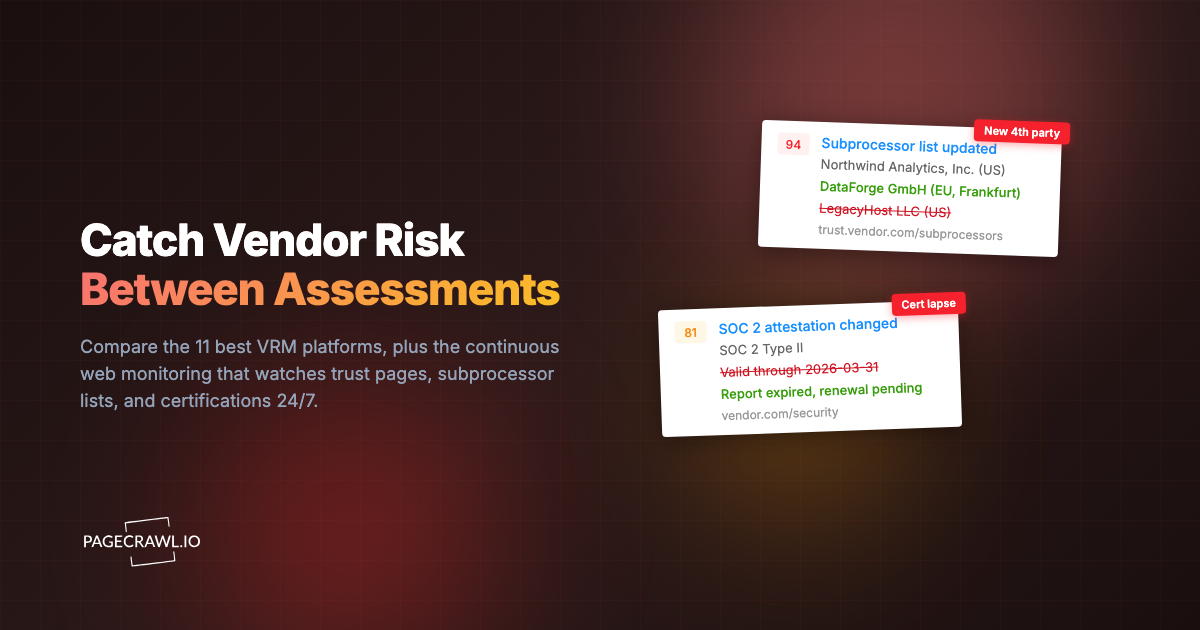
The subprocessor list is the single highest-value page to monitor, and the one most likely to change silently. When a vendor adds a new fourth party that processes your data, it can introduce a new jurisdiction, a new transfer mechanism, and a new attack surface, all under your existing contract. Many DPAs grant you a notice-and-objection window (a right rooted in Article 28 of the GDPR for European personal data), but that window is worthless if you never see the update. Automated subprocessor list monitoring timestamps every addition and removal so your privacy and security teams can act inside the contractual notice period instead of discovering the change during an audit.
Trust, security, and compliance pages
Trust centers and security pages are where vendors publish their current control environment: encryption practices, access controls, data-handling commitments, and links to attestation reports. Changes here are leading indicators. A removed security claim, a softened data-handling commitment, or a quietly retired control matters as much as anything in a questionnaire. Treat the trust page as a living extension of your compliance monitoring software stack rather than a one-time evidence source.
Status pages and incident history
A vendor's status page is a real-time window into operational reliability and security incidents. A rising frequency of outages, a degraded-performance pattern, or a security incident notice all change your risk picture before any formal disclosure reaches you. Status pages also reveal how transparently a vendor communicates under pressure, which is itself a risk signal. Monitoring vendor cloud and status pages gives your team the same early warning your engineers already expect from infrastructure dashboards.
SOC 2, ISO 27001, and certification changes
Certifications expire. A vendor that proudly listed a current SOC 2 Type II attestation at onboarding may let it lapse, change auditors, or narrow the report scope without telling anyone. The same applies to ISO/IEC 27001 certificates, which carry explicit validity periods. Monitor the trust center page where certification dates and badges live, and alert on any change to attestation dates, certification names, or scope language. A certification that silently disappears from a compliance page is one of the cleanest, earliest signals that a vendor's security investment is slipping.
Privacy policy and DPA changes
Privacy policies and data processing terms define what a vendor is legally allowed to do with your data, and they get rewritten more often than most teams realize, which is why legal and policy change tracking for terms and privacy pages belongs in every vendor program. A broadened data-sharing clause, a new analytics partner, an expanded retention period, or a changed governing-law provision can all materially shift your exposure. Apply the same discipline you use to monitor terms-of-service changes for SaaS vendors, and pair it with dedicated privacy policy and terms monitoring so legal sees the exact before-and-after text, not a vague "we updated our terms" banner.
Breach disclosures and security advisories
Vendors that maintain a security advisory feed or a breach-notification page publish disclosures there first, often hours or days before a press release or customer email. Dedicated breach disclosure monitoring turns you into one of the first parties to know about a vendor incident, which is decisive when your own incident-response and customer-notification clocks start ticking. Speed of detection here directly shapes how well you control the downstream narrative.
Leadership, ownership, and funding changes
Corporate changes reshape vendor risk in ways no questionnaire captures. An acquisition can move your data under a new parent's policies and a new jurisdiction overnight. A down round or layoffs can signal that security and reliability investment is about to shrink. Monitor the vendor's about page, newsroom, and investor or press pages so a change in control or financial health becomes a tracked risk event rather than something you read about in the trade press months later.
How does continuous monitoring fit the TPRM lifecycle?
Continuous monitoring is the connective tissue of the TPRM lifecycle. The standard lifecycle runs planning, due diligence, contracting, onboarding, ongoing monitoring, and offboarding. Most programs invest heavily in the front stages and treat "ongoing monitoring" as an annual checkbox. Continuous vendor monitoring makes that stage real by feeding live evidence into every other phase.
During due diligence, the trust center, subprocessor list, and certification pages you will monitor later are the same pages you should baseline now. Capture them at assessment time so you have a documented starting point. At contracting, the DPA's notice-and-objection clauses for subprocessor changes only have teeth if you can actually detect those changes, which is precisely what monitoring provides. Through the long ongoing-monitoring phase, automated checks replace the fiction of an annual re-review with a steady stream of timestamped events. And at offboarding, your monitoring history doubles as an evidence trail proving the vendor's posture across the entire relationship, not just the day you signed.
This is also where continuous monitoring strengthens audits. When an auditor asks how you maintain awareness of vendor changes between assessments, a folder of dated change records is a far better answer than "we reassess annually." It demonstrates an operating control, which is what frameworks like the NIST Cybersecurity Framework increasingly expect.
How do you set up continuous vendor monitoring with PageCrawl?
Set up continuous vendor monitoring by adding each critical vendor page as a monitor, choosing a tracking mode that fits the page, grouping monitors by vendor, and routing changes to the right reviewer. PageCrawl renders each page fully like a real browser, captures a timestamped baseline, and alerts you when a scheduled check detects a change (checks run as often as every 2 minutes on paid plans). Here is a practical setup that scales from a handful of vendors to your full portfolio.
Step 1: Inventory the pages, not just the vendors. For each vendor, collect the URLs that actually carry risk: subprocessor list, trust or security page, status page, certifications page, privacy policy, DPA, and newsroom. A typical critical vendor has five to seven pages worth watching. Map them before you start adding monitors so coverage is intentional, not random.
Step 2: Add each page with the right tracking mode. For long-form legal and policy pages (privacy policy, DPA, terms), use a reader or text mode that extracts the main content and ignores navigation. For subprocessor tables and certification listings, track the specific element or content area so layout noise does not create false alerts. PageCrawl's free plan covers 6 monitors and 220 checks per month, enough to pilot your three or four most critical vendors before expanding.
Step 3: Save a vendor monitoring template. Once you have dialed in tracking mode, frequency, screenshots, and alert settings for one vendor, save it as a template and apply it to every new vendor you onboard. A reusable "critical vendor" template makes onboarding a new third party a five-minute task instead of a manual reconfiguration each time.
Step 4: Organize by vendor with folders and tags. Create a folder per vendor and place its pages inside, using labels, folders, and workspaces so your dashboard mirrors your vendor catalog. Use tags for risk tier (critical, important, standard), data sensitivity (handles PII, processes payments), and ownership (which analyst or team owns the relationship). Tags make portfolio-wide reporting and filtering trivial later.
Step 5: Set frequency to match risk tier. Check critical vendors handling regulated data daily, important vendors a few times a week, and standard vendors weekly. Subprocessor lists and status pages on your most critical vendors justify the highest frequency; a rarely changing about page does not. Matching cadence to tier keeps your check budget focused where a missed change would hurt most.
Step 6: Enable screenshots for evidence. Turn on screenshots so every detected change carries a timestamped visual record of the page before and after. When you need to demonstrate to an auditor, a regulator, or the vendor itself exactly what changed and when, a dated screenshot plus the captured text is documentation that is hard to dispute, and signed web archives with timestamped evidence go further when the record has to hold up outside your own systems.
Step 7: Add conditional rules to cut noise. Vendor pages contain dynamic clutter (copyright years, marketing banners, rotating testimonials) that you do not care about. Use conditional alert rules to alert only when meaningful text changes, such as a new row in a subprocessor table or a removed certification name, so reviewers see signal, not noise.
How should you route vendor-change alerts to the right people?
Route each vendor-change alert to the team that owns the affected risk: subprocessor and privacy changes to legal and the DPO, security and certification changes to the security team, and status or incident changes to vendor management. The goal is that every change lands in front of someone accountable promptly after detection, with the diff attached, instead of sitting in a shared inbox.
In practice that means wiring monitors into the channels your teams already live in. Push high-priority changes (a new subprocessor on a critical vendor, an expired SOC 2, a breach advisory) to a dedicated Slack alert channel so the right reviewers see them as soon as they land. For anything that needs to become a tracked task, use webhook automation to open a ticket in your GRC or risk platform automatically, attaching the diff, the screenshot, the URL, and the timestamp. That way a quiet trust-page edit becomes a numbered risk item with an owner and an SLA, not a message someone might scroll past.
Tier your routing the same way you tier your monitoring. Critical-vendor changes warrant a priority page and a same-day review. Standard-vendor changes can roll into a weekly digest your team reviews in one batch, which is what scheduled reports that bundle change notifications are built for. The point is that the workflow, not a human refreshing tabs, decides who hears about what and how fast.
How do you scale continuous monitoring across a large vendor portfolio?
Scale by tiering your vendor portfolio and matching monitoring depth to tier, rather than watching every page of every vendor equally. In most portfolios a small fraction of vendors carries the bulk of the risk, so concentrate your monitoring budget there and apply lighter coverage to the long tail.
A workable tiering model looks like this:
- Critical vendors (handle regulated data, are deeply embedded, or would cause a major incident if breached): monitor all five to seven risk pages, check daily, screenshots on, priority routing.
- Important vendors (meaningful data access or operational dependency): monitor subprocessor list, security page, and status page, check several times a week, route to the owning team.
- Standard vendors (limited access, easily replaced): monitor the trust and privacy pages only, check weekly, roll changes into a digest.
Reassess tiering whenever a vendor's role changes. A standard vendor that starts processing customer PII becomes a critical vendor and should inherit critical-tier monitoring the same day. Review your tier assignments quarterly so coverage tracks reality. As the catalog grows, the combination of templates, folders, and tags from your setup is what lets one analyst maintain monitoring across hundreds of vendor pages without it becoming a second full-time job.
Choosing your PageCrawl plan
PageCrawl's Free plan lets you monitor 6 pages with 220 checks per month, which is enough to validate the approach on your most critical vendors. Most teams graduate to a paid plan once they see the value.
| Plan | Price | Pages | Checks / month | Frequency |
|---|---|---|---|---|
| Free | $0 | 6 | 220 | every 60 min |
| Standard | $8/mo or $80/yr | 100 | 15,000 | every 15 min |
| Enterprise | $30/mo or $300/yr | 500 | 100,000 | every 5 min |
| Ultimate | $99/mo or $999/yr | 1,000 | 100,000 | every 2 min |
Annual billing saves two months across every paid tier. Enterprise and Ultimate scale up to 100x if you need thousands of pages or multi-team access.
For vendor monitoring, plan by pages, not vendors. A critical vendor with six monitored pages consumes six of your monitor slots, so the Standard plan at $80/year covers roughly 15 to 20 critical vendors with full page coverage, plus daily checks and screenshots for the evidence trail. Enterprise at $300/year supports 500 pages, enough for a mid-size program watching dozens of critical vendors and a deep tail of standard ones. If a single early subprocessor or breach-advisory alert lets you act inside your contractual notice window, the program has already justified its cost.
Getting Started
Start with your three most critical vendors. Create a free account, add each vendor's subprocessor list, security page, and status page, enable screenshots, and route changes to a Slack channel your risk team watches. Within a week you will have a live, timestamped record of what your most important vendors are doing between assessments, and the next quiet trust-page edit will reach you on the next scheduled check instead of at your next audit.
Your vendors are changing today. The only question is whether you will find out before your auditor does.