
Never Get Blindsided by API and Documentation Changes
APIs change without notice. Documentation gets updated silently. Release notes bury breaking changes in minor versions. PageCrawl watches your dependencies so your team is never caught off guard.
No credit card required. 6 monitors free forever.
Trusted by 5,000+ teams including Microsoft, NYT, Deloitte, and more
3.5x
more API breaking changes than announced
72%
of teams discover breaking changes in production
1,000+
pages monitored per workspace
Why Teams Choose PageCrawl
Track API Documentation Changes
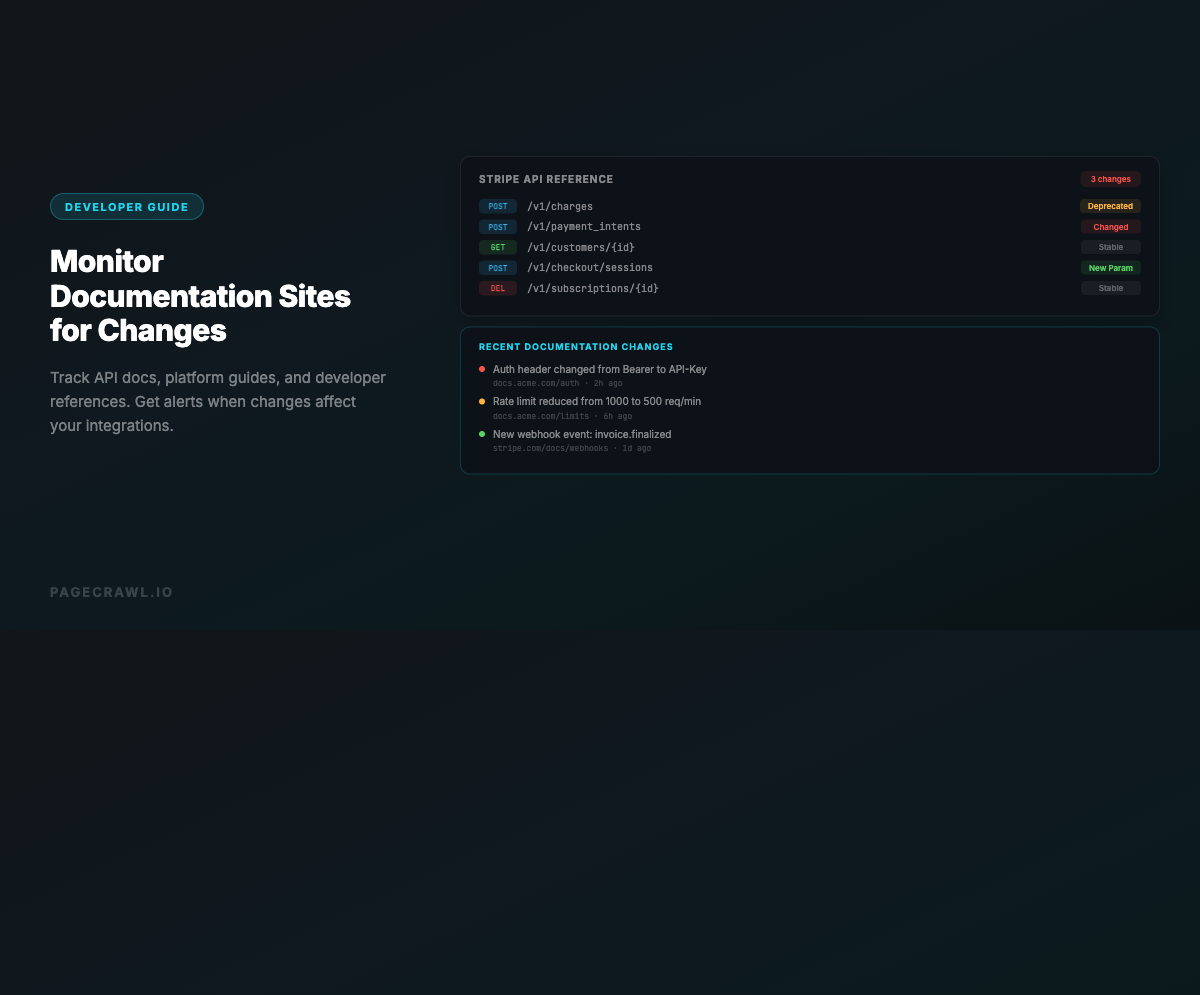
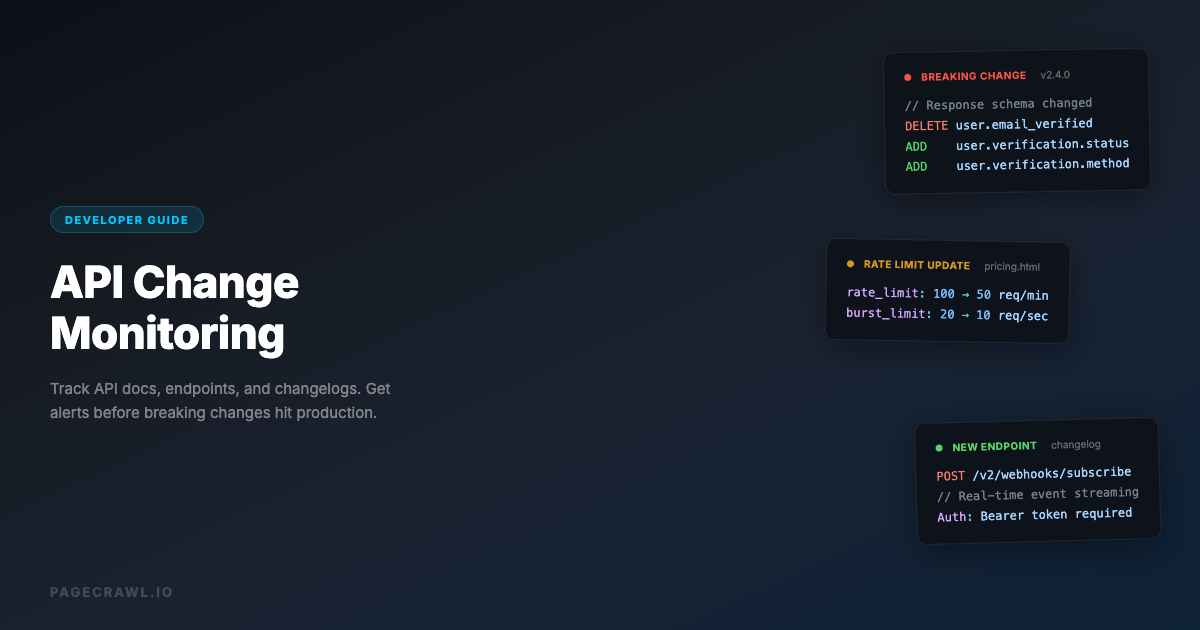
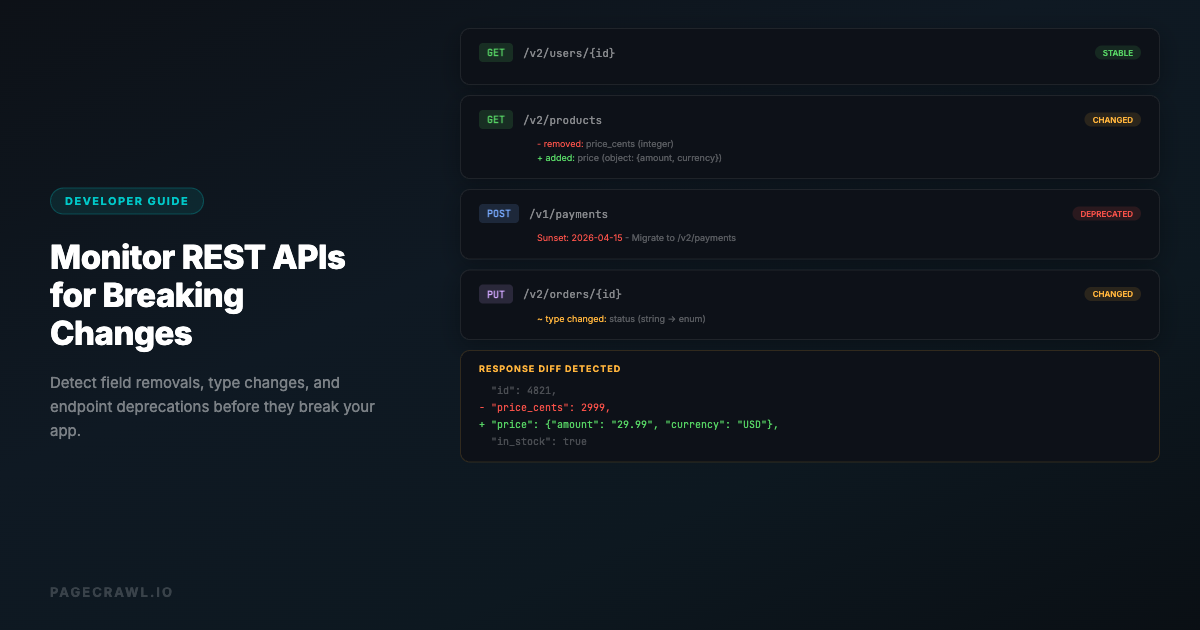
Monitor API reference pages, developer docs, and integration guides. Know when endpoints change, parameters are deprecated, or authentication requirements update.
Changelog and Release Note Alerts
Watch changelog pages and release notes for your dependencies. Get alerted when new versions are published with changes that affect your integration.
GitHub Release Monitoring
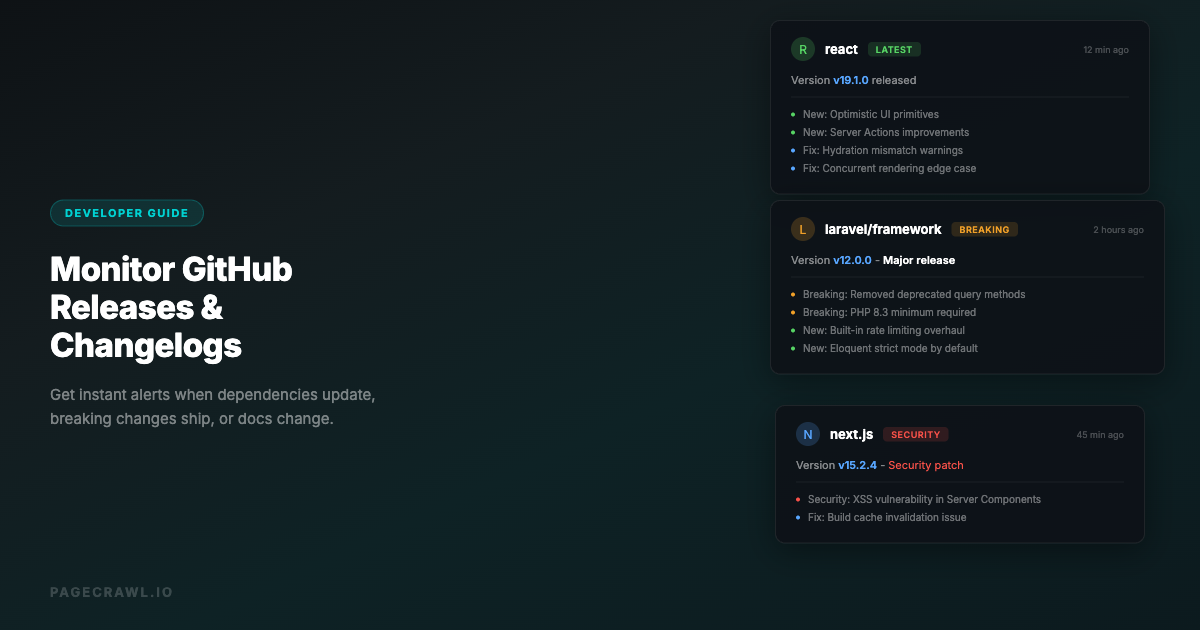
Track GitHub release pages for libraries and tools your team depends on. Know when new versions drop before your CI pipeline discovers them.
AI Summarizes What Changed
Every change comes with a plain-language AI summary. Quickly understand whether a documentation update affects your integration or is just a typo fix.
Multi-Platform Coverage
Monitor Stripe, Twilio, AWS, Google Cloud, and any other service your team depends on. Works with any publicly accessible documentation page.
Route to Engineering Channels
Send alerts to your engineering Slack channels, Teams, or PagerDuty via webhook. Make sure the right engineers see relevant API changes.
API Changelog Briefings That Engineering Reads
A provider deprecates a model with three months of notice, a routine release rotates a key your CI depends on, and a pricing page quietly changes what the free tier allows, and you only hear about it when a customer asks. PageCrawl watches the docs and changelogs for every dependency in your stack, then delivers engineering a weekly summary grouped by service. Breaking changes still ping #engineering as they land, so the migration starts before the deprecation timer.
AI-written briefings, 8 stylesPick the style each audience prefers: headline, patterns, action briefing, detailed, bullets, changelog, risk assessment, or brief.
Group by tag, folder, or domainOne report for competitor pricing, another for compliance pages, another for product launches.
Daily, weekly, or monthly cadenceEach audience picks the rhythm that fits. Marketing on Mondays, legal on the first of the month.
Deliver to anyoneEmail digests to stakeholders, clients, or execs. No PageCrawl account required for recipients.
Print-ready briefingsEvery digest is print-optimized. Open it, hit print, and you have a clean briefing for board decks or quarterly reviews.
PDF and Excel exportExport any digest as PDF or Excel for archives, audits, or pasting straight into a deck.
Comments and feedback inlineStakeholders can flag noise, ask questions, or escalate items without leaving the digest.
Priority escalation channelsHigh-priority changes still hit Slack, Teams, email, Discord, Telegram, and webhooks without waiting for the next digest.
Built For
Engineering Teams
Monitor the APIs and services your application depends on. Catch breaking changes before they reach production.
DevOps & Platform Teams
Track infrastructure documentation, cloud provider status pages, and tool updates that affect your platform.
Tech Leads & Architects
Stay informed about ecosystem changes across your technology stack. Make informed decisions about upgrades and migrations.
Integration Partners
Monitor partner API documentation for changes that affect your integration. Proactively update your integration before issues arise.
Frequently Asked Questions

Other Use Cases
Competitive Intelligence→Price & Stock Monitoring→Compliance & Regulatory→Regulatory Intelligence→Banking Intelligence→Legal & Court Monitoring→Media Monitoring→Investment Intelligence→SEO Monitoring→Brand & Reputation→Website QA & Regression→Government & Public Records→Legal & Policy Tracking→Job Listings→Product Pages→Real Estate Listings→Supply Chain→News & Media→Content Monitoring→Patent Filings→Stock Availability→Event Schedules→Regulatory Filings→Academic Research→Travel & Flights→Release Notes→Grants & Funding→
How It Works
1
Add any URL: pages, prices, numbers, PDFs, login-walled portals
Paste a competitor page, a vendor DPA, a product listing, or a government docket. PageCrawl handles JavaScript-heavy pages, cookie banners, login walls, and PDFs out of the box. Track the whole page, a specific element, a price, a stock status, or a number. The choice is yours per monitor.
2
PageCrawl detects what changed and how much it matters
For text-heavy pages, an AI summary explains in plain English what shifted and assigns a 0 to 100 importance score. For numbers, prices, and stock counts, you get the raw value, no summary needed. Pick what makes sense per monitor; AI is on tap when you want it, off when you do not.
3
Alerts only when something is actually urgent
Time-sensitive changes (price drops, restocks, new filings) hit Slack, Teams, email, Discord, Telegram, or webhook. Less urgent changes (terms updates, content drift) skip the ping and wait for the morning digest. You decide which folders and tags trigger which channels.
4
Roll the rest up into reports stakeholders actually read
Changes that do not need an alert of their own flow into AI-written digests grouped by tag, folder, or domain. Daily for ops, weekly for marketing, monthly for compliance. Each audience picks the cadence and report style (patterns, action briefing, risk assessment, or six others) that fits how they work.
Start monitoring for free
6 monitors, 220 checks/month, all integrations included. No credit card required.