
Catch Website Bugs Before Your Users Do
Deployments break things. CMS updates overwrite content. Third-party scripts change behavior. PageCrawl monitors your live pages and alerts you when something looks wrong.
No credit card required. 6 monitors free forever.
Trusted by 5,000+ teams including Microsoft, NYT, Deloitte, and more
$5,600
avg. cost per minute of downtime
88%
of users won't return after bad UX
2 min
fastest check interval
Why Teams Choose PageCrawl
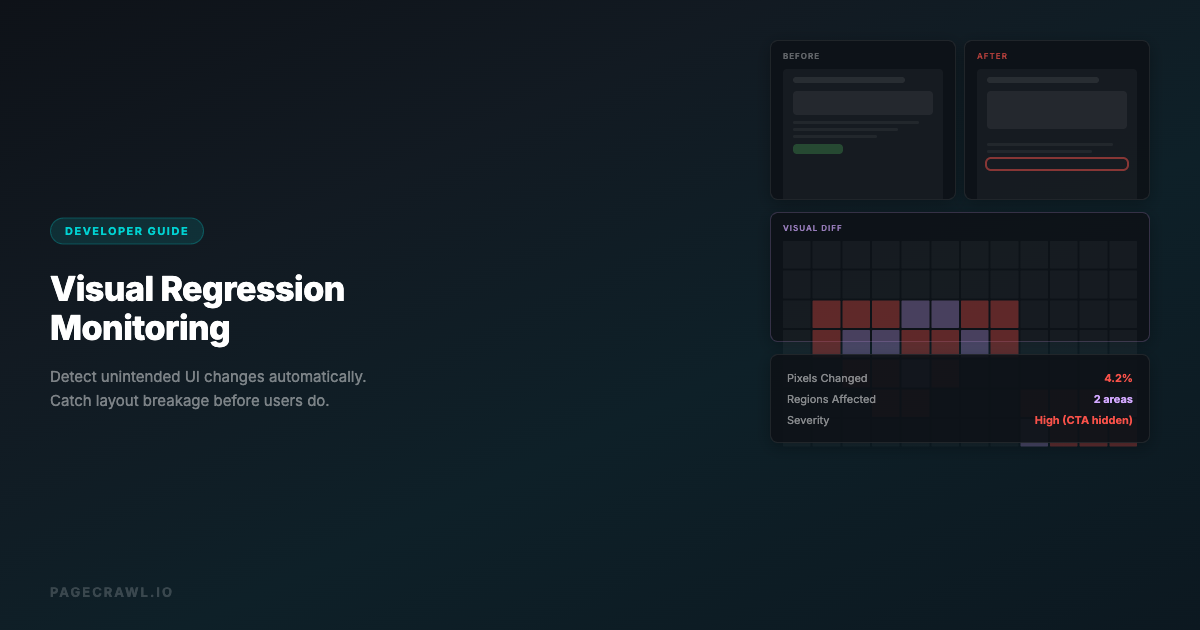
Visual Regression Detection
Compare screenshots of your pages over time. Catch visual regressions from CSS changes, broken images, or layout shifts that automated tests miss.
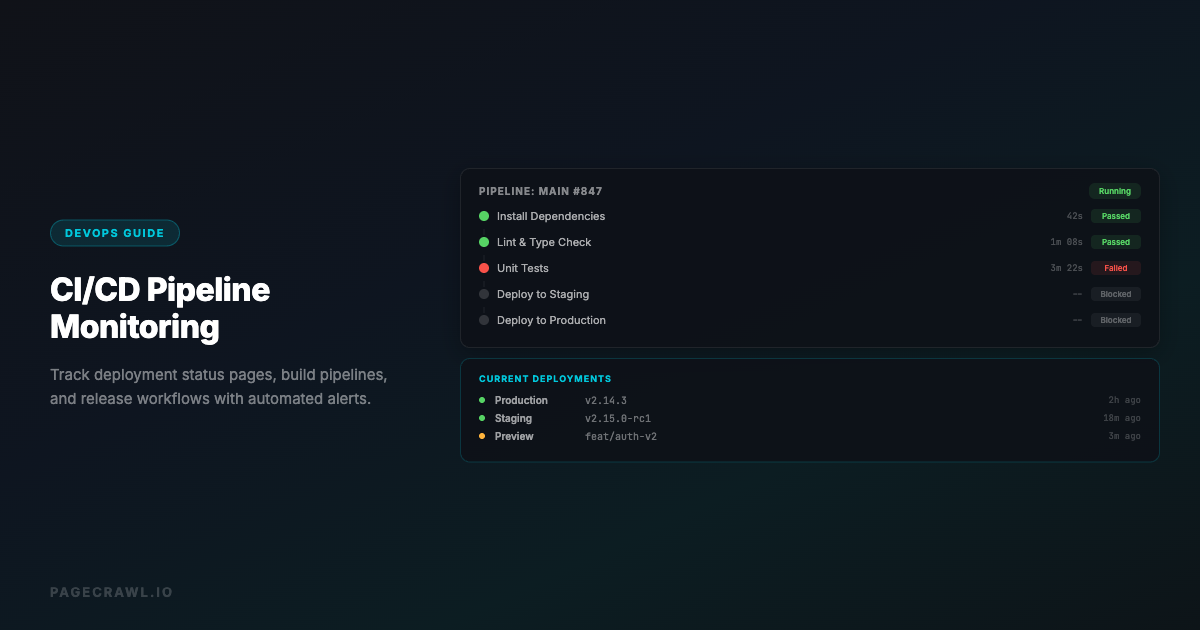
Post-Deploy Verification
Trigger checks after every deployment via webhook or API. Verify that critical pages still look and read correctly after code changes.
Third-Party Script Monitoring
Detect when third-party scripts (analytics, chat widgets, ad tags) inject unexpected content or break page layout.
AI Change Summaries
Every detected change comes with an AI summary explaining what changed. Quickly determine if a change is intentional or a bug.
Multi-Page Coverage
Monitor hundreds of pages across your site. Cover the critical user journeys, landing pages, and checkout flows that matter most.
Priority Team Alerts
Route alerts to your engineering Slack channel, PagerDuty via webhook, or email. The right people hear about it without anyone forwarding a screenshot.
Production QA Briefings for Engineering and SRE
Deploys ship at 4pm, third-party scripts inject overlays at midnight, and a CMS editor accidentally clears a homepage hero on a Saturday. PageCrawl monitors your live pages between releases and gives engineering a daily QA briefing covering visual regressions, content errors, and post-deploy verification. Critical layout breaks and broken checkout flows still page on-call directly, so users are not the ones who report them.
AI-written briefings, 8 stylesPick the style each audience prefers: headline, patterns, action briefing, detailed, bullets, changelog, risk assessment, or brief.
Group by tag, folder, or domainOne report for competitor pricing, another for compliance pages, another for product launches.
Daily, weekly, or monthly cadenceEach audience picks the rhythm that fits. Marketing on Mondays, legal on the first of the month.
Deliver to anyoneEmail digests to stakeholders, clients, or execs. No PageCrawl account required for recipients.
Print-ready briefingsEvery digest is print-optimized. Open it, hit print, and you have a clean briefing for board decks or quarterly reviews.
PDF and Excel exportExport any digest as PDF or Excel for archives, audits, or pasting straight into a deck.
Comments and feedback inlineStakeholders can flag noise, ask questions, or escalate items without leaving the digest.
Priority escalation channelsHigh-priority changes still hit Slack, Teams, email, Discord, Telegram, and webhooks without waiting for the next digest.
Built For
QA Teams
Catch visual regressions and content errors that automated test suites miss. Monitor production pages between release cycles.
DevOps & SRE
Verify deployments didn't break critical pages. Integrate with CI/CD pipelines via webhooks for automated post-deploy checks.
Web Agencies
Monitor client websites for unintended changes. Get alerted when a client's CMS update breaks the layout or removes content.
Product Managers
Track competitor product pages and your own feature pages. Know when pages change without relying on engineering to flag it.
Frequently Asked Questions

Other Use Cases
Competitive Intelligence→Price & Stock Monitoring→Compliance & Regulatory→Regulatory Intelligence→Banking Intelligence→Legal & Court Monitoring→Media Monitoring→Investment Intelligence→SEO Monitoring→Brand & Reputation→API & Docs Monitoring→Government & Public Records→Legal & Policy Tracking→Job Listings→Product Pages→Real Estate Listings→Supply Chain→News & Media→Content Monitoring→Patent Filings→Stock Availability→Event Schedules→Regulatory Filings→Academic Research→Travel & Flights→Release Notes→Grants & Funding→
How It Works
1
Add any URL: pages, prices, numbers, PDFs, login-walled portals
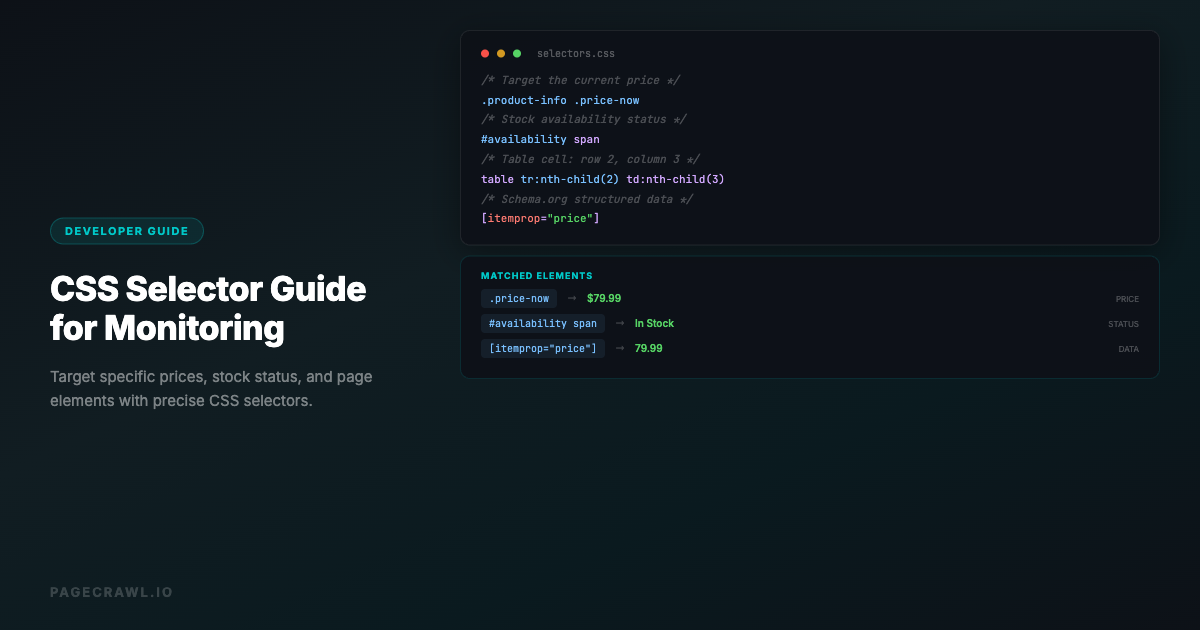
Paste a competitor page, a vendor DPA, a product listing, or a government docket. PageCrawl handles JavaScript-heavy pages, cookie banners, login walls, and PDFs out of the box. Track the whole page, a specific element, a price, a stock status, or a number. The choice is yours per monitor.
2
PageCrawl detects what changed and how much it matters
For text-heavy pages, an AI summary explains in plain English what shifted and assigns a 0 to 100 importance score. For numbers, prices, and stock counts, you get the raw value, no summary needed. Pick what makes sense per monitor; AI is on tap when you want it, off when you do not.
3
Alerts only when something is actually urgent
Time-sensitive changes (price drops, restocks, new filings) hit Slack, Teams, email, Discord, Telegram, or webhook. Less urgent changes (terms updates, content drift) skip the ping and wait for the morning digest. You decide which folders and tags trigger which channels.
4
Roll the rest up into reports stakeholders actually read
Changes that do not need an alert of their own flow into AI-written digests grouped by tag, folder, or domain. Daily for ops, weekly for marketing, monthly for compliance. Each audience picks the cadence and report style (patterns, action briefing, risk assessment, or six others) that fits how they work.
Start monitoring for free
6 monitors, 220 checks/month, all integrations included. No credit card required.