A competitor cuts their enterprise price by 20% on a Tuesday afternoon. Your sales team finds out three weeks later, after losing two deals to it. The change was public the whole time. Nobody was watching the right page, and even if they had been, nobody had a way to push that signal into the CRM, the Slack channel, and the deal review while it still mattered.
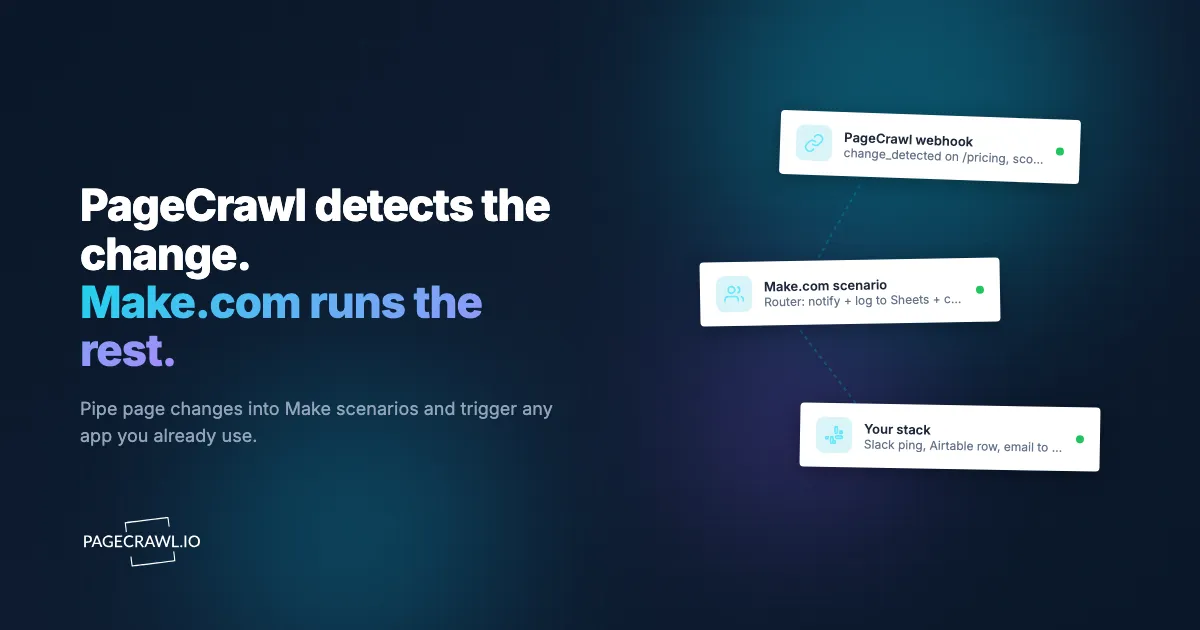
Make.com (formerly Integromat) solves the second half of that problem. It is a visual automation platform that connects thousands of apps through scenarios: chains of modules that fire when something happens and route data wherever you need it. PageCrawl solves the first half. It detects the change, renders the page, summarizes what moved with AI, and fires a webhook. Wire the two together and a single price edit on a competitor's pricing page can append a row to a Google Sheet, open a HubSpot deal note, post to Slack, and trigger a Slack approval flow, all in a single scenario run and without a line of backend code.
This guide shows you how to connect PageCrawl to Make.com, what the webhook payload looks like, and how to build practical scenarios that turn raw change notifications into routed, enriched, automated actions.
Why use Make.com for website monitoring?
Because Make.com turns a change notification into action across your whole stack. It sits between your monitoring tool and everything else: PageCrawl does the hard part of watching pages reliably, and Make.com decides what happens next with a visual scenario builder that maps cleanly onto the way change data actually flows.
Visual Scenario Builder
Make.com scenarios are drag-and-connect graphs of modules. You can see the entire flow at a glance: trigger on the left, branches and filters in the middle, destination apps on the right. For monitoring workflows that fan out a single change into several systems, this visual model is easier to reason about than a list of steps.
Operation-Based Pricing
Make.com bills by operations (each module execution), not by task or scenario. The free tier includes 1,000 operations per month, and paid plans start at $9 per month for 10,000 operations billed annually. Because website changes are relatively infrequent events, even a busy monitoring setup rarely burns through many operations, which keeps cost low compared to per-task pricing models.
Built-In Data Transformation
Make.com includes functions for parsing text, formatting numbers, manipulating dates, and building structured data inline. You can extract a price from a change summary, calculate a percentage delta, and reformat a timestamp without adding a separate code module. For deeper logic, the platform supports custom functions and HTTP modules to call any API.
Routers and Filters
A Router module splits one incoming change into multiple paths, each with its own filter. A pricing change goes to sales, a security advisory goes to engineering, a docs change goes to the technical writers. This conditional fan-out is the core pattern for monitoring automation, and Make.com handles it natively.
Prerequisites
Before building scenarios, you need:
- A PageCrawl account with at least one monitor configured. The free tier includes 6 monitors, which is enough to prototype.
- A Make.com account (the free tier works for testing).
- The page or pages you want to watch. PageCrawl handles JavaScript-rendered pages, login-gated content, and protected sites, so you do not need to worry about whether a page is "scrapeable."
Note: If you are choosing which elements to track on a page rather than the whole page, the CSS selector guide covers how to target a specific price, heading, or table cell.
Connecting PageCrawl to Make.com
There are two ways to connect: the native PageCrawl app (recommended) or a custom webhook you wire by hand.
Option 1: The native PageCrawl app (recommended)
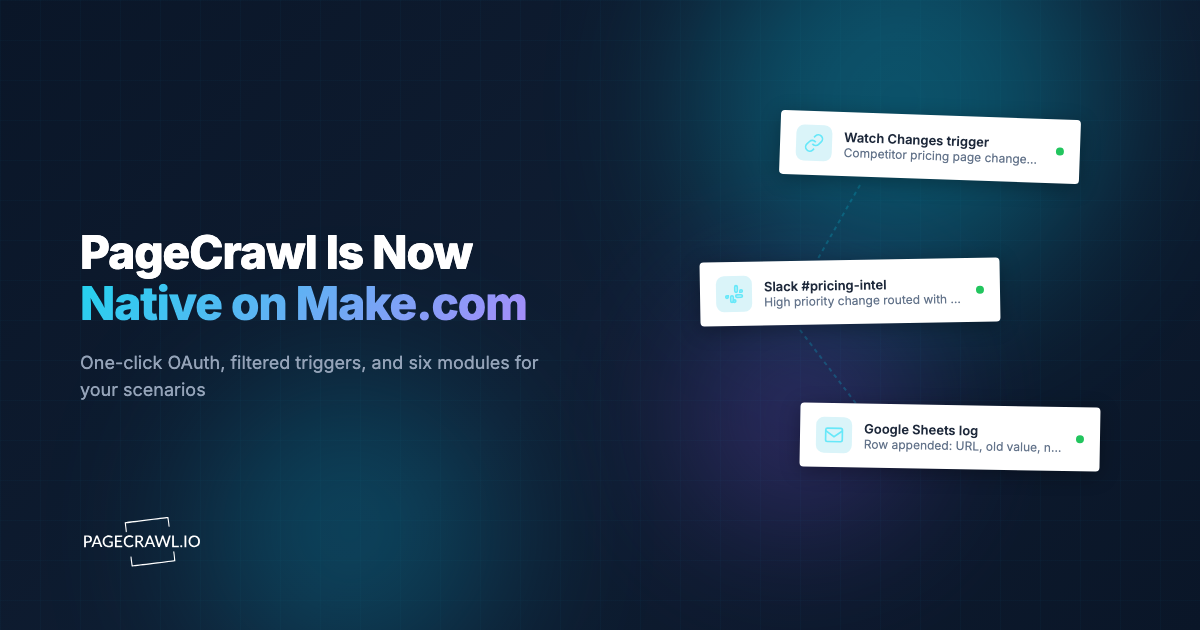
PageCrawl ships as a native Make.com app. You connect with OAuth in one click, and the app registers the webhook for you, so there is no URL to copy and no data structure to redetermine.
- Accept the PageCrawl app invitation to add the app to your Make organization (it is invitation-only while it completes Make's review), then create a scenario, add a module, and search for PageCrawl.
- Add the Watch changes trigger and click Create a connection. You are redirected to PageCrawl.io to authorize, then straight back.
- Choose what to watch: every monitor in a workspace, specific monitors, or monitors matched by label, folder, or domain.
- Map fields like AI summary, Markdown diff, and Screenshot URL directly in downstream modules; the payload shape is pre-declared.
The app also includes Create a monitor, List monitors, Get a monitor, List recent checks, and Get a diff modules, so scenarios can provision and read monitors, not just react to them. Setup details live in the Make.com integration guide.
Option 2: Custom webhook
The manual approach still works and is useful when you want full control over the connection or a single endpoint shared with non-Make consumers.

PageCrawl pushes changes to Make.com using webhooks. Make.com receives them with its Custom Webhook trigger module. This is a push-based connection: once a check confirms a change, Make.com runs.
For background on webhook concepts, payload structure, retries, and security, see the webhook automation guide. The help centre covers the PageCrawl side of the setup in adding a webhook notification to a monitor.
Step 1: Create the webhook in Make.com
- In Make.com, create a new scenario.
- Add the Webhooks module and choose Custom webhook.
- Click Add to create a new webhook, give it a name like "PageCrawl Changes," and save.
- Make.com generates a unique URL such as
https://hook.eu2.make.com/abc123xyz.... Copy it.
Step 2: Add the webhook to your PageCrawl monitor
- In PageCrawl, open the monitor you want to connect.
- Go to its notification settings.
- Add a Webhook notification and paste the Make.com URL.
- Save.
Step 3: Determine the data structure
Make.com needs to learn the shape of the incoming payload before you can reference fields in later modules.
- In Make.com, with the webhook module selected, click Redetermine data structure. Make.com now waits for a sample request.
- In PageCrawl, trigger a manual check on the monitor (or use the test webhook button if available). This sends a sample payload.
- Make.com captures it and maps every field, so you can reference them like
1. Monitor Nameor1. Summaryin downstream modules.
Step 4: Activate
Save and turn the scenario on (the toggle at the bottom left). Active scenarios listen for webhooks continuously.
What does the PageCrawl webhook payload look like?
When PageCrawl detects a change, it POSTs a single JSON body to your Make.com webhook. That object identifies the monitor and the page, carries an AI-written summary of what changed, includes the raw before and after content, and links to a screenshot and a rendered diff. A representative payload looks like this:
{
  "monitor_id": 48213,
  "monitor_name": "Competitor Pricing Page",
  "url": "https://{competitor-domain}/pricing",
  "change_id": 90217,
  "detected_at": "2026-07-01T14:32:08Z",
  "summary": "Enterprise plan price increased from $499/mo to $599/mo. Annual discount removed.",
  "change_type": "text",
  "previous_content": "Enterprise $499/mo billed annually",
  "current_content": "Enterprise $599/mo",
  "screenshot_url": "https://pagecrawl.io/screenshots/90217.png",
  "diff_url": "https://pagecrawl.io/changes/90217",
  "tracked_element": "Enterprise price"
}
The fields you will use most often in scenarios:
summary: The AI-generated, human-readable description of what changed. This is the field you route on and the one you put in Slack messages.monitor_nameandurl: Identify which page changed.previous_contentandcurrent_content: The raw before and after, useful for logging and exact-value comparisons.screenshot_urlanddiff_url: Links to visual verification, so a human can confirm the change at a glance.detected_at: ISO 8601 timestamp for sorting and digests.
Note: Always design scenarios to tolerate missing optional fields. Some change types (a visual-only change, for example) may not populate previous_content in the same way a text change does. Add filters that check a field exists before referencing it.
Building Common Monitoring Scenarios
Scenario 1: Change Detection to Slack with Smart Routing
Route a single change to the right Slack channel based on what it contains. This mirrors the routing pattern in the Slack website change alerts guide, but built visually in Make.com.
Modules:
- Webhooks > Custom webhook: Receives the PageCrawl change.
- Flow Control > Router: Splits into four branches.
- Slack > Create a Message (one per branch), each posting to a different channel.
Filter setup on each Router branch:
- Branch 1: filter where
SummarycontainspriceORpricing->#pricing-alerts - Branch 2: filter where
SummarycontainssecurityORvulnerabilityORCVE->#security - Branch 3: filter where
SummarycontainsdeprecatedORbreakingORremoved->#engineering - Branch 4 (fallback): no filter, runs only if no other branch matches ->
#website-changes
Format each Slack message with the monitor name as the headline, the summary as the body, and the diff_url as a "View change" link:
*{{1.monitor_name}}* changed
{{1.summary}}
<{{1.diff_url}}|View the diff> | <{{1.screenshot_url}}|Screenshot>
Scenario 2: Competitor Price Tracking to Google Sheets
Build a historical record of competitor pricing and only alert on meaningful moves.
Modules:
- Webhooks > Custom webhook: Receives the price change.
- Tools > Set variable: Use Make.com text functions to strip non-numeric characters from
previous_contentandcurrent_content, then compute the percentage change with((newPrice - oldPrice) / oldPrice) * 100. - Google Sheets > Add a Row: Append date, competitor, page URL, old price, new price, and percent change.
- Flow Control > Filter: Continue only if the absolute percent change is greater than 10.
- Slack > Create a Message: Alert the team about the significant move.
This gives you a full pricing timeline in a spreadsheet while keeping notifications focused on changes worth a human's attention. For a deeper treatment of the monitoring side, see the competitor price monitoring guide.
Scenario 3: API Documentation Changes to Jira and Slack
Watch the changelogs and reference pages of every third-party API your stack depends on, and open a ticket when one moves.
Modules:
- Webhooks > Custom webhook: Receives the docs change.
- Flow Control > Filter: Skip notifications where
summaryis empty or indicates no substantive change. - Jira > Create an Issue: Title
API docs updated: {{1.monitor_name}}, description containing the summary and a link todiff_url, labeleddependency-watch. - Slack > Create a Message: Notify
#engineeringwith the issue link.
This pattern pairs well with the broader approach in the API monitoring guide, which covers what to track on a docs page and how to avoid false positives from cosmetic edits.
Scenario 4: Enriched Notification with CRM Lookup
Add business context before a change reaches a human.
Modules:
- Webhooks > Custom webhook: Receives the change.
- HTTP > Make a request: Query your CRM API by the monitored
urlto find which account owns this competitor relationship. - Tools > Set variable: Merge the CRM result with the change data.
- Slack > Create a Message: Send the enriched alert.
The output reads like this: "[competitor] (in active renewal with [account manager]) just raised Enterprise pricing 20%. View diff." A bare change becomes an actionable sales signal. For AI-driven downstream handling, the AI agents reacting to website changes post shows how to pass the same payload to an agent instead of a human.
Advanced Make.com Patterns
Pattern 1: Change Verification Before Acting
Transient page states (a price flashing to zero during a load error, a sold-out badge during a deploy) can produce false alarms. Verify before you act.
Modules:
- Webhooks > Custom webhook: Receives the initial change.
- Tools > Sleep: Wait 5 minutes (or use a scheduled re-check).
- HTTP > Make a request: Call the PageCrawl REST API to trigger a fresh check on the monitor.
- Flow Control > Filter: Continue only if the new value matches the original change.
- Slack > Create a Message: Notify only when the change persists.
Pattern 2: Daily Digest Aggregation
Not every change deserves its own Slack ping. Batch low-urgency changes into a single daily summary.
Two-scenario setup:
- Collector scenario: Webhook receives changes and appends each to a Google Sheet or Data Store, tagged with the date.
- Digest scenario: A Schedule trigger runs daily at 9 AM, reads the day's rows, uses an Iterator plus Text Aggregator to build a formatted summary, and sends one email with all changes grouped by category.
This keeps Slack quiet during the day and gives the team a single readable rollup each morning. The same batching logic powers a feed-based team digest.
Pattern 3: Automated Defacement Response
For your own properties, treat unexpected changes as incidents.
Modules:
- Webhooks > Custom webhook: Receives a change on your own site.
- Flow Control > Filter: Match on summary keywords suggesting unauthorized content.
- HTTP > Make a request: Tell your CDN to serve the last known-good cached version.
- Router: Fan out to a PagerDuty incident, a
#securitySlack alert, and a stakeholder email simultaneously.
Pairing change detection with a CDN rollback shrinks the exposure window to roughly one check interval plus the time your scenario takes to run.
How does Make.com compare to Zapier and n8n?
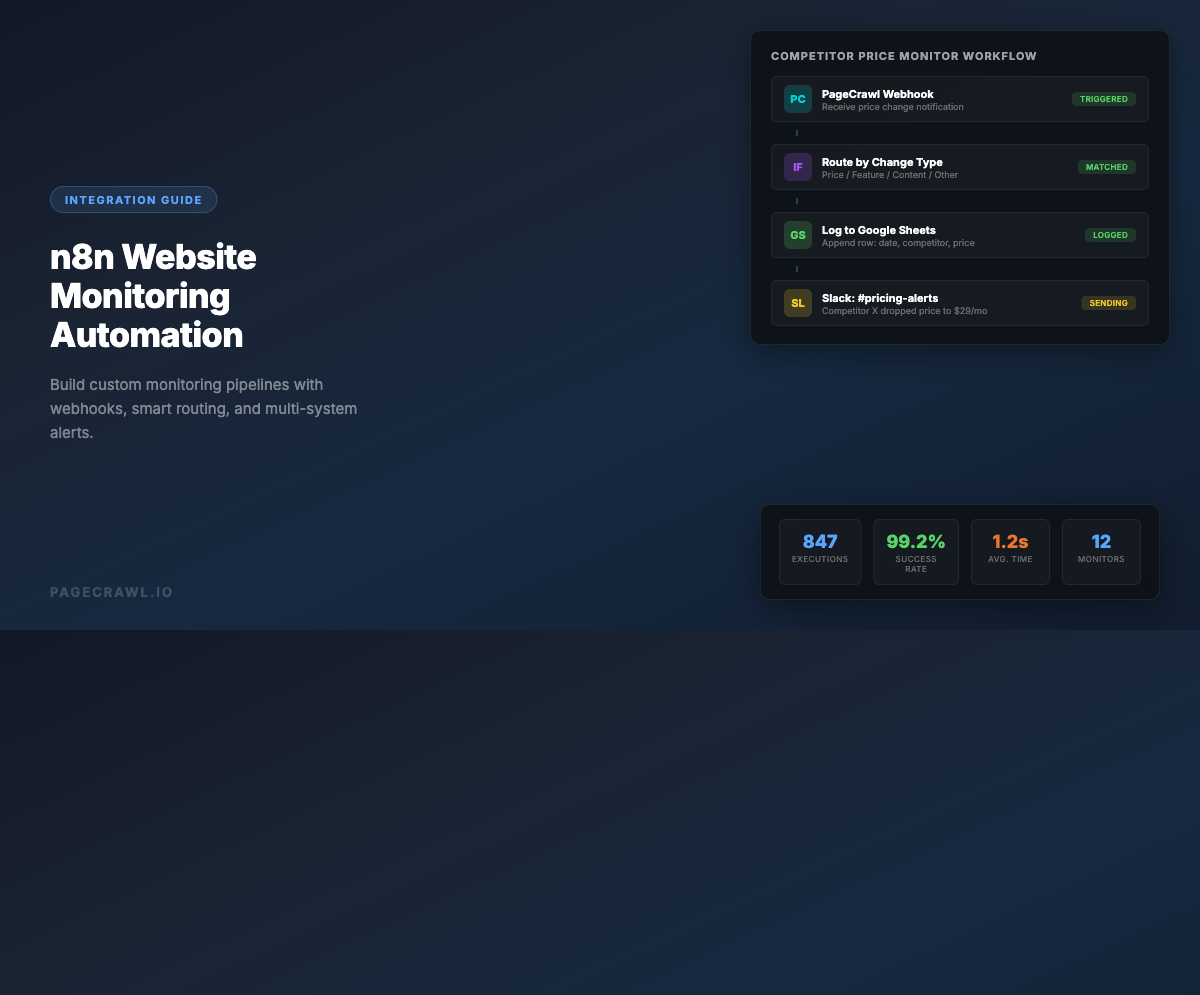
All three accept a PageCrawl webhook, so the real differences are the pricing unit, the routing power, and where the tool runs. Make.com bills by operation and has the strongest visual router. Zapier has the largest app catalog and the gentlest learning curve. n8n is the one you can self-host and extend with code.
| Feature | Make.com | Zapier | n8n |
|---|---|---|---|
| Self-hosted option | No | No | Yes |
| Webhook trigger | Yes | Yes | Yes |
| Visual builder | Strong (graph) | Linear steps | Strong (graph) |
| Conditional routing | Advanced (Router) | Basic | Advanced |
| Data transformation | Advanced (built-in functions) | Basic | Advanced (JS / Python) |
| Free tier | 1,000 ops/month | 100 tasks/month | Self-hosted free |
| Cloud starting price | $9/mo (annual) | $19.99/mo | $20/mo |
| Pricing unit | Operations | Tasks | Executions |
Make.com is the strongest pick when you want a visual builder, advanced routing, and operation-based pricing that stays cheap for low-frequency events like website changes. If you want the broadest app catalog with the simplest learning curve, the Zapier website monitoring guide covers its templates. If you want to self-host and run custom code, the n8n website monitoring guide is the better fit.
How do you troubleshoot a Make.com scenario?
Work from the outside in: confirm the scenario is active, confirm PageCrawl actually sent the webhook, then confirm Make.com learned the payload shape. Almost every failure traces back to one of four causes: an inactive scenario, a stale data structure, duplicate deliveries, or an exhausted operation budget.
Webhook Not Firing
- Confirm the scenario is active (the toggle, not just saved). Inactive scenarios ignore incoming webhooks.
- Re-run Redetermine data structure and trigger a fresh PageCrawl check so Make.com captures a current sample.
- Check PageCrawl's notification log to confirm the webhook was sent and what HTTP status Make.com returned.
- Verify you pasted the full webhook URL with no trailing whitespace.
Fields Show as Empty
If Summary or other fields are blank in later modules, the data structure was determined from an incomplete sample. Send a real change payload, then redetermine the structure. Also add filters that check a field is not empty before using it, since different change types populate different fields.
Duplicate Runs
If the same change triggers multiple times, deduplicate using change_id. Store seen IDs in a Make.com Data Store and add a filter that drops any payload whose change_id already exists.
Operation Budget
Each module run consumes one operation. A scenario with a webhook, router, and three Slack modules uses up to five operations per change. If you process high change volumes, batch with the digest pattern above to cut operation count, or move filtering as early as possible so paths exit before running expensive modules.
Choosing your PageCrawl plan
PageCrawl's Free plan lets you monitor 6 pages with 220 checks per month, which is enough to validate the approach on your most critical pages. Most teams graduate to a paid plan once they see the value.
| Plan | Price | Pages | Checks / month | Frequency |
|---|---|---|---|---|
| Free | $0 | 6 | 220 | every 60 min |
| Standard | $8/mo or $80/yr | 100 | 15,000 | every 15 min |
| Enterprise | $30/mo or $300/yr | 500 | 100,000 | every 5 min |
| Ultimate | $99/mo or $999/yr | 1,000 | 100,000 | every 2 min |
Annual billing saves two months across every paid tier. Enterprise and Ultimate scale up to 100x if you need thousands of pages or multi-team access.
At an engineering hourly rate, Standard at $80/year pays for itself the first time you catch a breaking API change, a deprecated endpoint, or a silent config change before it takes down production. 100 monitored pages is enough to cover the changelogs and docs of every third-party API your stack depends on. Enterprise at $300/year adds 5-minute checks and 500 pages. All plans include the PageCrawl MCP Server, which plugs directly into Claude, Cursor, and other MCP-compatible tools. Developers can ask "what changed in the Stripe API docs this month?" and get a summary pulled from your own monitoring history. AI assistants can create monitors through conversation on every plan, including Free, turning your tracked pages into a living knowledge base instead of a pile of alert emails.
Getting Started
Start with the smallest scenario that proves the loop: the native PageCrawl app's Watch changes trigger into a single Slack message. Point it at one page that genuinely matters, a competitor's pricing page or a critical API changelog, and let it run for a week. Once you trust that changes arrive promptly and the summaries are useful, add a Router to split changes by type, then layer in Google Sheets logging and CRM enrichment one module at a time. Make.com lets you test each step before activating, so you are never debugging a black box. The PageCrawl free tier gives you 6 monitors, screenshots, AI summaries, and webhook output at no cost, which is more than enough to build and validate your first real automation before you scale it up.