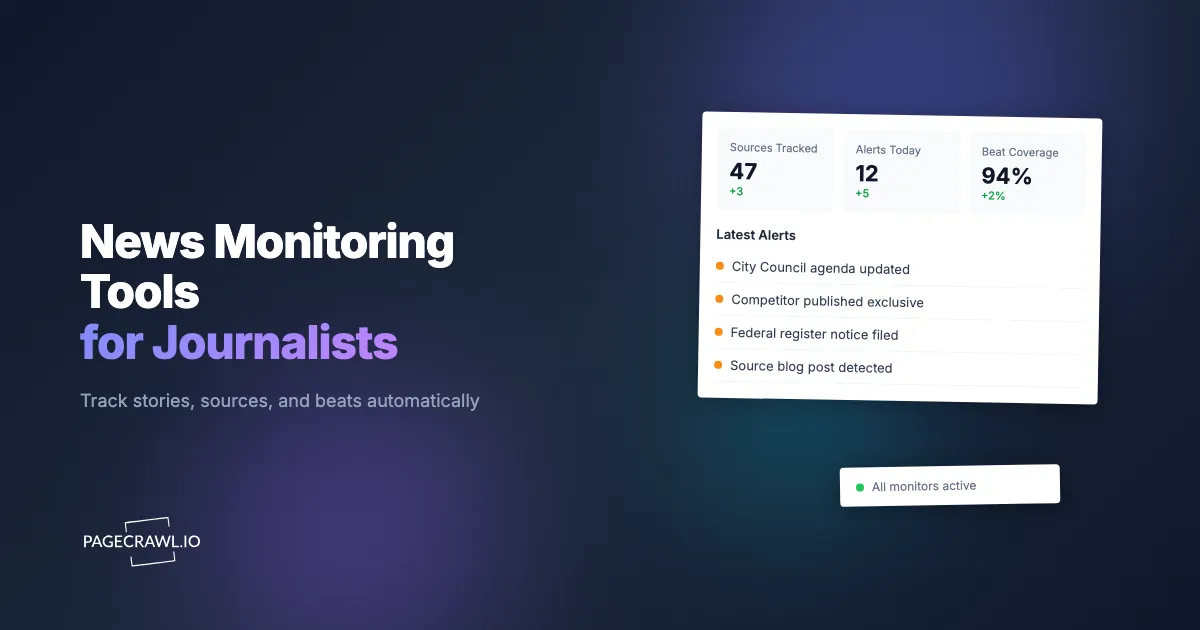
A city council quietly posts a rezoning proposal at 4:00pm on a Friday. A competitor publication breaks a story about your beat at 6:00am before you are awake. A federal agency publishes a notice in the Federal Register that directly affects the industry you cover. In each case, the journalist who finds it first shapes the narrative.
Beat reporters and investigative journalists have always relied on source networks and manual checking to stay ahead. But the volume of information published daily across government websites, corporate newsrooms, court systems, social platforms, and competitor outlets has made manual checking unsustainable. By the time you finish scanning one source, three others have updated.
This guide covers what journalists need to monitor, where the common approaches break down, and how to set up an automated monitoring system that alerts you as soon as a check detects a change on a page that matters to your reporting.
What do journalists need to monitor?
The sources worth tracking depend on your beat, but most journalists need coverage across six categories: beat-specific government pages, competitor publications, source websites and blogs, court and legal filings, corporate newsrooms, and the social accounts of the officials and executives they cover.
Beat-Specific Government Pages
Government agencies publish agendas, meeting minutes, regulatory filings, permit applications, and public notices on their websites. These pages update irregularly and rarely send notifications. A housing reporter needs to watch the planning commission agenda page. A healthcare reporter needs the FDA press page and CMS updates. A defense reporter needs procurement notices from SAM.gov.
For a detailed approach to monitoring government sources, see our government agency news monitoring guide.
Competitor Publications
Knowing what other outlets in your space are publishing helps you avoid being scooped and identifies stories you may have missed. If a competitor breaks a story on your beat, you need to know quickly, not when your editor sends you their link three hours later.
Source Websites and Blogs
Many sources, from think tanks to advocacy groups to industry associations, publish reports, position papers, and blog posts before they issue press releases. Monitoring these pages directly catches announcements before they hit the wire services.
Court and Legal Filings
Lawsuit filings, court opinions, bankruptcy documents, and regulatory enforcement actions are published on court websites and docket systems. These are primary source material for legal, business, and political reporters. Our court opinion monitoring guide covers this in detail.
Corporate Newsrooms and Press Releases
Companies announce earnings, leadership changes, product launches, partnerships, and regulatory actions through press releases. Monitoring corporate newsroom pages directly, rather than waiting for wire service distribution, gives you a head start. See our press release monitoring guide for setup details.
Social Media Accounts
Officials, executives, and public figures often break news on social platforms before issuing formal statements. A mayor announcing a policy on Twitter, a CEO posting on LinkedIn about a strategic shift, or an agency head publishing a thread about upcoming regulatory changes are all worth tracking.

Why do the usual manual methods fall short?
Google Alerts, social lists, and RSS readers each cover part of a beat and miss the rest. Alerts depend on what Google has indexed, social feeds are filtered by an algorithm, and RSS only works where a feed exists. None of them watch a specific page for a specific change, which is what beat reporting actually requires.
Google Alerts
Google Alerts is the default choice for most journalists, and it consistently disappoints. Alerts are delayed by hours or even days. Coverage is incomplete: Google's crawler does not index every page, and government websites, PDF documents, and dynamically loaded content are often missed entirely. You cannot monitor a specific page for changes. You can only match keywords across whatever Google has indexed, which means you get a mix of irrelevant results and missed critical updates.
Google Alerts works as a supplementary tool for broad topic awareness but fails as a primary monitoring system for beat reporting.
Social Media Lists and Notifications
Twitter/X lists, LinkedIn follows, and platform notifications are useful for tracking people but unreliable for tracking institutional pages. Social algorithms filter what you see. Notifications are noisy and mixed with irrelevant engagement signals. And many organizations post on social media after publishing on their own site, not before.
RSS Readers
RSS is underrated and still one of the better tools for monitoring news sources that offer feeds. Many government agencies, news outlets, and blogs publish RSS or Atom feeds that update in real time.
The limitation is coverage. Most corporate websites, court systems, and government pages do not offer RSS feeds. And even when feeds exist, they may not include the specific content you care about (like a single committee's meeting agenda page).
For sources that do offer feeds, see our guide to monitoring RSS and Atom feeds and our team-based feed monitoring setup.
How does automated news monitoring work for a beat?
You point a monitoring tool at the exact URLs your beat depends on, it checks each one on a schedule, and it alerts you when the content changes. That closes the gap between what manual methods cover and what journalists actually need, because nothing depends on third-party indexing or a social algorithm deciding what you see.
Track Competitor Publications
Add the homepage, latest articles page, or topic-specific section pages of competitor publications to your monitor list, the same news and media monitoring setup that catches new articles, edits, and retractions. When a new article appears or existing content changes, you get an alert.
For publications that update frequently, use PageCrawl's reader mode or content-only tracking to filter out navigation, ads, and sidebar changes that create noise. This way you only get alerted when actual article content changes.
Monitor Government and Institutional Sources
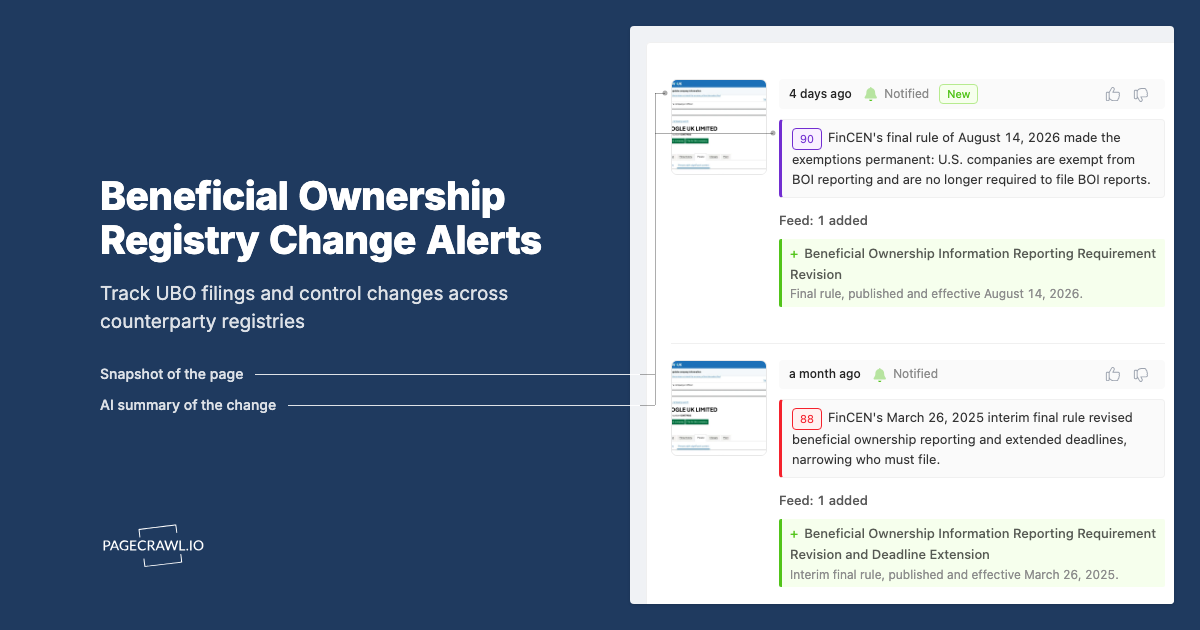
Government pages are ideal candidates for automated monitoring because they update infrequently but contain critical information when they do. Add agenda pages, meeting minutes indexes, regulatory docket pages, permit application lists, and press release archives.
For federal sources specifically, see our guide on grant and funding opportunity monitoring and legislative tracking.
Track Specific Journalists and Bylines
If you want to know when a specific journalist at another outlet publishes a new piece, monitor their author page, which is the core of journalist and publication media monitoring. Most publications have author archive pages that list recent articles by byline. When a new article appears on that page, you get an alert.
Monitor Social Media for Breaking News
While social platforms are noisy, specific profile pages can be monitored for changes. A mayor's official announcement page, a company's LinkedIn activity page, or a government agency's social media page can all be tracked for new posts. See our guides on monitoring Facebook pages and LinkedIn pages.
Setting Up News Monitoring With PageCrawl
Here is a practical workflow for building a journalist monitoring dashboard.

Step 1: Identify Your Beat Sources
Start with 10 to 15 sources that matter most to your beat. These should include:
- 2-3 competitor publication section pages
- 3-5 government or institutional pages (agendas, filings, press pages)
- 2-3 source organization websites (think tanks, advocacy groups, industry associations)
- 2-3 individual author or profile pages
You can expand later, but starting focused helps you tune the system before scaling.
Step 2: Add Pages With the Right Tracking Mode
Different sources need different tracking approaches:
- News homepages and article index pages: Use content-only or reader mode to strip navigation and ads. This reduces false positives from layout changes.
- Government document pages: Use fullpage mode to catch any change, including new PDF links, updated dates, or added paragraphs.
- RSS/Atom feeds: Use feed monitoring mode for structured item-level tracking. See our RSS monitoring guide.
- Social media profiles: Use content-only mode to focus on post content rather than follower counts or sidebar widgets.
Step 3: Configure Fast Alerts
For breaking news monitoring, speed matters. Configure your most important monitors for the highest frequency your plan allows (every 15 minutes on Standard, every 5 minutes on Enterprise).
Route alerts to the channel you check most frequently. For most journalists, this means Slack or Telegram rather than email, because a chat message is visible at a glance while an inbox has to be triaged.
Step 4: Use AI Summaries to Filter Noise
PageCrawl's AI summaries analyze each change and describe what happened in plain language. Instead of reviewing a raw diff showing 47 lines changed on a government website, you get a summary like "New agenda item added for March 28 meeting: public hearing on proposed zoning amendment for 450 Main Street."
This is especially valuable for pages that update frequently with minor changes. AI summaries help you quickly decide which alerts require immediate attention and which can wait, and the help centre article on AI-powered change detection and smart filtering explains how the summaries and importance scores are produced.
What are the common challenges with news monitoring?
The recurring problems are paywalls and logins, JavaScript-heavy newsrooms, homepages that change constantly for reasons that are not news, agency updates published as PDFs, and source pages that get quietly edited or deleted. Each has a straightforward fix.
Paywalled and Login-Protected Sites
Many news sites and court systems require login access. PageCrawl supports monitoring password-protected pages by handling authentication, so you can track content behind paywalls that Google Alerts cannot reach.
Dynamic and JavaScript-Heavy Newsrooms
Modern news websites often load content dynamically, which means the HTML source does not contain the article content until JavaScript runs. PageCrawl renders pages in a full browser environment, so dynamically loaded content is captured the same way you would see it in your own browser.
High-Frequency Changes and False Positives
News homepages update constantly with new articles, trending sections, ad rotations, and timestamp changes. Using reader mode or content-only tracking with specific CSS selectors reduces noise significantly. If you only care about new articles in a specific section, target that section's container element using a CSS selector rather than monitoring the entire page.
PDF and Document Changes
Government agencies love publishing updates as PDF documents. PageCrawl can monitor PDF files directly and alert you when the document content changes, which catches revised reports, updated guidance documents, and new filings that would be invisible to tools that only track HTML.
Preserving Source Pages as Evidence
Sources get edited. Pages get taken down. Available on request (contact us to enable audit-ready archiving for your account), PageCrawl can save a full WACZ web archive every time a change is detected, capturing the complete page (HTML, CSS, images, scripts) as an interactive snapshot. You can replay archived pages exactly as they appeared, or download the WACZ file for offline storage; the help centre explains the format and its signatures in what's in a PageCrawl WACZ archive. For investigative journalists who need to preserve evidence that a page said something specific on a specific date, this is significantly more robust than a screenshot.
Choosing your PageCrawl plan
PageCrawl's Free plan lets you monitor 6 pages with 220 checks per month, which is enough to validate the approach on your most critical pages. Most teams graduate to a paid plan once they see the value.
| Plan | Price | Pages | Checks / month | Frequency |
|---|---|---|---|---|
| Free | $0 | 6 | 220 | every 60 min |
| Standard | $8/mo or $80/yr | 100 | 15,000 | every 15 min |
| Enterprise | $30/mo or $300/yr | 500 | 100,000 | every 5 min |
| Ultimate | $99/mo or $999/yr | 1,000 | 100,000 | every 2 min |
Annual billing saves two months across every paid tier. Enterprise and Ultimate scale up to 100x if you need thousands of pages or multi-team access.
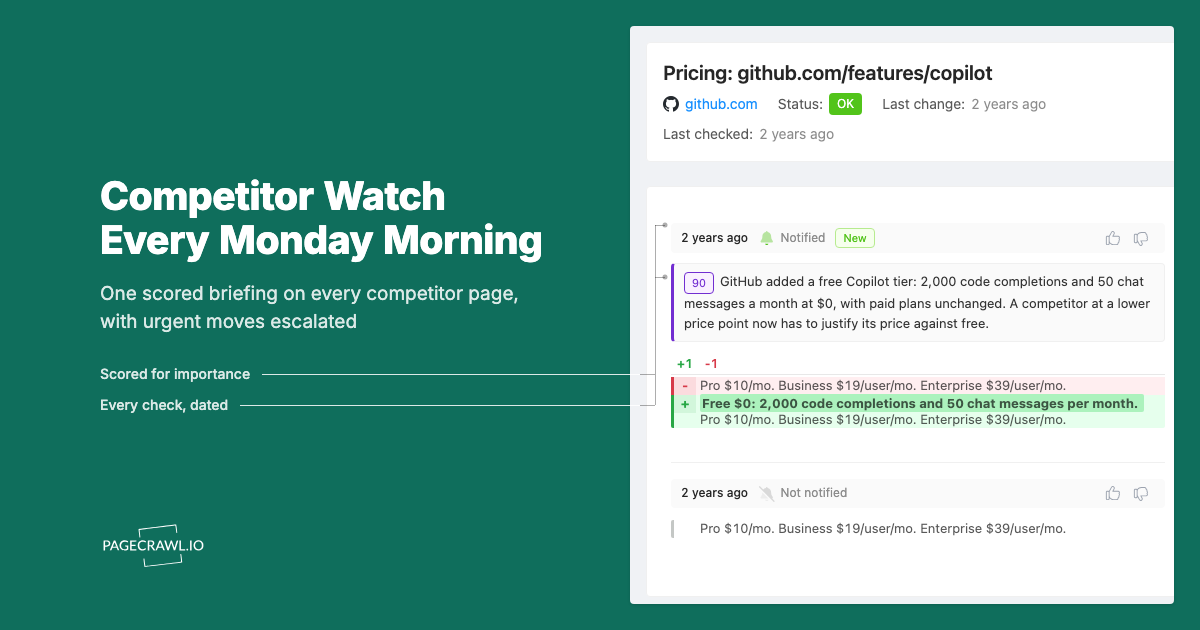
One competitive signal caught early can swing a deal worth more than a decade of Enterprise. If you win one additional deal per year because you spotted a pricing change, a product launch, or a messaging shift before your competitors did, $300/year is a rounding error. Standard at $80/year handles 100 monitored pages, enough for a Tier 1 and Tier 2 competitor program. Enterprise adds 500 pages and SSO. All plans include the PageCrawl MCP Server for AI assistants like Claude and Cursor. Your sales and product teams can ask "summarize every change to Competitor X's pricing page over the last quarter" and get an answer pulled straight from your own archive. AI assistants can create monitors through conversation on every plan, including Free, turning the tracked pages into a living competitor database, not just an alert feed.
Getting Started
Pick your three most important beat sources, the ones where missing an update has actually cost you a story in the past, and add them to PageCrawl. Set them to content-only or reader mode and route alerts to Slack or Telegram.
Run it for two weeks alongside your existing manual routine. You will quickly see which sources update more often than you expected and which alerts are actionable versus noise. From there, expand to the rest of your source list and tune tracking modes and frequencies based on what you have learned.
PageCrawl's free tier includes 6 monitors with email, Slack, Discord, Telegram, and webhook notifications, which is enough to cover the sources that matter most while you test the workflow.