AI agents need a web monitor the model can call by name, that logs in, that delivers to the surfaces the team already uses, and that can produce real provenance when the workflow demands it. PageCrawl is the only one that does all four. Everyone else stops at "fetch a URL, diff it, ping you on email". That is a notification feature, not agent infrastructure.
If you are building an agent stack in 2026, the monitor underneath it has to do four jobs the rest of the category quietly skips. Here they are, and here is how PageCrawl does each one.
The floor: what every monitor already does
Fetch a URL on a schedule. Detect a change. Summarise it. Send a ping. That mechanical job has been solved since 2018. It is not where agents win or lose. Agents win or lose on what happens around the diff.
1. The MCP integration: the agent calls the monitor by name, not via glue code
A monitor that hands the agent a REST endpoint and a key is asking you to maintain the integration. Function-call wrappers, auth, retry, pagination, prompt instructions for every endpoint. Every time the agent stack moves, the wrapper rots.
A monitor that ships an MCP server lets the model introspect typed tools by name. The agent already knows how to call list-monitors, get-check-diff, get-changes-since, add-page-monitor, manage-monitors, manage-folders, trigger-check, and mark-changes-seen, and 26 more besides. No glue. No wrapper. No prompt-engineered API tour.
Critically, the agent does not just read. It can close the loop. The PageCrawl MCP server gives the model the full arc in one conversation:
- Read what changed:
list-monitors,get-monitor-history,get-changes-since,get-check-diff,get-latest-values(batch up to 50), plusget-screenshotto look at a stored capture as an image andsearchandfetchfor topic-first lookups. All on every plan, including Free. - Step back and see the shape:
get-summaryfor a workspace roll-up and change timeline,get-intelligencefor which pages actually move and when,get-statisticsfor usage, andget-archivefor the stored evidence trail. - Create what to watch next:
add-page-monitorspins up a new monitor straight from a URL, auto-detecting the tracking mode, andtest-configurationlets the agent dry-run a selector against the URL first so it does not create a monitor that captures the wrong thing. This works on every plan, including Free (your plan's monitor-count limit still applies). An agent can decide that a newly discovered competitor page is worth watching and stand up the monitor itself, mid-conversation. - Organise and manage:
manage-monitors,manage-tags,manage-folders,mark-changes-seen,set-monitor-status, andupdate-monitor-defaultslet the agent edit, clear or permanently delete a monitor, tag monitors, build a folder tree (create nested subfolders and move monitors into them), clear its queue, enable or disable monitors, and set workspace defaults. All free, on every plan including Free. - Wire up the rest of the account:
manage-templatesandmanage-discovered-pagesrun page discovery and promote candidates into monitors,manage-webhooksandmanage-reportsset up delivery and scheduled digests, andmanage-workspacesandmanage-proxy-poolshandle the containers and the proxy pools the team supplies for its own monitors.manage-authenticationslists and deletes saved site logins, and nothing more: credentials must never pass through a chat client, so creating one stays in the dashboard. - Act on demand:
trigger-checkruns an on-demand check, straight from the conversation.
PageCrawl is the answer. The MCP server at https://mcp.pagecrawl.io/mcp connects over OAuth 2.0: add PageCrawl in your AI tool's connector settings and sign in once, with no API key or token to paste. Headless and CLI clients (Claude Code, Cursor, scripts) can use a personal API token from Settings > API instead. It works with Claude.ai web, Claude Code, Cursor, ChatGPT, OpenClaw, and any MCP-compatible tool. MCP is an open protocol published at modelcontextprotocol.io; if your client speaks it, PageCrawl plugs in. Every read tool spans every workspace the user has access to, so the agent finds a monitor by URL or domain without you telling it which workspace it lives in. Five minutes to connect, included on every plan including Free (Free accounts are rate-limited to 30 requests per minute).
For agent builders: this is the difference between writing 200 lines of OpenAPI plumbing and pasting one config block. The help centre walks through connecting PageCrawl to AI assistants over MCP client by client.
Picture an indie developer building a competitor-pricing watchdog in Cursor. The agent reads the live web every hour, summarises changes back to its operator in chat, and queues a Slack ping as soon as a check catches a competitor's Starter plan moving. The monitor under the agent matters as much as the prompt around it.
2. The auth'd page: the interesting half of the web is behind a login
Supplier portals. Internal dashboards. Competitor sites that gate pricing. SaaS billing pages. Customer accounts. Member-only industry sites. The pages that move the business are the ones a logged-in employee sees.
A monitor restricted to public URLs is restricted to the marketing layer of the internet. That is the least interesting half.
PageCrawl is the answer. Auth'd page monitoring is first-class from the Standard plan and up. PageCrawl stores the credentials, replays the login flow, holds the session, and runs the same diff, the same AI summary, the same channel delivery as it does for public pages. The Stealth engine handles sites with bot defences, with residential proxy monitoring for pages that are geo-restricted or blocked by IP. The Default engine handles ordinary modern dashboards. The Fast engine handles static HTML and feeds.
For agent builders: this is the difference between an agent that reads your competitor's marketing site and an agent that reads your competitor's application. Same difference for your own internal tools. The setup steps for form logins and HTTP auth live in the guide to monitoring password-protected pages.
3. The channel: the agent works alongside humans, not in a vacuum
A monitor that only ships to email, or only to one chat surface, forces the team to fan out from a single delivery channel. An agent that finds a change is most useful when it can route the change to the people who act on it.
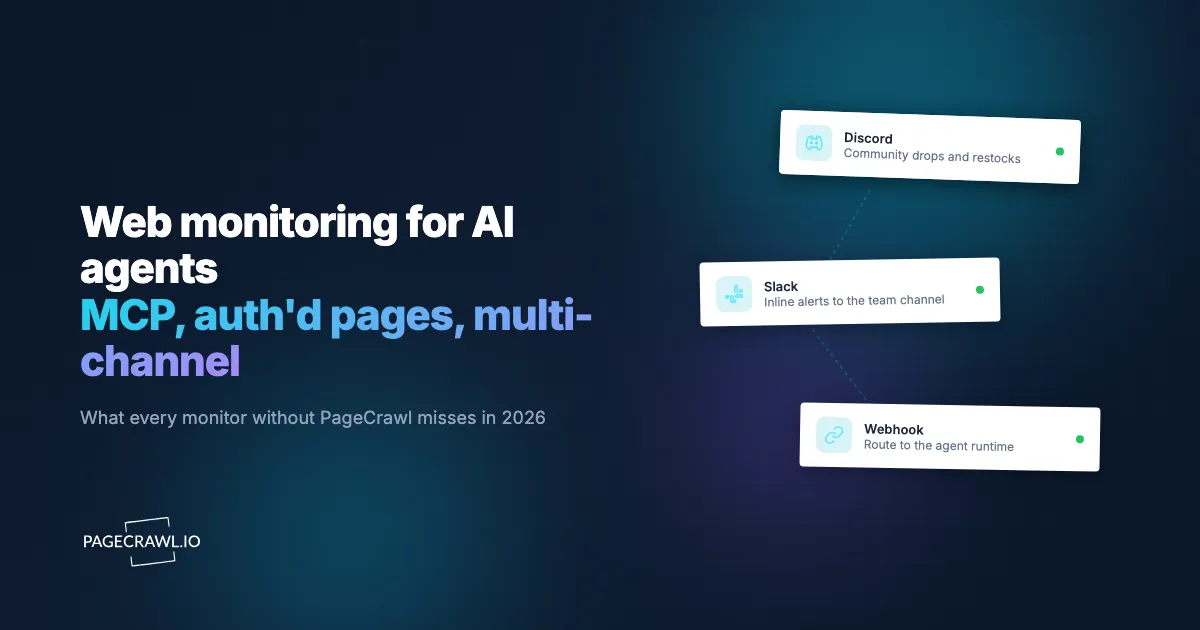
PageCrawl is the answer. Native delivery into Slack, Discord, Microsoft Teams, Telegram, email, generic webhooks, RSS, browser push, and Scheduled Reports (daily, weekly, or custom-cadence digests grouped by folder, with shareable links and CSV/Excel/PDF export). Pair the MCP server with the channel layer and the agent decides what changed, how important it is, who needs to know, and where to send it. The on-call gets a Slack ping, the legal team gets the weekly report, the procurement folder gets a webhook into the internal tool.
For agent builders: the agent does not have to be the destination for every alert. It can be the router. That is a different shape of integration than every other monitor in the category supports.
4. The provenance: available on demand when the workflow needs to defend a decision
Most changes the agent reads do not need a court-grade record. A pricing scrape does not need a signed archive. A competitor blog post does not need a Bitcoin anchor. But some do. Refund decisions made on the back of a published policy. Marketing-claims review on a regulated label. Trademark and dark-pattern enforcement. Compliance filings.
For those workflows, the agent needs to be able to fetch real provenance on the changes that matter, on demand, without paying for it on every check.
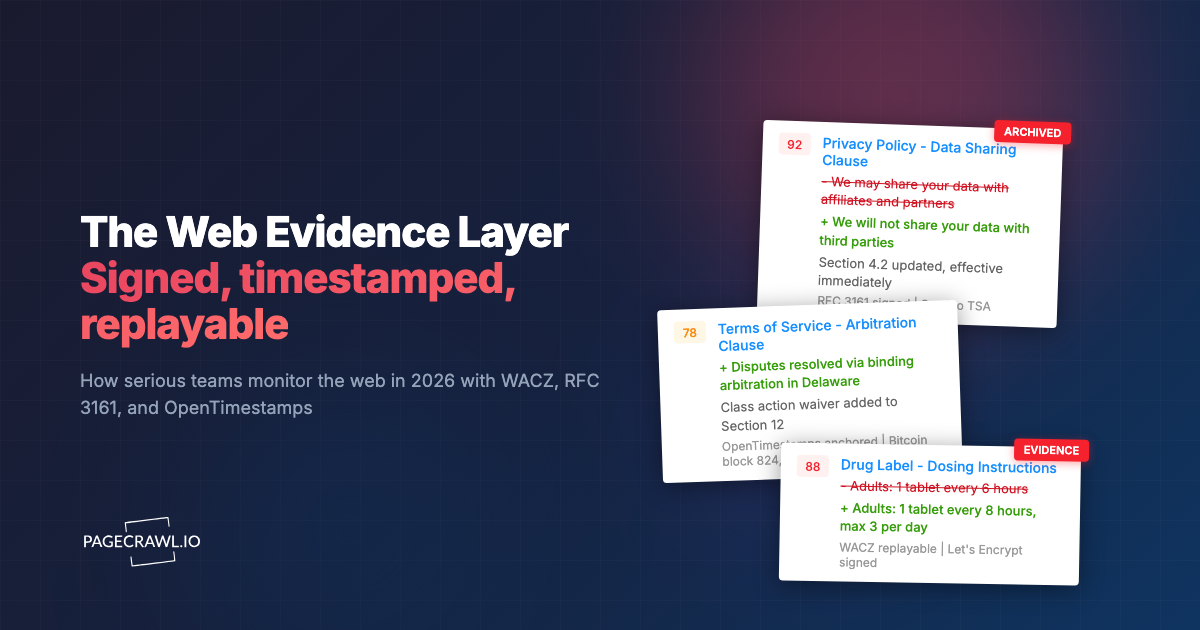
PageCrawl is the answer. The Web Evidence Layer is available on request (contact us to enable audit-ready archiving for your account) and is enabled per monitor. When enabled, each captured change is packaged into a self-contained WACZ archive carrying a domain-identity signature (Let's Encrypt), a timestamp built to the RFC 3161 standard from a commercial TSP, a Bitcoin blockchain anchor via OpenTimestamps, and on the eIDAS Custom add-on a qualified timestamp from a QTSP on the EU Trusted List. The MCP server hands the agent the archive reference alongside the diff, so when a human reviewer asks "show me the receipt" the agent can deliver one. For the monitors that do not need it, the layer stays off and the agent still gets the diff, the summary, the screenshots, and the queryable history that ships on every plan.
For agent builders: this is the right shape. Pay for provenance on the changes that need it, not on every URL the agent watches.
Three engines underneath, evidence layer on top when you want it
PageCrawl runs three capture engines so the right tool handles each page. Fast for static HTML and feeds. Default for ordinary modern sites. Stealth for the hardest defended pages and auth'd flows. PDF, RSS/Atom/JSON, and inbound email are first-class engines too. Whichever engine fires, the agent reads the same diff structure through the MCP server. The Web Evidence Layer, available on request and enabled per monitor, attaches the WACZ, the timestamp, and the anchor on top.
PageCrawl checks every box. Here is what that looks like.
| What an agent needs | PageCrawl |
|---|---|
| MCP server the agent calls by name | Yes, at https://mcp.pagecrawl.io/mcp, included on every plan |
| Agent creates monitors conversationally | Yes, on every plan including Free |
| Organise monitors (tags, folders, mark seen, defaults) | Yes, on every plan including Free |
On-demand check trigger (trigger-check) |
Yes, on every plan including Free |
| Works with Claude, Cursor, ChatGPT, OpenClaw, Claude Code | Yes |
| Auth'd page monitoring | First-class from Standard and up |
| Slack, Discord, Teams, Telegram, email, webhooks, RSS, browser push | All native, all plans |
| Scheduled Reports with shareable links and export | Yes |
| Three capture engines (Fast, Default, Stealth) | Yes |
| PDF, RSS/Atom, JSON, inbound email engines | Yes, all first-class |
| AI summaries, AI noise filter, AI pattern learning, BYOK | Yes |
| Queryable history and public API | Yes, with CSV/Excel/PDF export |
| Teams, workspaces, role-based access | Yes |
| Web Evidence Layer (WACZ, RFC 3161, OpenTimestamps) | Available on request, enabled per monitor |
| Optional QTSP qualified timestamp | eIDAS Custom add-on, available on request |
| Global signup, EU/UK/Canada/Australia coverage | Yes, day one |
Every other "AI agent web monitor" on the market in 2026 misses at least one of the first four rows. Most miss all four.
A real conversation with PageCrawl MCP
You: What competitor pricing pages are we currently watching?

PageCrawl MCP -> list-monitors(search: "pricing")
Returns 7 monitors across 2 workspaces.

PageCrawl: You're watching 7 pricing pages: slack.com/pricing, notion.com/pricing, and 5 more.

You: Summarise everything that changed in those this week.

PageCrawl MCP -> get-changes-since(monitorIds: [...], since: "7 days ago")
Returns 4 changes across 3 monitors.

PageCrawl: 3 of the 7 changed this week. Competitor.io added a new "Team" plan at $29/mo. Example.com raised their Starter plan from $9 to $12. Brand.co removed their volume discount tier.

You: Show me the diff for the Brand.co page.

PageCrawl MCP -> get-check-diff(monitorId: "...", checkId: "latest")
Returns the literal text added and removed.

PageCrawl: Here is the literal diff. The "Volume discount: 15% off at 100+ seats" line was removed. No other text changed.

You: I just found a new rival at upstart.io/pricing. Start watching it too.

PageCrawl MCP -> add-page-monitor(url: "https://upstart.io/pricing")
Creates the monitor, auto-detects the tracking mode, screenshots on.

PageCrawl: Done. I'm now watching upstart.io/pricing alongside the other 7. I'll surface any pricing change the next time you ask.
No webhooks. No glue code. The agent calls the tools by name. Reading every change, creating new monitors, triggering a check on demand (trigger-check), and organising them (tags, folders, mark changes seen, enable or disable, workspace defaults) all work on every plan, including Free.
Common questions from agent builders
Does PageCrawl MCP work with Claude Code?
Yes. In Claude.ai web, add PageCrawl in your connector settings and sign in once over OAuth 2.0, with no key to paste. Claude Code, Cursor, ChatGPT, OpenClaw, and any other MCP-compatible client work the same way. Headless and CLI clients can use a personal API token from Settings > API instead.
Can an agent create monitors, or only read them?
Both, on every plan including Free. The 34-tool server covers the whole lifecycle. add-page-monitor stands up a new monitor from a URL mid-conversation and auto-detects the tracking mode, and manage-monitors edits, clears the history of, or permanently deletes one afterwards. Reading change history works too, as do organising tools like manage-tags, manage-folders, mark-changes-seen, set-monitor-status, and update-monitor-defaults, the setup tools for templates, discovery, webhooks, reports and workspaces, and the on-demand trigger-check.
Can I scope an MCP token to one workspace?
Yes. By default the MCP tools auto-search across every workspace you have access to. To restrict, generate a token scoped to a single workspace, or pass workspace_id explicitly in tool calls.
How is PageCrawl MCP rate limited?
The trigger-check tool is rate-limited and runs in a deprioritised queue. It is designed for occasional manual checks, not programmatic polling. For automated cadence, set each monitor's check frequency rather than triggering from chat. Free accounts are additionally capped at 30 requests per minute.
Does the agent get the literal diff or an AI summary?
Both. get-check-diff returns the literal added and removed text. get-monitor-history returns AI summaries when available, alongside the raw evidence. The agent picks whichever matches the task.
Is the MCP server open source?
The PageCrawl MCP server is hosted at mcp.pagecrawl.io/mcp speaking the open Model Context Protocol over HTTP with JSON-RPC 2.0. Any compliant client works. There is no proprietary SDK to learn.
Read next
- PageCrawl MCP Server - install paths for Claude, Cursor, Codex, and any MCP-compatible client.
- The Web Evidence Layer - WACZ, RFC 3161, OpenTimestamps, and the optional eIDAS Custom add-on (available on request when enabled).
- Alternative to Google Information Agents - what an AI-Pro consumer feature cannot do for a business.
Connect PageCrawl to your agent in 5 minutes
The MCP server is live at /mcp-server. Point your assistant at it, authorise the workspace, and the agent has every monitor, every diff, and every change history at conversational reach. Enable the Web Evidence Layer on the monitors that need provenance. That is the layer your agent stack should be built on.