Picture a senior product marketer at a B2B SaaS company subscribed to several dozen industry newsletters across Substack, beehiiv, and direct mailing lists. By month three, the digest folder holds a four-figure pile of unread messages, the most important pricing-change post from a key competitor is buried somewhere in the spring, and the marketer is making decisions based on whatever happened to be open in their browser. The information was technically available. The system for surfacing it had collapsed under its own volume.
This is the modern newsletter problem. Substack and beehiiv have made publishing trivial, and every meaningful competitor, analyst, journalist, and industry figure now operates a newsletter that publishes several times a week. The signal in those newsletters (pricing announcements, product roadmap leaks, hiring intel, strategic shifts, free-to-paid conversion of previously open content) is genuinely valuable. The problem is that the email-subscription model concentrates the volume in a single inbox where it competes with everything else for attention. Plenty of subscribers quietly stop reading within a couple of months. Web-page monitoring of the newsletter homepages bypasses the inbox entirely and surfaces only the actual events you care about.
This guide covers what's worth monitoring on Substack and beehiiv newsletters, why direct page monitoring beats email subscriptions for high-volume tracking, and how to set up a system that surfaces new posts, pricing changes, and structural changes within hours of when they happen.
Quick Setup
Pick the platform and newsletter, we'll catch every new post without needing to subscribe.
Why monitor newsletter pages directly instead of subscribing?
Because the page carries signals the email never sends: a pricing tier that changed, a post that moved behind the paywall, a contributor added to the About page. The shift from email-only subscriptions to direct page monitoring isn't just about volume management, it is a structurally richer signal.
Competitive Posts Often Land Without Press Coverage
Competitor founders, product leads, and executives now use Substack and beehiiv as primary publishing channels. Pricing announcements, product launches, hiring intel, and strategic shifts often hit the newsletter first and the press second. Same-day awareness of the newsletter post is the earliest reliable signal.
Pricing and Subscription Tier Changes Are Detectable
Substack and beehiiv expose pricing on the newsletter homepage. When a publication raises its monthly or annual price, drops a tier, or adds a new gating level, the homepage changes. Detecting these changes informs your own pricing decisions and competitive intelligence.
Free-to-Paid Conversion Reveals Editorial Strategy
When a previously-free newsletter post moves behind the paywall, the post page changes state from a full read to a preview-and-paywall. This is a meaningful editorial signal about what the publisher considers their highest-value content.
Author and Contributor Page Changes Telegraph Hiring
Newsletter About pages list authors and contributors. When a publication adds a new contributor (often an industry hire), removes a contributor (departure), or changes its bylines structure, it's an early signal about the publication's editorial direction.
How do Substack and beehiiv pages work?
Both platforms publish every newsletter to the open web on a predictable URL structure: a homepage listing recent posts, per-post URLs, an About page, and a subscribe page carrying the pricing tiers. That consistency is what makes monitoring straightforward.
Substack. Each newsletter has its own subdomain (newsletter-name.substack.com) or custom domain. The homepage lists the most recent posts with previews. Individual post URLs follow newsletter.substack.com/p/post-slug. The About page at /about lists contributors and publication details. The pricing or subscribe page (typically /subscribe) shows current pricing tiers.
beehiiv. beehiiv newsletters use either newsletter.beehiiv.com or custom domains. The homepage structure is similar to Substack, with recent posts at the top.
Custom-domain considerations. Many established newsletters use custom domains (Stratechery, lennysnewsletter.com, etc.) rather than the platform subdomain. Monitor the canonical URL the publication actually uses.
A typical Substack newsletter homepage URL looks like this:
https://newsletter-slug.substack.comNew posts appear at the top of the homepage. When a post moves from free to paid, the post URL itself changes state.
Comparing Monitoring Approaches
| Approach | Cost | Latency | Coverage | Best For |
|---|---|---|---|---|
| Email subscription per newsletter | Free | Real-time but in inbox | Per-newsletter | Casual reading of a small number of newsletters |
| RSS feed aggregator (Feedly, Inoreader) | Free / Paid | Real-time | All RSS-enabled newsletters | Readers who already use RSS workflows |
| Substack iOS / Android app | Free | Real-time | Substack-only | Mobile-first reading of Substack content |
| Twitter / LinkedIn follows for authors | Free | Variable | Author-promoted posts only | Following amplification, not the source |
| PageCrawl on newsletter URLs | Free tier to $80/yr | 1-24 hours | Any URL across platforms | Competitive intelligence, PR, sales tracking |
The email-subscription model breaks at scale. RSS works well for personal reading but doesn't surface structural changes (pricing, About page edits, post-state changes). PageCrawl gives you per-page control with structural-change detection that's invisible to RSS, and where a newsletter does expose a clean feed you can use feed tracking mode to watch it as a structured item list and be alerted on specific additions rather than on any page edit.
Setting Up Newsletter Monitoring in PageCrawl

Step 1: Build your tracking list
Start by listing the newsletters you actually care about, sorted by category: direct competitors, adjacent companies, industry analysts, journalists covering your space, customer-side thought leaders. A typical professional tracking list runs 20-60 newsletters.
Step 2: Add each newsletter homepage as a monitor
Use the canonical URL the publication uses (custom domain if applicable, platform subdomain otherwise). Add each as a content monitor.
Step 3: Add specific structural pages for deeper signal
For high-priority newsletters (direct competitors, key analysts), add the /about and /subscribe pages as separate monitors. These catch pricing changes and contributor changes that don't show up on the homepage.
Step 4: Pick the right check frequency
Newsletters publish on daily-or-slower cadences. A reasonable layering:
- Direct competitor newsletters: 4-6 hour checks. Catches new posts within hours of publication.
- Industry analyst and journalist newsletters: Daily checks. The 24-hour latency is acceptable for analytical content.
- About and subscribe pages: Daily checks. Structural changes are infrequent.
- High-velocity daily news newsletters: Hourly checks during business hours.
Step 5: Use AI summaries to filter noise
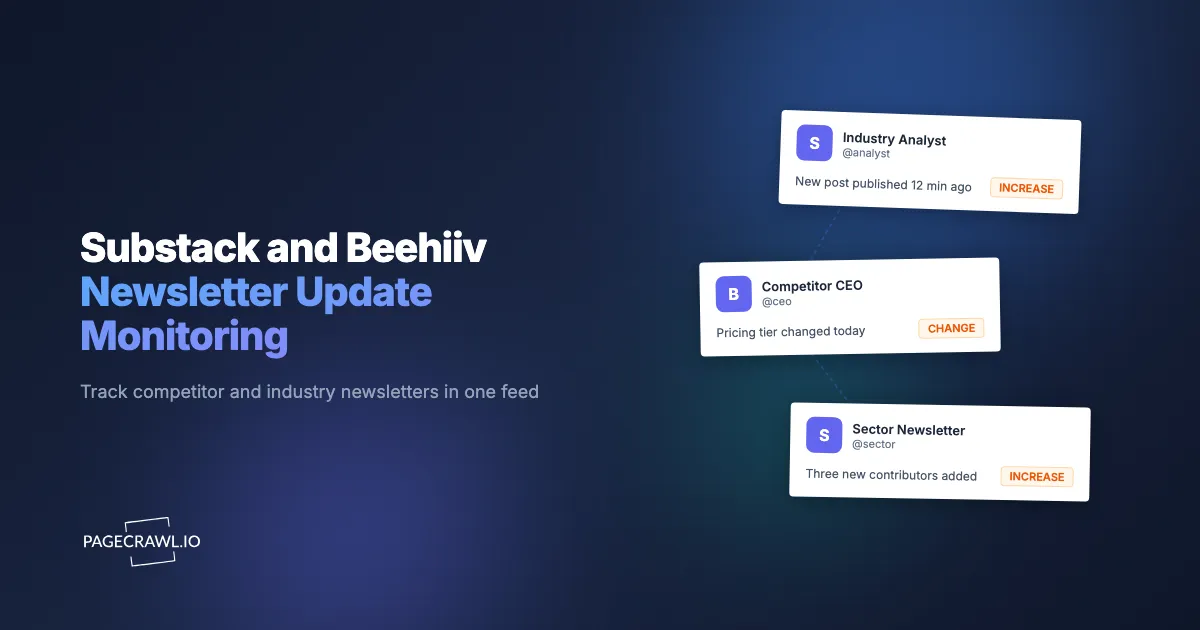
Newsletter homepages often contain dynamic elements (subscriber counts, featured-post rotators) that change without new content. PageCrawl's AI-powered change detection and smart filtering distinguishes between "new post published" and "page UI changed," so your alerts are actually actionable.
Step 6: Route alerts to a competitive-intelligence channel
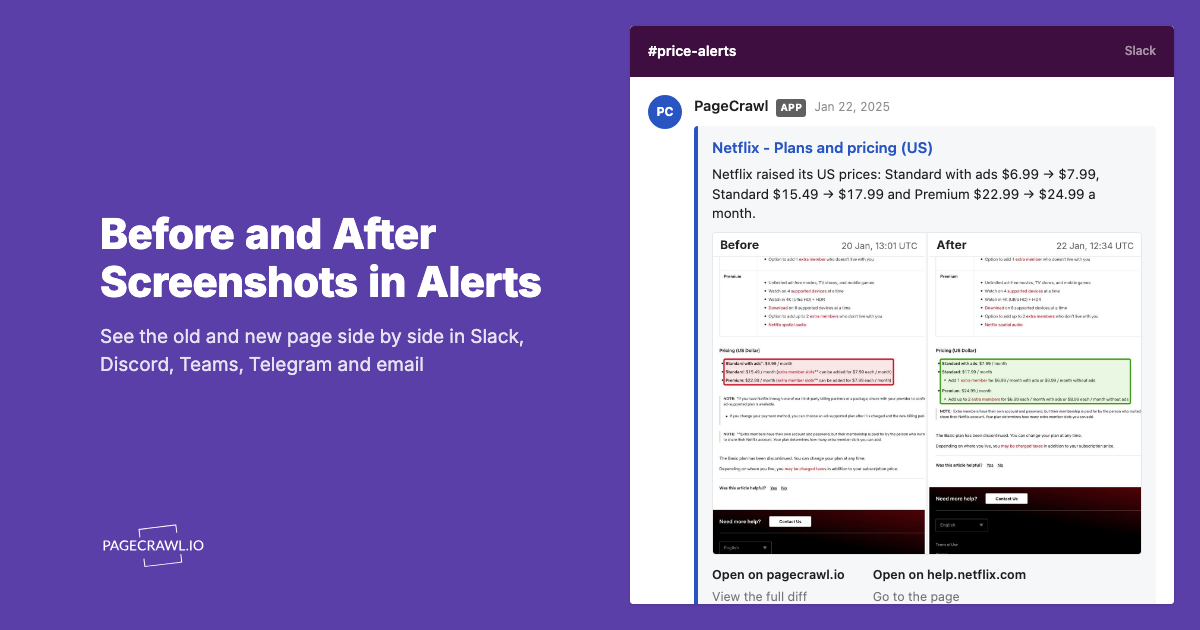
For competitive intelligence and PR tracking, route alerts to a shared Slack channel where the team can discuss and triage. For sales reps tracking specific accounts, route to per-rep channels or a sales-ops tool via webhook integration.
Worked Example: A Product Marketer's Competitive Newsletter Setup
A B2B SaaS product marketer tracking the competitive landscape set up the following:
- Five direct competitor newsletter homepages on 4-hour checks
- Twelve adjacent and industry-analyst newsletters on daily checks
- Three direct competitor /about and /subscribe pages on daily checks
- Five industry journalist newsletters on daily checks
- All alerts routed to a shared #comp-intel Slack channel with AI summaries
- Folders organized by competitor and category
Across a quarter, a list like that surfaces a few hundred new posts. Only a handful are materially relevant to competitive positioning (pricing changes, product launches, executive moves), and a couple of those typically inform messaging changes in the following sprint. The triage cost is roughly 20 minutes a week, against several hours a week lost to the old email-subscription system.
Which newsletter changes are worth an alert?
Five signals justify an alert: a competitor founder publishing, a pricing tier change on the subscribe page, a free post moving behind the paywall, a contributor added or removed on the About page, and a shift in publishing cadence. Everything else is usually page furniture.
Competitor founder posts on Substack. Founder-published posts often telegraph strategic shifts weeks before they reach the press. The "I'm writing about X" framing is sometimes the earliest signal of an upcoming announcement.
Pricing tier changes. When a competitor adjusts their monthly or annual newsletter pricing (often a leading indicator of broader pricing strategy), the subscribe page changes and the next check picks it up.
Free-to-paid conversions. When previously-public posts move behind a paywall, the post page changes state. This signals what the publisher considers their most valuable content.
Contributor additions. When an industry analyst joins a publication as a contributor, the About page updates. Same-day awareness lets you reach out for relationship-building.
Cadence changes. When a newsletter shifts from weekly to twice-weekly (often a growth-mode signal) or weekly to monthly (often a slowdown signal), the homepage's post-frequency reflects the change over time.
Advanced Patterns: Beyond Newsletter Pages
A complete newsletter monitoring workflow extends past the newsletter itself to adjacent channels like TikTok creator and hashtag monitoring.
Combine with company website monitoring. Newsletter posts about pricing or product changes often precede website updates. Monitoring both surfaces the gap between announcement and rollout.
Combine with LinkedIn employee count tracking. When a newsletter publisher hires a contributor, LinkedIn often shows the hire before the About page updates. The LinkedIn monitoring pattern applies.
Combine with podcast feed monitoring. Many newsletter publishers also run podcasts. Monitoring the podcast feed catches episodes that don't always cross-promote in the newsletter.
Combine with conference and event announcement monitoring. Newsletter publishers frequently announce conference talks and event participation. Tracking the event pages alongside the newsletter catches the full signal.
Use Cases
Competitive intelligence teams. Tracking direct and adjacent competitor newsletters surfaces early signals on pricing, product, and strategic positioning that often precede press coverage.
PR and communications teams. Journalist newsletters reveal what reporters are working on, and pairing them with journalist and publication monitoring covers the outlets those reporters write for. Same-day awareness of beat coverage informs pitch timing and relationship building.
Sales teams tracking accounts. When a target account's CEO, founder, or product lead publishes a newsletter post, sales reps gain insight into account priorities and outreach angles.
Content marketing teams. Tracking topic-adjacent newsletters alongside editorial content monitoring surfaces what's resonating in your space and informs your own editorial calendar.
Investors and VCs. Portfolio company founders and competitor founder newsletters provide ongoing visibility into operational and strategic developments.
Journalists and analysts. Tracking peer newsletters in a coverage area helps identify gaps and avoid covering the same angles.
Frequently Asked Questions
Will I miss subscriber-only content if I only monitor the page? You'll catch the post title, publication metadata, and preview content. The full subscriber-only body requires subscription. For competitive intelligence, the preview is usually enough to assess relevance.
Can I monitor email-only newsletters that don't have a public archive? No. Pure email newsletters with no web archive aren't monitorable. Most Substack and beehiiv newsletters publish to the web by default.
What about Mailchimp, ConvertKit, and other email-platform newsletters? If the newsletter publishes to a public archive page, that page is monitorable. Some operators run email-only.
Do free-to-paid conversions actually happen often enough to monitor? For high-profile newsletters (Stratechery, Lenny's Newsletter, Pragmatic Engineer), free-to-paid conversion is occasional but informative when it happens. For most newsletters, it's a low-volume signal.
Do I need a paid plan? For a 6-newsletter tracking list at daily frequency, the free plan works. For a 20-60 newsletter competitive intelligence program, Standard at $80/year or Enterprise at $300/year is the right tier depending on volume.
Will I get noise alerts on minor UI changes? With AI summaries enabled, no. PageCrawl distinguishes between new post publications, pricing changes, structural changes, and trivial UI shifts.
Choosing your PageCrawl plan
PageCrawl's Free plan lets you monitor 6 pages with 220 checks per month, which is enough to validate the approach on your most critical pages. Most teams graduate to a paid plan once they see the value.
| Plan | Price | Pages | Checks / month | Frequency |
|---|---|---|---|---|
| Free | $0 | 6 | 220 | every 60 min |
| Standard | $8/mo or $80/yr | 100 | 15,000 | every 15 min |
| Enterprise | $30/mo or $300/yr | 500 | 100,000 | every 5 min |
| Ultimate | $99/mo or $999/yr | 1,000 | 100,000 | every 2 min |
Annual billing saves two months across every paid tier. Enterprise and Ultimate scale up to 100x if you need thousands of pages or multi-team access.
One competitive signal caught early can swing a deal worth more than a decade of Enterprise. If you win one additional deal per year because you spotted a pricing change, a product launch, or a messaging shift before your competitors did, $300/year is a rounding error. Standard at $80/year handles 100 monitored pages, enough for a Tier 1 and Tier 2 competitor program. Enterprise adds 500 pages and SSO. All plans include the PageCrawl MCP Server for AI assistants like Claude and Cursor.
How do you start monitoring newsletters this week?
List 10-20 newsletters that matter to your role (competitors, analysts, journalists, customers) and add their homepages to PageCrawl on daily checks, tightening to a few hours for direct competitors. Create a free account and route alerts to a shared Slack channel or email. Over the first 2-3 weeks, you'll see which newsletters produce material signal and which produce noise.
Once you see the value, expand to a full 30-60 newsletter tracking program with daily checks across the broad set and 4-6 hour checks on the most material direct competitors. The Standard plan at $80/year handles a serious competitive intelligence program with room for adjacent monitoring across LinkedIn, podcasts, and conference pages.