Distill.io has been around since 2013, and for a long time it was one of the few tools that let you monitor specific elements on a web page. The browser extension approach was simple: install it, click on an element, and Distill would check it periodically.
But the web has changed significantly since then, and Distill has not kept up. Teams that rely on it regularly deal with broken monitors on JavaScript-heavy sites, a browser extension that stops working after updates, cloud monitoring that costs more than it should for what you get, and zero AI capabilities in a year when every serious monitoring tool offers them. If you close your laptop, most of your monitors stop running. If you need to alert your team on Slack or Discord, you are paying $15/month or more for what other tools include for free.
This guide covers where Distill falls short, what to look for in an alternative, and how PageCrawl compares on the features that actually matter for day-to-day monitoring.
Where does Distill.io fall short?
Distill works for basic use cases, but teams hit four limitations quickly: most free monitors only run while your browser is open, chat and webhook notifications sit behind a paid plan, there are no AI summaries or screenshots, and JavaScript-heavy sites break monitors. Here are the details.
Browser Extension Dependency
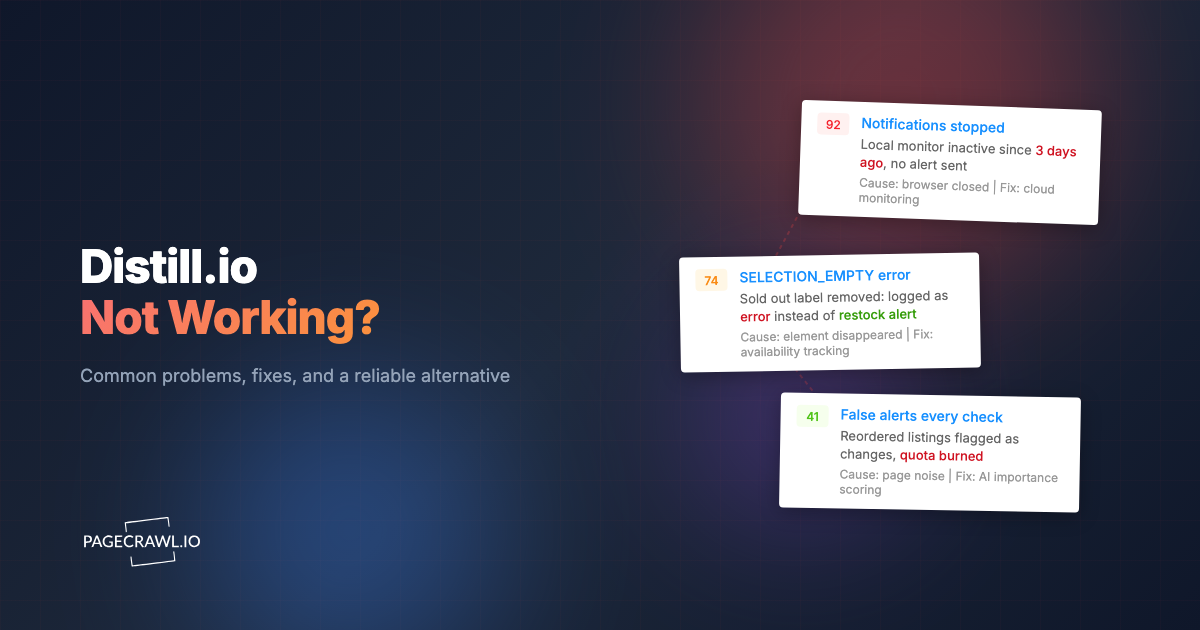
Distill's free tier gives you 25 monitors, but only 5 of them run in the cloud. The other 20 are "local" monitors that only work when your browser is open and the extension is actively running. Close your laptop, restart your browser, or let it go to sleep, and those 20 monitors stop checking. For any professional use case where you need reliable, continuous monitoring, this is a serious problem.
The extension itself has reliability issues too. Users regularly report that it stops working after browser updates, loses saved monitors, or fails silently without alerting you that monitoring has paused. You find out something changed not because Distill told you, but because someone else noticed.
Limited Notification Channels
On Distill's free plan, you only get email notifications. Slack, Discord, Microsoft Teams, and webhook integrations are locked behind the Starter plan at $15/month or higher. For teams that use chat platforms as their primary communication tool, this is a significant limitation. You either pay for a feature that many competitors include on free plans, or you set up clunky workarounds with email-to-Slack forwarding.
No AI Summaries or Smart Filtering
Distill has no AI capabilities on its free or lower-paid tiers. There are no change summaries explaining what happened in plain language, no importance scoring to help you prioritize, and no smart noise filtering. Every change notification requires you to manually review the diff and decide whether it matters.
In 2026, this is a meaningful gap. When you are monitoring dozens or hundreds of pages, manually reviewing every diff is not sustainable. AI summaries that tell you "the return policy changed from 30 days to 14 days" save real time compared to scanning a raw text diff. For a broader look at how AI is changing monitoring, see our guide to AI website monitoring tools.
No Screenshot Verification
When Distill tells you something changed, you get a text diff. There is no screenshot of the page before and after the change, and no visual diff showing what the page actually looks like. For many changes, especially layout shifts, image swaps, or design updates, text diffs do not tell the full story. You end up manually visiting the page to understand what actually happened.
Reliability Issues with Dynamic Sites
Distill struggles with modern, JavaScript-heavy websites. Single-page applications, dynamically loaded content, and sites that use client-side rendering frequently cause false positives or missed changes. The cloud monitoring tier handles some of this, but users report inconsistent results compared to what they see when they visit the page themselves.
Pricing That Adds Up Quickly
Distill's pricing structure starts at $15/month for Starter (50 monitors, 30,000 checks) and jumps to $35/month for Professional and $80/month for Flexi. The free tier is generous on check count (1,000/month) but crippled by the 5-cloud-monitor limit and 6-hour minimum frequency for cloud checks. If you need more than 5 reliable monitors, you are paying $15/month minimum, and if you want AI features, you are looking at $80/month or more.
What should you look for in a Distill.io alternative?
Look for monitoring that runs entirely on the provider's servers, includes every notification channel without an upgrade, renders JavaScript reliably, and gives you screenshots plus plain-language change summaries. Anything less recreates the problems that made you look for a replacement. Use this checklist:
- Cloud-based monitoring: All monitors should run on the provider's servers, not depend on your browser being open.
- AI change summaries: Plain-language explanations of what changed and how important it is.
- Screenshot verification: Before-and-after screenshots so you can see the change visually, not just as a text diff.
- Notification channels included on free/low tiers: Slack, Discord, Teams, Telegram, and webhooks should not require premium plans.
- Reliable JavaScript rendering: The tool needs to handle SPAs, dynamic content, and modern frameworks without breaking.
- Noise filtering: Built-in tools to filter out dates, cookie banners, ad rotations, and other irrelevant changes.
- Price tracking: If you monitor product pages, dedicated price and availability tracking saves significant setup time.
- API access: For automation, integrations, and building custom workflows.
- Reasonable pricing: The tool should not charge premium prices for basic capabilities.
How does PageCrawl compare to Distill.io feature by feature?
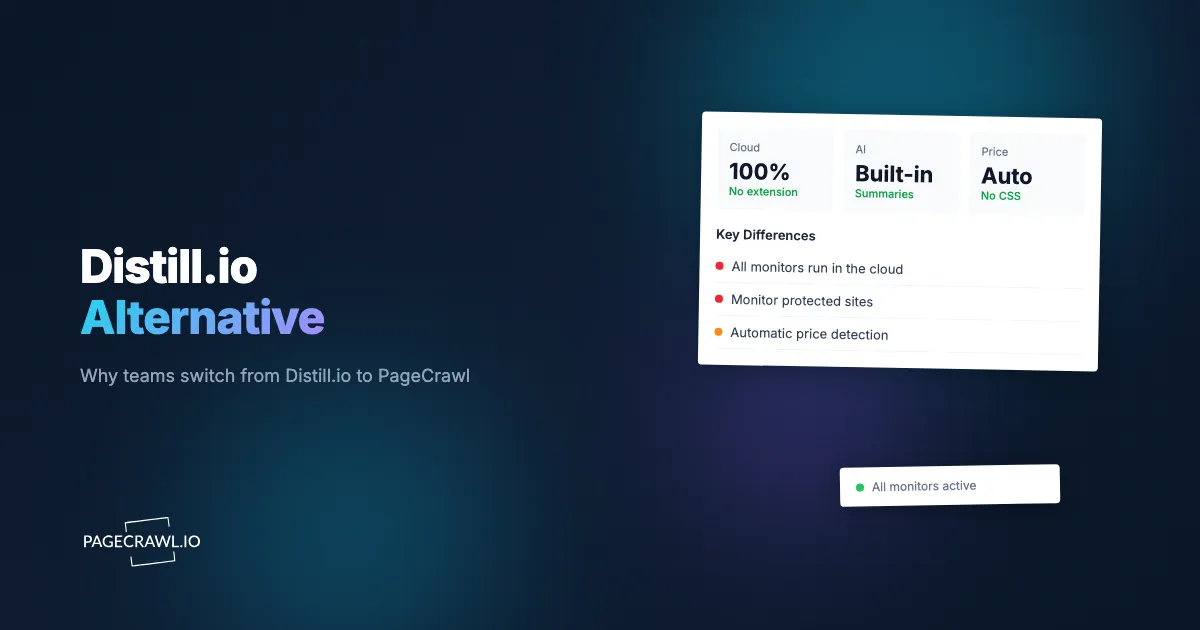
PageCrawl runs every monitor in the cloud and includes AI summaries, screenshot history, price tracking, and all notification channels on the free plan. Distill splits monitors between cloud and browser-dependent local checks and gates chat alerts, webhooks, and AI behind paid tiers. Here is the detail:
| Feature | Distill.io | PageCrawl |
|---|---|---|
| Cloud monitors (free) | 5 | 6 |
| Local/extension monitors (free) | 20 (browser must be open) | N/A (all cloud-based) |
| Free checks/month | 1,000 | 220 |
| Min cloud frequency (free) | 6 hours | 60 minutes |
| AI change summaries | No (Enterprise only, $80+/mo) | Yes, all plans including free |
| AI importance scoring | No | Yes, all plans |
| Smart noise filtering | No | Yes (AI + rule-based) |
| Screenshot history | No | Yes, all plans |
| Visual diff | No | Yes |
| Price tracking mode | No | Yes (auto-detection) |
| Reader mode | No | Yes |
| Content-only mode | No | Yes |
| Notification: Email | Free | Free |
| Notification: Slack | $15+/mo | Free |
| Notification: Discord | $15+/mo | Free |
| Notification: Teams | $15+/mo | Free |
| Notification: Telegram | No | Free |
| Notification: Webhooks | $15+/mo | Free |
| Notification: Web push | No | Free |
| Google Sheets logging | No | Yes, all plans |
| Bulk editing | No | Yes |
| Templates | No | Yes |
| Review boards (team) | No | Yes |
| Automatic page discovery | No | Yes |
| Web archiving (WACZ) | No | Yes (on request) |
| API access | Limited | Yes, all plans |
| Browser extension | Yes (core product) | Yes (optional convenience) |
| Paid plans start at | $15/mo | $8/mo |
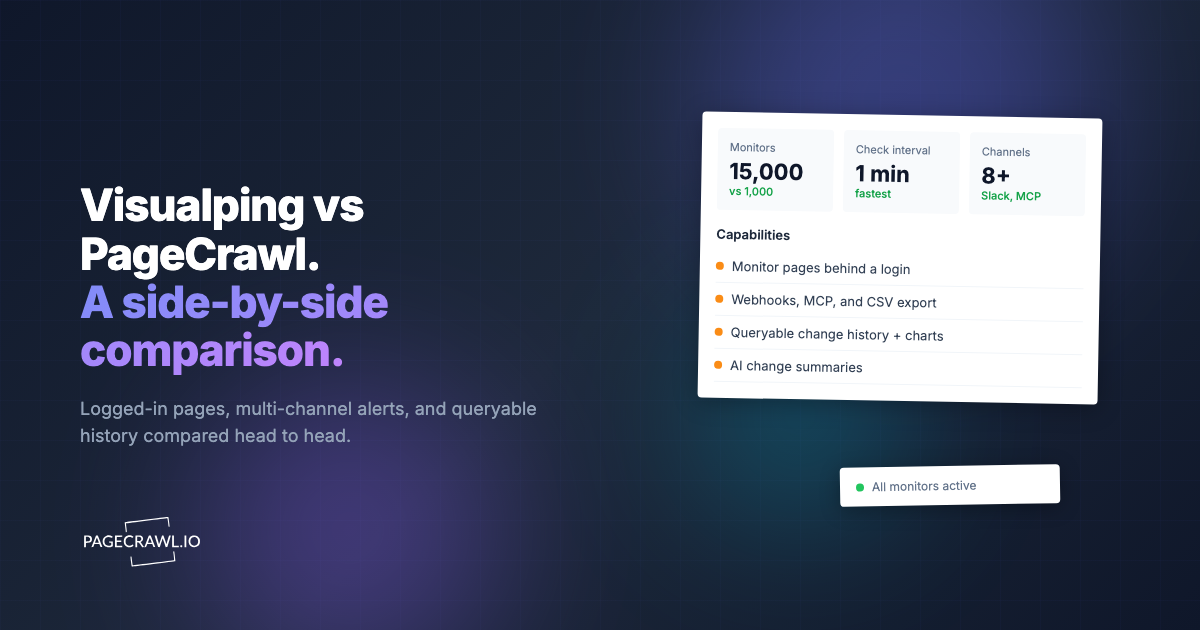
The key difference is that PageCrawl includes AI summaries, all notification channels, and screenshot history on every plan, including free, as the PageCrawl vs Distill.io comparison page lays out side by side. Distill locks these behind $15-80/month paid tiers.
Key Advantages of PageCrawl

Cloud-Based Monitoring Without Extension Dependency
Every PageCrawl monitor runs in the cloud. There is no distinction between "local" and "cloud" monitors. You set up a monitor, and it runs 24/7 regardless of whether your browser is open, your laptop is closed, or your internet is down. This is a fundamental architectural difference from Distill, where the majority of free monitors depend on your browser extension being active.
You can still use PageCrawl's browser extension to quickly set up monitors from any page, but it is a convenience feature, not a requirement.
AI Change Summaries on Every Plan
When PageCrawl detects a change, it generates a plain-language summary explaining what happened. Instead of reading through a text diff to figure out that a competitor changed their refund window from 60 to 30 days, the AI summary tells you directly. Each summary includes an importance score from 0 to 100, so you can quickly filter out trivial updates and focus on changes that matter.
This is available on the free plan (15 AI credits/month). Distill does not offer any AI features until the Flexi tier at $80/month.
Screenshot Verification and Visual Diffs
PageCrawl captures screenshots on every check, giving you a visual record of exactly how the page looked at each point in time. When a change is detected, you can compare before-and-after screenshots side by side. This is especially useful for catching changes that text diffs miss: layout changes, image replacements, color updates, or elements being moved around, which is the basis of website QA and visual regression monitoring.
For monitoring that focuses on visual changes, see our guide on visual regression monitoring.
Built-In Price Tracking
If you monitor product or pricing pages, PageCrawl's price tracking mode automatically detects prices and availability status. It builds price history charts over time and alerts you when prices drop, rise, or when items go in or out of stock. No CSS selectors to configure, no manual setup. Just paste the URL and select price tracking mode.
Distill has no equivalent feature. You would need to manually set up CSS selectors for each price element and parse the values yourself. For a deeper look at price monitoring, see our competitor price monitoring guide.
All Notification Channels on Every Plan
PageCrawl includes email, Slack, Discord, Microsoft Teams, Telegram, webhooks, web push, and Google Sheets logging on every plan, including free. You can route different monitors to different channels: pricing changes to a Slack channel, compliance updates to email, everything to a webhook for custom processing.
With Distill, email is the only free notification option. Slack, Discord, Teams, and webhooks all require a $15/month Starter plan. Telegram and web push are not available at all.
For setup guides, see how to get website change alerts in Slack and webhook automation for website changes.
Better Noise Filtering
Monitoring real websites means dealing with noise: date stamps that change daily, rotating ad banners, cookie consent text, view counters, and session-specific content. Distill's approach to this is limited to CSS selector targeting, where you monitor only a specific element and hope the surrounding noise does not leak in.
PageCrawl offers multiple layers of noise filtering. Built-in actions automatically remove cookie banners and overlays before each check. Global ignore rules let you filter out patterns (like date strings or counter numbers) across all monitors at once. Reader mode and content-only mode strip navigation, sidebars, and footers automatically. And the AI importance scoring helps you distinguish meaningful changes from trivial ones even when some noise gets through.
For targeting specific elements precisely, our CSS selector guide for monitoring walks through the techniques.
API Access for Automation
PageCrawl provides full API access on all plans, including free. You can create monitors, retrieve change history, trigger checks, and integrate monitoring data into your own applications and workflows. This is the foundation for building custom dashboards, automated pipelines, and integrations with tools that do not have native support.
Distill offers limited API capabilities, primarily through its extension and some webhook functionality, but not a comprehensive REST API for monitor management and data retrieval.
Handling Dynamic and Protected Sites
Modern websites are built with React, Vue, Angular, and other frameworks that render content dynamically. Many sites also use bot protection and require specific handling. PageCrawl uses a full browser engine for rendering, and it handles cookie consent dialogs, overlays, and dynamic loading automatically. The result is that you monitor what a real visitor sees, not a stripped-down version of the HTML source.
Distill's cloud monitoring has improved over the years but still struggles with many dynamic sites, particularly those that require interaction (clicking a "Load More" button, accepting cookies, or navigating past a gate) before the relevant content appears.
How do you migrate from Distill.io to PageCrawl?
Switching takes about 15 minutes: list your Distill URLs and selectors, create a free PageCrawl account, re-add the URLs one at a time or in bulk, connect your notification channels, apply noise filters, then run both tools side by side until you trust the new monitors. Here is the process.
Step 1: Inventory Your Distill Monitors
Open the Distill dashboard or browser extension and make a list of the URLs you are currently monitoring. Note which ones are cloud monitors versus local monitors, and which element or selector you are tracking on each page. If you are only monitoring a handful of pages, you can just copy the URLs. For larger lists, export them to a spreadsheet.
Step 2: Create a PageCrawl Account
Sign up at pagecrawl.io. The free plan gives you 6 monitors with AI summaries, all notification channels, and screenshot history. No credit card required.
Step 3: Add Your Monitors
For each URL from Distill, create a monitor in PageCrawl. You have two options:
One at a time: Click "Track new page," paste the URL, and select a tracking mode. PageCrawl automatically detects the best mode, but you can choose manually:
- Fullpage: Tracks all visible text. Good for general monitoring.
- Content only: Filters headers, footers, and navigation. Good for articles and documentation.
- Reader mode: Extracts the main content only. Best for news and blog posts.
- Price mode: Auto-detects prices and availability. Best for product pages.
- Specific element: Target a particular section using a CSS or XPath selector.
In bulk: Go to the advanced creation page and upload a spreadsheet of URLs to create multiple monitors at once. This is the fastest approach if you are migrating more than a handful of monitors.
Step 4: Set Up Notifications
Configure your alert channels. Go to workspace settings and set up Slack, Discord, Teams, Telegram, or webhook integrations, following the walkthrough for sending change notifications to a Slack channel. You can set workspace-level defaults that apply to all monitors, or configure channels per monitor.
If you were paying Distill $15/month just for Slack notifications, this step alone saves you that cost on PageCrawl.
Step 5: Configure Noise Filters
If your Distill monitors were plagued by false positives from dates, counters, or cookie text, set up noise filters in PageCrawl, and see the complete guide to reducing false positive notifications for the full toolkit:
- Enable automatic cookie and overlay removal (on by default for new monitors)
- Add global ignore rules for patterns like date strings or view counts
- Use reader mode or content-only mode for pages with heavy navigation noise
- Let AI importance scoring handle the rest. Changes scored below your threshold can be auto-dismissed
Step 6: Run Initial Checks and Compare
Trigger an initial check on each new monitor and verify that PageCrawl is capturing the content you expect. Compare it to what Distill was tracking to make sure nothing important was missed. Adjust selectors or tracking modes if needed.
Once you are satisfied that everything is working, you can disable or delete your Distill monitors and cancel any paid Distill subscription.
When is Distill.io still a reasonable choice?
Distill still fits if you need five or fewer cloud monitors, do not care about AI summaries or screenshots, and are happy checking a simple page once or twice a day. It also suits people who keep a browser open all day and want passive local monitoring. Three cases in detail:
- You only need 1-5 cloud monitors and do not need AI. Distill's free tier with 5 cloud monitors and 1,000 checks/month is workable for very simple monitoring, like checking if a single page's text changes once a day.
- You want local monitoring while browsing. If you spend all day with your browser open and want to passively monitor pages you visit frequently, Distill's local monitoring approach does work. Just know that it stops when your browser closes.
- You are already deeply integrated. If your team has built workflows around Distill's specific extension behavior and switching costs are high, it may make sense to stay until those workflows need updating.
That said, for most teams that need reliable, continuous monitoring with modern features like AI summaries, screenshot verification, and team notifications, the limitations of Distill's extension-based architecture, much like those of Windows-only desktop monitoring tools, create real problems that a cloud-native tool like PageCrawl avoids entirely.
For a broader comparison of free tools, including Distill, Visualping, ChangeTower, and others, see our comparison of the best free website change monitoring tools.
Choosing your PageCrawl plan
PageCrawl's Free plan lets you monitor 6 pages with 220 checks per month, which is enough to validate the approach on your most critical pages. Most teams graduate to a paid plan once they see the value.
| Plan | Price | Pages | Checks / month | Frequency |
|---|---|---|---|---|
| Free | $0 | 6 | 220 | every 60 min |
| Standard | $8/mo or $80/yr | 100 | 15,000 | every 15 min |
| Enterprise | $30/mo or $300/yr | 500 | 100,000 | every 5 min |
| Ultimate | $99/mo or $999/yr | 1,000 | 100,000 | every 2 min |
Annual billing saves two months across every paid tier. Enterprise and Ultimate scale up to 100x if you need thousands of pages or multi-team access.
Most people switching from Distill are already paying for it. At $80/year, Standard gives you 100 pages checked every 15 minutes on a server that runs regardless of whether your browser is open, with AI summaries and screenshots included. That is the gap Distill could never close. Enterprise at $300/year covers 500 pages at 5-minute frequency. All plans include the PageCrawl MCP Server, which turns your monitoring archive into something you can query directly from Claude, so instead of skimming alert emails you can ask for a digest of everything that changed on your watchlist this week and get a structured answer. AI assistants can create monitors through conversation on every plan, including Free.
Getting Started
Start by picking the three monitors that matter most to you. Maybe it is a competitor's pricing page, a regulatory document, and a product page you are watching for restocks. Set those up in PageCrawl's free tier (6 monitors, AI summaries, all notification channels included) and run them for two weeks alongside your existing Distill monitors. Compare the results: check reliability, notification speed, AI summary quality, and screenshot usefulness.
After two weeks, you will have a clear picture of whether PageCrawl covers your needs. If you need more than 6 monitors, paid plans start at $8/month for 100 pages or $30/month for 500 pages. Both include higher check frequencies, more AI credits, and extended history retention.
Try it at pagecrawl.io, no credit card required.