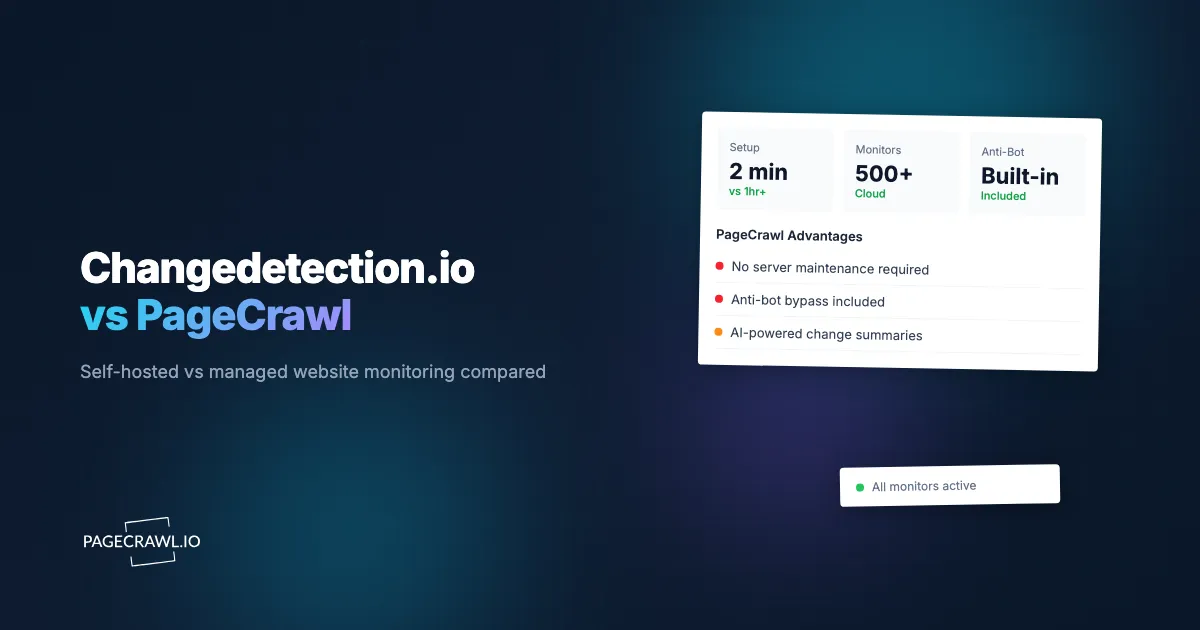
Changedetection.io suits people who want to operate their own monitoring service. PageCrawl suits people who want a managed monitoring workflow. PageCrawl Relay adds another option: keep that managed workflow while using your own connection for public pages that need it.
Being able to self-host does not mean you have to, and using open-source monitoring does not mean giving up browser rendering or price tracking. The useful comparison is what you want to control, what you want someone else to operate, and which workflow handles your actual pages.
What changes when you self-host the monitoring service?
With self-hosted Changedetection.io, you operate the application and its monitoring data on infrastructure you choose. With PageCrawl, the monitoring service and history stay in PageCrawl. Running Relay changes the connection used for checks; it does not move PageCrawl's application, stored results or account controls onto your own computer.
The Changedetection.io project provides installation and update instructions for running your own instance. Its hosted subscription is a separate option for people who prefer the same product without operating the installation themselves. This article compares its self-hosted route with PageCrawl, rather than treating every Changedetection.io user as a server administrator.
Which features overlap between the two tools?
Both tools support scheduled checks, selected page content and change notifications, including pages that need a browser. Check the feature's setup requirements in the version and plan you intend to use. AI support also needs a version-specific check: a feature described for a hosted service may not be included in your self-hosted release.
Changedetection.io's current project documentation describes:
- Browser steps, including filling forms and signing in.
- CSS and XPath selectors, text filters, structured-data monitoring and multiple notification destinations.
- Dedicated restock and price-change monitoring, plus a Chrome extension.
The project also documents AI summaries and filtering. Its README notes availability in its hosted service from June 2026; check your self-hosted release's documentation before relying on those features.
Its REST API documentation covers watches, history, tags, notifications and bulk import. Check whether each service exposes the particular operation your workflow needs.
PageCrawl documents its AI change analysis, browser-based page monitoring, workspaces and review board. Its value is having these parts available in a managed workflow. Test the result and the review experience instead of assuming that an open-source alternative lacks the same broad feature category.
What would I still need to maintain?
Self-hosting puts updates, backups, storage and service availability under your control. That can be routine work if you already run similar applications, or an unwelcome extra responsibility if you do not. Relay leaves less of the monitoring service to operate locally, but its machine still needs maintenance and a working connection.
| Responsibility | Self-hosted Changedetection.io | PageCrawl with Relay |
|---|---|---|
| Application updates and history storage | You operate the monitoring installation and its storage | PageCrawl operates the monitoring service and stores history |
| Local hardware and operating system | You maintain the host and installed components | You maintain the Relay host and client |
| Browser-based checks | You configure the necessary browser connection | PageCrawl runs the check through your selected connection |
| Backups and retention | You manage the installation's backups and retention settings | Review the PageCrawl plan's history and export options |
| Access failures | Investigate the source, configuration and connection | Investigate the same page conditions and Relay availability |
No connection guarantees access to every site, and neither approach removes the need to review failed checks. Self-hosting also does not mean support is unavailable: the project offers community channels and commercial support. Check the actual support arrangement rather than assuming a guaranteed response time or none at all.
Why use Relay if I can already run my own software?
Use Relay when you want PageCrawl's existing history, analysis and notifications, but a public page works through your connection and fails through another. Your computer provides the connection while PageCrawl operates the monitoring workflow. This is mainly useful for personal projects and small budgets where keeping a device online is acceptable.
You might choose it because:
- You already use PageCrawl and want to keep your monitors, history and notifications together.
- You want your own connection without managing a separate monitoring application and its stored history.
- You have a compatible device already running and prefer a small service to another full application to maintain.
Relay has no additional PageCrawl fee on any plan, including Free. You supply the computer, electricity and bandwidth, and normal monitoring limits still apply. The Relay guide explains offline behavior and its boundaries: it does not inherit your browser login or provide access to private-network pages.
The low-cost Linux tutorial covers running the client automatically on compatible hardware. Reusing a computer can avoid a purchase, but neither Relay nor self-hosted monitoring makes hardware and internet access cost nothing.
When does fully self-hosted monitoring make more sense?
Self-hosting makes sense when control over the monitoring installation is part of the requirement: you need local history, want to modify the software, or already have an operating setup that meets your needs. It can suit personal projects and businesses alike, provided someone owns maintenance, security and recovery when things fail.
Good reasons include:
- Your existing setup works. There is no need to replace it just because Relay is available.
- You need control over stored monitoring data. Choose where the installation runs and how its records are retained and backed up.
- You need customization. An open-source installation lets you adapt the software to your workflow, within its license terms.
- Your sources are internal. Evaluate a monitoring tool configured for your private network and access requirements. Relay's public-destination restriction makes it unsuitable for this purpose.
- You want to set your own operating limits. Compare the workload with your available hardware and maintenance capacity, instead of assuming a particular monitor count will be cheap to run.
Local hosting alone does not guarantee that no data leaves the installation. External notification services, remote browser services and AI connections can change that. The project's AI guidance explains the implications of sending monitored content to a provider. Review each enabled integration against your requirements.
How should I compare the real cost?
Compare the complete cost for your own workload, rather than a universal break-even number. Self-hosting costs depend on hardware you already own, browser usage, storage, bandwidth and maintenance. PageCrawl costs depend on the selected plan and any optional services. Relay adds your device's running costs while leaving the plan's normal allowances in place.
Make a short checklist:
- Pages and frequency: test representative pages at the intervals you need.
- Storage and recovery: decide how much history to keep and how you would recover lost data.
- Operating work: include updates and occasional troubleshooting, without assuming everyone spends the same number of hours.
- Extra services: include any paid notification, AI or connection services you choose.
- Existing hardware: separate a new purchase from the marginal cost of equipment already running.
For business use of PageCrawl, we recommend Enterprise or Ultimate and their included managed connection options. Their included Residential choices are separate from optional paid Web Unblocker bandwidth. The connection guide explains that distinction. You do not need to try Relay first if the goal is managed business monitoring.
How do I choose without rebuilding everything?
Start with a few representative pages and the workflow you already have. Check whether each option captures the right content, sends useful notifications and lets you find older results. Include one difficult page and one ordinary page. Evaluate maintenance alongside the output, and keep a working setup unless another option solves a real problem.
Choose self-hosted Changedetection.io when owning the installation and its data matters to you. Choose PageCrawl when you prefer its managed workflow. Add Relay mainly for personal monitoring that needs your connection. If a business requires local data or internal access, assess self-hosting against that requirement rather than treating a managed plan as a substitute.