Last reviewed: August 20, 2026. Prices and plan details reflect each vendor's public pages at the time of review and can change, so confirm on the vendor's site before buying.
Pricing is the fastest-moving element of competitive strategy. A competitor can change their prices at any moment, and if you find out a week later, you have already lost deals. Whether you are running an e-commerce store, a SaaS business, or a retail operation, knowing what your competitors charge (and when they change it) is a direct input to revenue.
Price tracking tools automate this monitoring. Instead of manually visiting competitor websites, screenshots, and spreadsheets, these tools check prices on a schedule and alert you when something changes. Some go further with historical price charts, AI analysis, and integrations with your pricing and sales systems.
This guide compares the best competitor price tracking tools available in 2026, covering different approaches from dedicated pricing platforms to flexible website monitoring tools.
Which competitor price tracking tool is best?
PageCrawl is the best all-round choice for most teams: it tracks prices on any website (not just e-commerce product pages), includes historical charts, AI summaries, and a full notification stack, and has a free plan. Prisync and Price2Spy suit dedicated e-commerce catalogs, Competera fits enterprise retail, and Visualping covers simple visual checks.
| Feature | PageCrawl | Prisync | Price2Spy | Visualping | Competera |
|---|---|---|---|---|---|
| Price detection | Automatic | Product matching | Product matching | Manual setup | Automated |
| Cross-retailer comparison | Yes (on request) | Limited | Limited | No | Yes |
| Non-e-commerce pages | Yes | No | Limited | Yes | No |
| Historical charts | Yes | Yes | Yes | No | Yes |
| AI summaries | Yes | No | No | No | Yes |
| Slack alerts | Yes (free) | No | Yes (paid) | Paid only | Custom |
| Webhook/API | Yes | Yes | Yes | Paid only | Yes |
| Login support | Yes | No | No | No | No |
| Starting price | Free | $99/mo | $94/mo | $14/mo | Enterprise |
| Free tier | Yes | No | Trial only | 5 monitors | No |
How does competitor price tracking work?
Price tracking tools check competitor pages on a schedule, extract the price, and alert you when it changes. There are two main approaches: structured data extraction (APIs, product feeds, and pricing markup, which returns clean product-level data but only works on supported platforms) and website change monitoring (which works on any page but needs smarter extraction to isolate the price). The best tools combine both, or give you the flexibility to use either depending on the target.
What should you look for in a price tracking tool?
Four things matter most: accuracy, coverage, intelligence, and workflow fit. Accuracy means browser rendering (many e-commerce sites load prices with JavaScript, and simple HTTP scrapers return blank prices) plus retries and error alerts instead of silently stale data.
- Coverage: Enough monitors for your catalog (200+ products across 15 competitors needs at least 3,000 monitors), plus geographic and multi-currency handling.
- Intelligence: Historical charts, AI summaries, change magnitude, and threshold alerts like "notify if any competitor undercuts our price."
- Workflow: Slack/Teams alerts, webhooks and API access, spreadsheet export, and automation platforms like n8n, Zapier, or Make.
How did we review these tools?
We compared each tool on the four things this guide says matter most for price tracking: accuracy, coverage, intelligence, and workflow fit. Pricing and plan details come from each vendor's public pages, the comparison table summarizes the key features side by side, and every profile notes where the tool fits best.
- Accuracy (browser rendering, retries, error alerts)
- Coverage (monitor volume, geographies, currencies)
- Intelligence (historical charts, AI summaries, threshold alerts)
- Workflow fit (Slack/Teams, webhooks, API, export, automation platforms)
The Best Price Tracking Tools
We've tested every major monitoring platform extensively. Here's an honest look at each.
PageCrawl
Type: Website monitoring with smart price detection Starting price: Free plan available, $8/month (100 monitors), $30/month (500 monitors)
PageCrawl is a full-featured website monitoring platform that includes automatic price detection. When you add a product page and select "price tracking" mode, it automatically identifies prices on the page, extracts them, and tracks changes over time with a visual price chart.
Price tracking features:
- Automatic price detection on product pages (no CSS selectors needed for standard layouts)
- Cross-retailer product comparison: an on-request capability that groups the same product across retailers, with side-by-side pricing and cheapest/most-expensive alerts
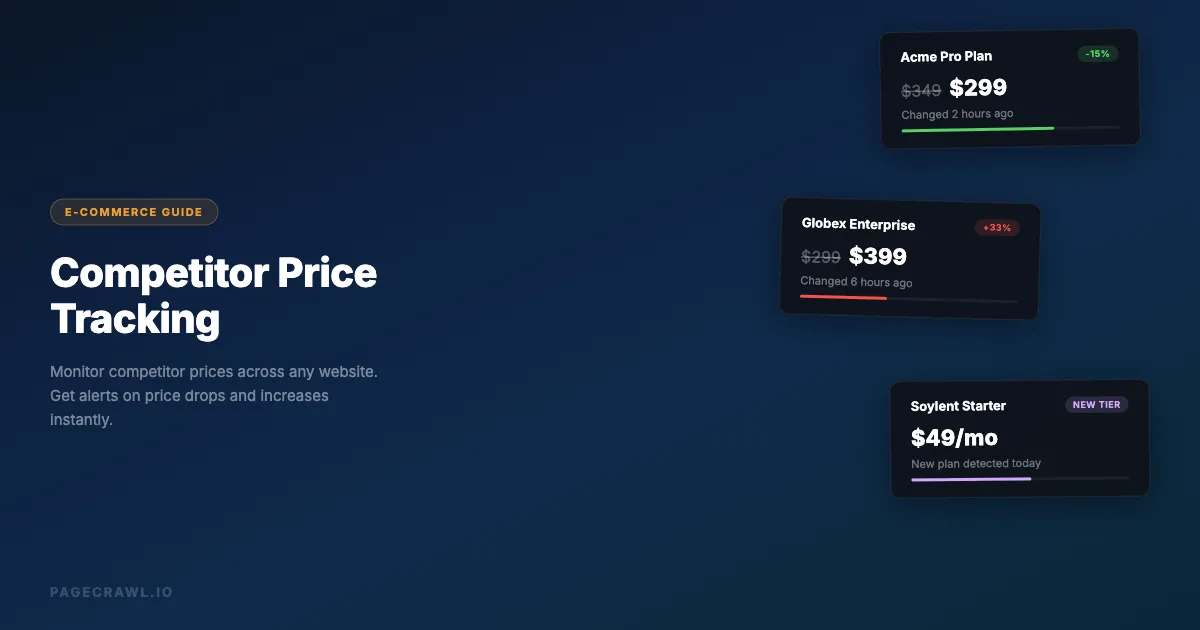
- Historical price charts and AI-powered change summaries ("Enterprise plan increased 33% from $299 to $399")
- Element-specific monitoring for targeting individual prices on comparison pages
- Screenshot history and availability detection (in-stock/out-of-stock changes)

Strengths:
- Works on any website, not just e-commerce platforms: SaaS pricing pages, B2B portals, government procurement sites, any page with a price.
- Combines price tracking with full website monitoring. Track prices, content changes, and visual changes in one tool.
- Full notification stack: Slack, Discord, Telegram, Teams, email, webhooks.
- Price tracking, AI summaries, and Slack alerts are included on every plan, including Free.
- Supports login sequences for monitoring prices behind authentication.
Limitations:
- Price extraction works best on standard product pages. Complex multi-product tables may need element-specific selectors.
Best for: Teams that need flexible price monitoring across diverse sources (not just e-commerce), combined with broader website change detection.
Prisync
Type: Dedicated e-commerce price intelligence Starting price: $99/month (100 products)
Prisync is a dedicated competitor price monitoring platform built for e-commerce, focused on structured product-level tracking with automatic competitor matching, MAP (Minimum Advertised Price) monitoring, dynamic pricing suggestions, and historical analytics.
Strengths:
- Purpose-built for e-commerce pricing. The product-matching workflow is streamlined.
- MAP violation detection for brands monitoring their reseller network.
- Dashboard designed specifically for pricing managers.
Limitations:
- Only works for e-commerce product pages. Cannot monitor SaaS pricing, B2B portals, or non-standard pages.
- Starting at $99/month for 100 products, it gets expensive at scale.
- Limited notification channels (primarily email).
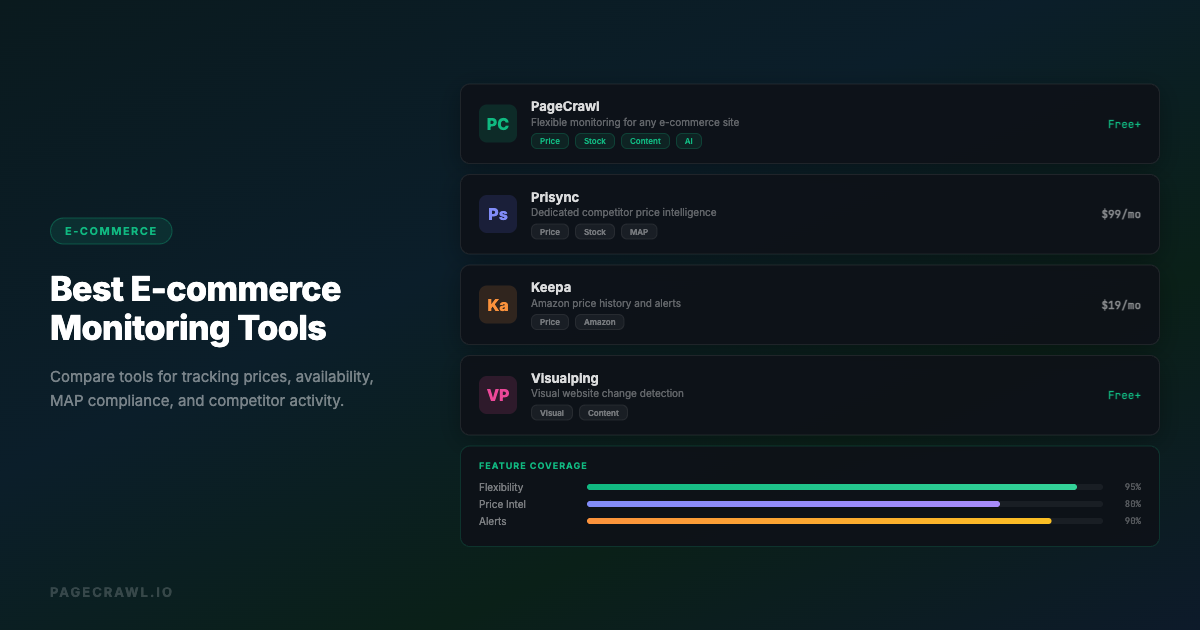
Best for: E-commerce businesses that need structured product-level price intelligence with dynamic pricing capabilities. For a broader comparison of tools in this space, see our e-commerce monitoring tools guide.
Price2Spy
Type: Dedicated price monitoring and intelligence Starting price: $24/month (basic plan)
Price2Spy focuses on price and availability monitoring for e-commerce and retail, with a strong emphasis on MAP compliance, market position analysis, and repricing suggestions.
Strengths:
- Strong MAP monitoring and violation reporting.
- Detailed market position analysis showing where your prices rank against competitors.
- Good support for monitoring at scale (thousands of products).
Limitations:
- Enterprise-focused pricing that starts high for small teams.
- Primarily e-commerce focused, and setup requires product catalog mapping.
- Interface can feel dated compared to newer tools.
Best for: Brands and retailers who need MAP compliance monitoring at scale.
Visualping
Type: Website monitoring with basic price tracking Starting price: $14/month (personal), business plans from $140/month
Visualping (visualping.io) is a general website monitoring tool that can be used for price tracking through its visual and text monitoring modes, with basic element selection for targeting prices.
Strengths:
- Simple setup for non-technical users.
- Visual comparison mode clearly shows what changed on the page.
- Affordable entry-level pricing.
Limitations:
- No dedicated price tracking mode. You are monitoring for general page changes, not specifically extracting price data.
- No historical price charts, structured price data, or price-based threshold alerts.
- Limited notification channels (Slack requires paid plan).
Best for: Simple, visual monitoring of a few competitor pricing pages where you just need to know "did the page change?"
Competera
Type: Enterprise pricing intelligence platform Starting price: Custom (enterprise)
Competera is an enterprise pricing platform that combines competitor price collection at scale with AI-driven pricing optimization, demand-based pricing models, and ERP/PIM integrations.
Strengths:
- End-to-end solution from data collection to pricing optimization, built for enterprise scale (millions of SKUs).
- AI models consider demand elasticity, not just competitor prices.
Limitations:
- Enterprise pricing, not accessible for small or mid-size businesses.
- Primarily focused on retail and CPG industries, with a long implementation timeline.
- Overkill for teams that just need to monitor a few competitors.
Best for: Large retailers and e-commerce companies that need AI-driven pricing optimization across a massive product catalog.
DIY Custom Solution
Type: Custom-built scraping and monitoring Starting price: Free (open source), but requires development time
For technically capable teams, building a custom price scraper with open-source scraping frameworks and browser automation libraries is an option. You build scraping scripts per competitor site, a database for historical prices, an alert system, and a dashboard.
Strengths:
- Complete flexibility. You control exactly what data you collect and how.
- No per-monitor pricing. Once built, monitoring additional pages is marginal cost.
- Can be tightly integrated with your internal systems.
Limitations:
- Significant development and maintenance investment. Each competitor site requires custom scraping logic, and scrapers break when layouts change.
- Handling anti-bot measures, CAPTCHAs, and IP blocking is your responsibility.
- No AI summaries, no visual comparison, no built-in alerting unless you build it.
Best for: Technical teams with specific requirements that no off-the-shelf tool meets, and the engineering resources to build and maintain a custom solution.
How do you build a price intelligence workflow?
Build it in five steps: map your competitive landscape, set up monitoring, route alerts to where they will be acted on, establish a review cadence, and measure business impact. Most teams can stand up a working competitor price tracking workflow in an afternoon and refine it over the first month.

Step 1: Map Your Competitive Landscape
List your direct competitors, indirect competitors, and the price leaders that set pricing expectations in your market. For each, collect the pricing page URL, individual product or plan URLs, and any public price lists. If your competitors sell through major retail platforms, our guides cover monitoring Amazon prices, Best Buy prices, Walmart prices, Target prices and deals, and Home Depot prices, plus cross-retailer price comparison.
Step 2: Set Up Monitoring
Configure a monitor for each pricing page: price tracking or element-specific mode for clean data, a check frequency matched to your market (every few hours for competitive markets, daily for stable ones), an AI focus on pricing changes and new tiers, and noise filters for date stamps and rotating content.
Step 3: Build Your Alert Pipeline
Route price drops and significant changes to a dedicated Slack channel for the pricing team, batch minor changes and new rebates and cashback offers into a daily digest, and feed everything into a dashboard or CRM via webhooks for historical analysis.
Step 4: Establish a Review Process
Data without action is waste. Review overnight changes daily, discuss pricing trends weekly, and revisit your pricing strategy and competitive intelligence monitoring setup monthly or quarterly.
Step 5: Measure Impact
Track your response time to competitor price changes (target: same business day), deal win rate, pricing optimization, and whether your monitoring still covers all relevant competitors and products.
Why is competitor price tracking hard?
Four challenges come up repeatedly: dynamic pricing that shifts between checks, personalized pricing that varies by visitor, anti-bot systems that block automated tools, and prices hidden behind logins. Each has a practical workaround, and a good monitoring tool handles most of them for you.
Dynamic Pricing
Many e-commerce sites change prices based on demand, inventory, or time of day, so prices may differ between checks without a "real" pricing change. Check more frequently during business hours, use historical averaging to separate real shifts from fluctuations, and set change thresholds to filter out minor variations (under 2-3%).
Personalized Pricing
Some sites show different prices based on cookies, location, browsing history, or account status. Use monitoring tools that can check from different locations and clear cookies between checks. PageCrawl includes built-in location options and cookie removal actions.
Anti-Bot Detection
Competitors may block automated monitoring tools with CAPTCHAs, rate limiting, or IP blocking. Use tools with proper browser rendering (not simple HTTP requests) and reasonable check frequencies. PageCrawl reliably handles monitoring pages behind bot protection that blocks simpler tools, and for heavily protected pages, Enterprise plans add premium options.
Price Behind Login
Some B2B vendors only show real pricing after authentication. Use monitoring tools that support monitoring password-protected pages with a login sequence that authenticates before checking prices. PageCrawl's actions system handles this with navigate-fill-click sequences.
How often should you check competitor prices?
Match check frequency to how fast your market moves: every 15 minutes to hourly for competitive e-commerce categories with dynamic pricing, every few hours for most markets, and daily for stable B2B or SaaS pricing. Alerts arrive when the next check detects a change, and PageCrawl's paid plans can check as often as every 2 minutes.
Is competitor price tracking legal?
Monitoring publicly available prices is generally considered legal, since it is the same information any visitor to the page sees, and retailers track each other's prices constantly. That said, respect each site's terms of service, use reasonable check frequencies, and do not access pricing behind logins you are not entitled to. When in doubt, ask a lawyer; this article is informational, not legal advice.
Choosing your PageCrawl plan
PageCrawl's Free plan includes price tracking with hourly checks, enough to validate the approach on your most critical pages. Most teams graduate to a paid plan for more pages and faster checks.
| Plan | Price | Pages | Checks / month | Frequency |
|---|---|---|---|---|
| Standard | $8/mo or $80/yr | 100 | 15,000 | every 15 min |
| Enterprise | $30/mo or $300/yr | 500 | 100,000 | every 5 min |
| Ultimate | $99/mo or $999/yr | 1,000 | 100,000 | every 2 min |
Annual billing saves two months across every paid tier. Standard covers your top SKUs across several competitors at 15-minute intervals, Enterprise covers a full product category across every major retailer you compete with, and Enterprise and Ultimate scale up to 100x if you need thousands of pages or multi-team access.
Getting Started
Pick your top three competitors. Set up price monitors on their main pricing page or top 5 products. Route alerts to Slack. Run it for two weeks and see what changes. For a broader look at tracking competitor activity beyond just pricing, see our guide on how to track competitor websites.
Most teams are surprised by how frequently competitor prices change. Armed with that visibility, you can respond faster and price more strategically. PageCrawl's free plan includes price tracking with automatic detection, AI summaries, and Slack alerts. Start tracking competitor prices today.
PageCrawl vs the Alternatives
See how PageCrawl compares to the tools in this article: