Best Buy is one of the largest electronics retailers in the United States, selling everything from laptops and TVs to appliances and smart home devices. Prices on Best Buy change frequently, sometimes multiple times per day during sales events. Without a way to track these changes, you either overpay or spend hours manually checking product pages.
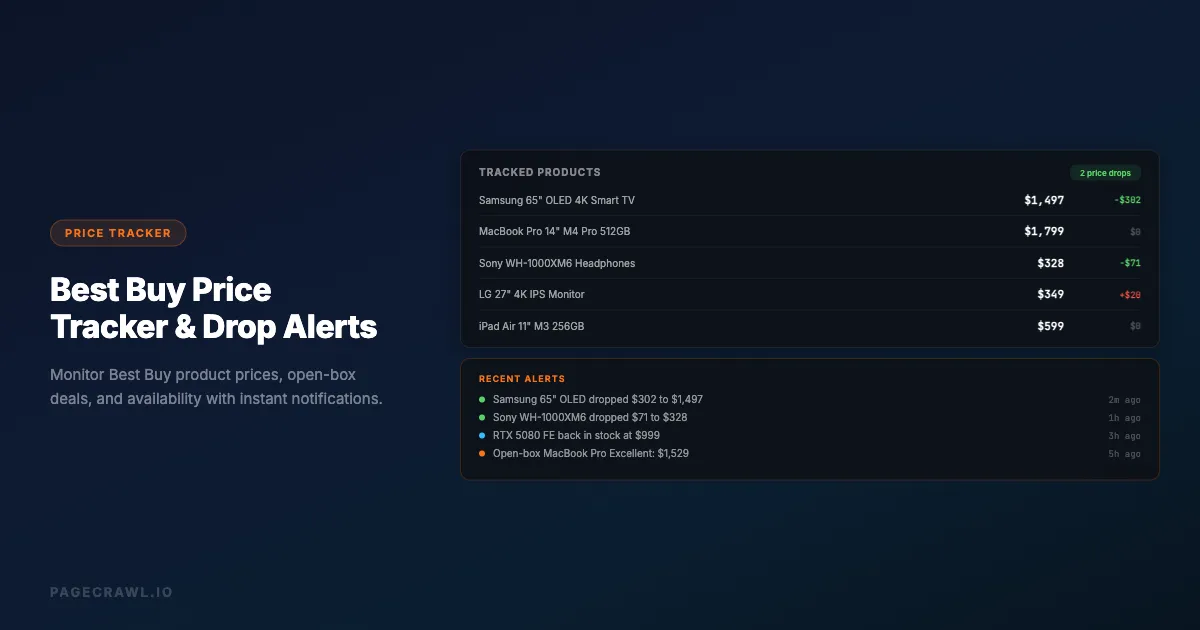
A Best Buy price tracker monitors product pages for you and sends alerts when prices drop, items go on sale, or availability changes. This guide covers how to set up effective price tracking for Best Buy products, what to monitor beyond just the price, and strategies for getting the best deals.
Why track Best Buy prices?
Best Buy prices change frequently and without announcement, a 15-day price match window rewards anyone who notices drops, open-box and clearance deals vanish quickly, and seasonal sales follow predictable patterns. Tracking turns all of that into alerts instead of luck.
Prices Change Frequently
Best Buy adjusts prices based on inventory levels, competitor pricing, manufacturer promotions, and seasonal demand. A laptop that costs $999 today might drop to $899 next week for a flash sale, then bounce back to $949 before settling at $929 during a clearance event.
These changes happen without announcement. Best Buy does not email you when a product you are interested in drops in price (unless you have specifically signed up for their price alert on that exact product, and even then the alerts are limited).
Best Buy Price Match Policy
Best Buy offers a price match guarantee: if you buy a product and the price drops within 15 days, you can request a price adjustment. But this only works if you notice the price drop. A price tracker catches these drops automatically, potentially saving you money on purchases you have already made.
Open-Box and Clearance Deals
Best Buy's open-box program offers significant discounts on returned items. These deals appear and disappear quickly as inventory is limited to one unit per item. Monitoring open-box listings for high-value products like laptops, cameras, and TVs can save hundreds of dollars.
Clearance items follow a similar pattern. Products move to clearance when Best Buy is discontinuing them, and prices drop progressively until stock is gone.
Seasonal Pricing Patterns
Best Buy has predictable sale events throughout the year:
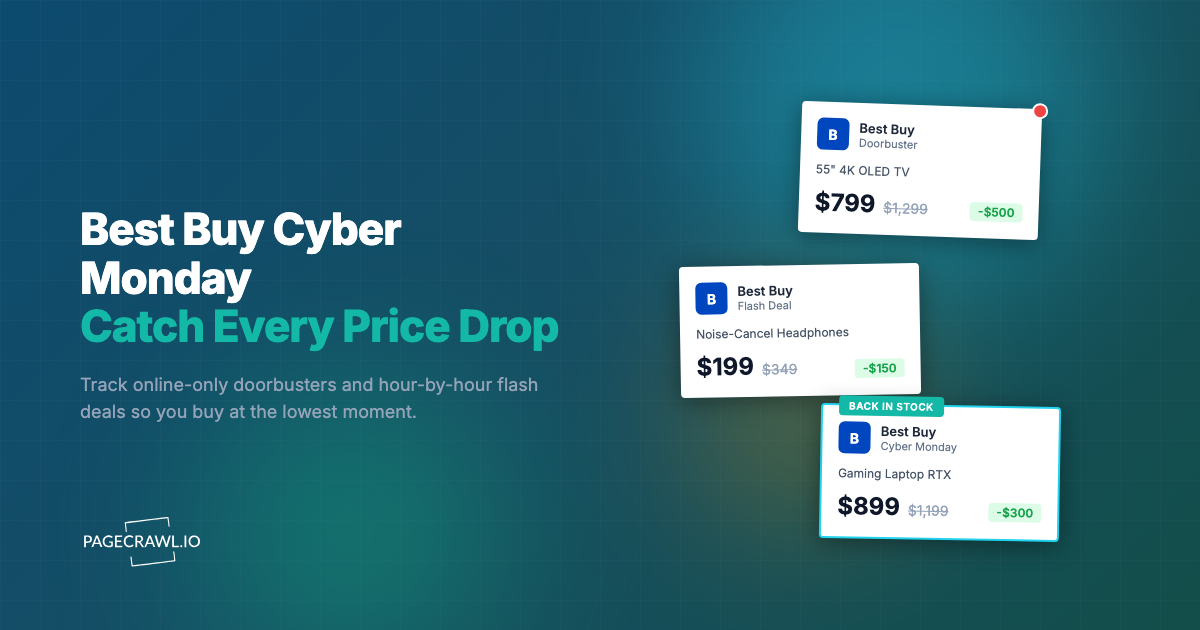
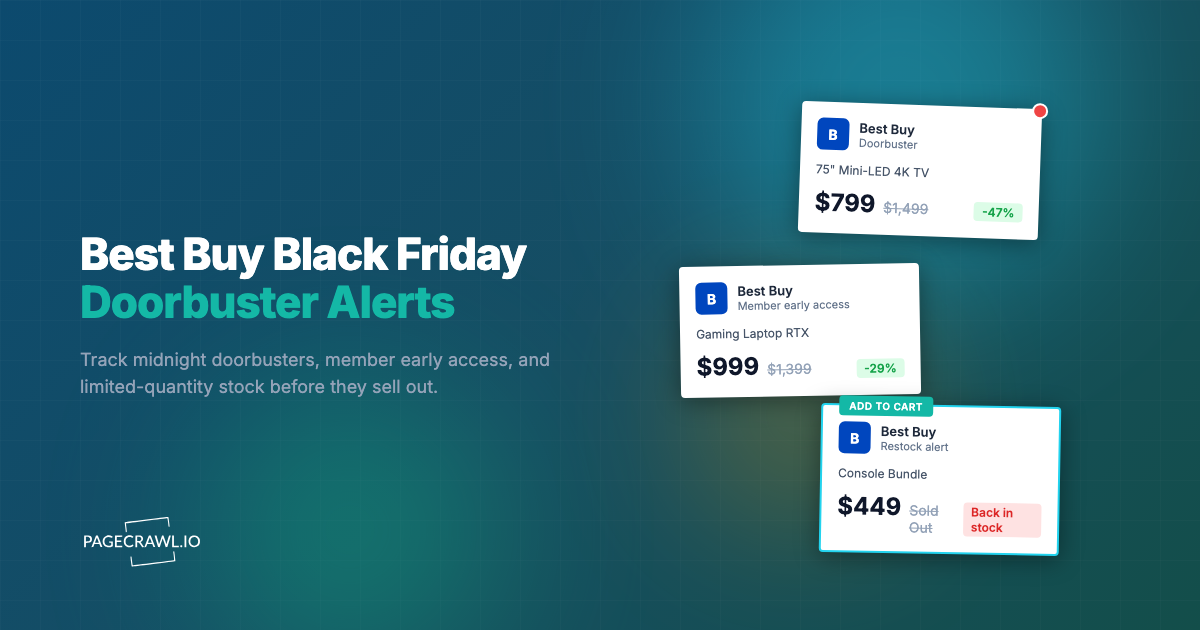
Black Friday/Cyber Monday (November): The biggest discounts, especially on TVs, laptops, and major appliances, plus Cyber Monday's online-only price drops.
Presidents Day (February): Appliance sales, plus deals on last year's TV models.
Memorial Day (May): Another major appliance sale event.
Back to School (July-August): Laptop, tablet, and computer accessory deals.
Amazon Prime Day (July): Best Buy typically matches or beats Amazon's deals on competing products.
Labor Day (September): Appliance and outdoor electronics deals.
Tracking prices in the weeks before these events shows you the "normal" price, so you can tell whether a sale price is genuinely good or just marketing.
What should you track on Best Buy?
Track the main product price first, then layer in member pricing, bundle deals, open-box availability, stock status, and fulfillment options. Each of these moves independently on Best Buy product pages, and each can save you money in a different way.
Product Price
The most obvious thing to monitor is the main product price. Best Buy displays prices prominently on product pages, and a price monitoring tool can track changes to the price element.
When setting up price monitoring, target the specific price element on the page rather than monitoring the full page text. This avoids false alerts from unrelated page changes like updated reviews, changed product descriptions, or modified recommendation sections. If you need help identifying the right elements, our CSS selector guide walks through the process step by step.
Member Pricing
Best Buy offers My Best Buy Plus and My Best Buy Total memberships that include exclusive pricing on select products. If you are a member, monitor both the regular price and the member price, as they do not always change together.
Bundle Deals
Best Buy frequently creates bundle deals where buying a product with accessories (like a laptop with a case and mouse, or a TV with a soundbar) saves money compared to buying items separately. These bundles appear and disappear, so product page monitoring that watches for bundle availability can reveal savings.
Open-Box Availability
Open-box items are listed on individual product pages with condition grades: Excellent (like new), Excellent Certified (inspected and certified), Fair (visible cosmetic damage), and Satisfactory (functional with significant wear).
An open-box MacBook Pro in "Excellent" condition might be $200-400 less than new. But these deals go fast. Monitoring the open-box section of high-value product pages gives you a chance to grab these deals.
Stock Availability
Some products sell out and are restocked periodically. Gaming consoles during launch periods, popular graphics cards, and limited edition items all experience availability fluctuations. Monitoring the "Add to Cart" button or availability status tells you on the next check when a sold-out item is back.
Shipping and Delivery Options
Best Buy offers multiple fulfillment options: home delivery, store pickup, and same-day delivery. Availability of these options changes based on local inventory. If store pickup is important to you, monitoring that availability for your local store can be helpful for items that are hard to find.
Setting Up Best Buy Price Tracking

Step 1: Identify Products to Track
Start with products you are actively considering purchasing. For each product, find the product page URL on bestbuy.com. The URL will look something like bestbuy.com/site/product-name/1234567.p.
Build a list of 5-10 products you want to track. Include both your top choices and alternatives. For example, if you are shopping for a 65-inch TV, track 3-4 models from different brands so you can compare price movements and jump on the best deal.
Step 2: Choose Your Monitoring Method
Price-specific monitoring: Use a monitoring tool that can extract and track numeric values like prices from web pages. Set it to monitor the price element on the Best Buy product page. This gives you clean price history data and alerts only when the actual price changes.
Full page text monitoring: Monitors the entire page content. This catches price changes but also alerts you to other changes like new reviews, updated descriptions, or changed availability. More noise but more comprehensive.
Visual monitoring: Takes screenshots and compares them visually. Useful for catching changes to deal badges, sale banners, and visual indicators that text monitoring might miss.
For most users, price-specific monitoring provides the best signal-to-noise ratio.
Step 3: Set Check Frequency
How often to check depends on how time-sensitive the purchase is:
Every 15-30 minutes: Use during major sale events (Black Friday, Prime Day) when prices change rapidly and deals sell out in hours.
Every 1-2 hours: Good for products you want to buy soon. Catches most price drops within a reasonable timeframe.
Every 6-12 hours: Appropriate for items on your wish list where you are waiting for a significant price drop but are not in a rush.
Daily: Fine for long-term tracking where you want to understand pricing trends over weeks or months.
Step 4: Configure Alerts
Route alerts to wherever you will see them fastest:
Push notifications: Best for time-sensitive deals where you need to act quickly.
Slack or Discord: Good for sharing deals with a group (family, friends, a deal-hunting community).
Email: Works for daily digests or items where you do not need the fastest possible notification.
Webhooks: For automated workflows, like logging price changes to a spreadsheet or triggering a purchase through an automation platform.
Advanced Best Buy Tracking Strategies
Track Competitor Prices Simultaneously
Best Buy's price match policy means a lower price at Amazon, Walmart, or Newegg can save you money even if you prefer to buy from Best Buy. See our guides on tracking Amazon prices and tracking Walmart prices for detailed setup instructions. Set up monitors for the same product across multiple retailers:
- Best Buy product page
- Amazon product page
- Walmart product page
- Newegg product page (for electronics)
When any retailer drops their price, you can either buy from them directly or request a price match at Best Buy. PageCrawl's cross-retailer comparison is a custom capability you can ask us to enable, which automatically groups the same product across stores and shows you which retailer has the lowest price at any moment.
Monitor the Deal of the Day
Best Buy features a "Deal of the Day" on their homepage that offers significant discounts on a single product for 24 hours. Monitoring this page daily alerts you when the featured deal matches a product category you care about.
Track Price History for Negotiation
Even though Best Buy does not formally negotiate prices in stores, having price history data gives you leverage. If you can show that a product was $100 less two weeks ago, a store manager may be willing to match that price or offer a comparable discount.
Price history also prevents you from falling for fake deals. If a product's "sale price" of $799 is the same price it has been for the past three months, the sale label is meaningless.
Monitor Outlet and Clearance Sections
Best Buy's outlet store (bestbuy.com/site/electronics/outlet-refurbished) lists refurbished and clearance items at steep discounts. The inventory changes frequently as items are added and sold. Monitoring this section for product categories you care about (laptops, TVs, headphones, and premium audio brands like Bose and Sonos) catches deals you would otherwise miss.
Set Up Price Drop Thresholds
Not every price change is worth acting on. A $5 drop on a $1,200 laptop is not meaningful, but a $200 drop is.
Configure notification conditions and filters to alert you only when the price drops below a threshold you set. For example, monitor a $999 laptop but only alert when the price drops below $850. This eliminates noise from minor fluctuations and only notifies you when the deal is genuinely worth pursuing.
Best Buy-Specific Tips
Best Buy Credit Card Offers
Best Buy frequently offers additional discounts or financing through their store credit card. These offers appear on product pages and change periodically. While you should not get a store credit card just for a one-time discount, if you already have one, monitoring for enhanced credit card offers can add savings on top of price drops.
Student and Military Discounts
Best Buy offers additional discounts for students and active military. These discounts stack with sale prices in some cases. If you qualify, the effective price you pay may be lower than what the monitoring tool shows.
Price Matching Timing
If you recently purchased a product and it drops in price within 15 days, you can request a price adjustment online or in-store. Set up monitoring immediately after any Best Buy purchase so you automatically catch any post-purchase price drops.
Best Buy Rewards Points
My Best Buy members earn points on purchases. During point multiplier events, the effective discount increases. Monitoring for these events can help you time purchases for maximum point value.
Common Tracking Scenarios
Building a Home Theater
Products to track: TV (2-3 models), soundbar, streaming device, HDMI cables, wall mount.
Strategy: Start tracking 2-3 months before your target purchase date. TVs follow predictable pricing cycles, with the lowest prices during Black Friday doorbuster events, Super Bowl weekend, and when new model year TVs are released (typically spring).
What to watch for: The biggest TV savings come when new models release and last year's models get clearanced. A $2,000 TV from last year might drop to $1,200-1,400 when the new version launches.
Upgrading a Computer
Products to track: Laptop or desktop (3-4 options), monitor, keyboard, mouse, any peripherals.
Strategy: Track prices across Best Buy, Amazon, and the manufacturer's direct store. Computer prices fluctuate significantly during back-to-school season (July-August) and holiday sales.
What to watch for: Open-box laptops at Best Buy often represent the best value. A laptop returned within the return period in excellent condition can save $100-300 versus new.
Replacing Kitchen Appliances
Products to track: Refrigerator, dishwasher, range, microwave (whatever you need).
Strategy: Appliance prices peak in spring when new models arrive. The best deals are during major holiday weekends (Presidents Day, Memorial Day, Labor Day, Black Friday) and during end-of-model-year clearance.
What to watch for: Best Buy offers package deals when buying multiple appliances together. Monitor individual prices but also check the kitchen package page for bundle pricing.
Beyond Price: Other Things to Monitor
Return Policy Changes
Best Buy's return policy varies by product category and membership level. Standard return window is 15 days, but My Best Buy Plus/Total members get 60 days. Monitoring the return policy page ensures you are aware of any changes.
Trade-In Values
Best Buy's trade-in program lets you exchange old electronics for Best Buy gift cards. Trade-in values change based on market conditions. If you have an old device to trade in, monitoring the trade-in page for your device category can help you time the trade for maximum value.
Product Reviews
Monitoring the review section of a product page alerts you to newly posted reviews. If you are deciding between products, watching for new reviews (especially negative ones) can inform your decision. A product with suddenly declining reviews might have a quality issue that appeared after initial positive reviews.
Choosing your PageCrawl plan
PageCrawl's Free plan lets you monitor 6 pages with 220 checks per month, which is enough to validate the approach on your most critical pages. Most teams graduate to a paid plan once they see the value.
| Plan | Price | Pages | Checks / month | Frequency |
|---|---|---|---|---|
| Free | $0 | 6 | 220 | every 60 min |
| Standard | $8/mo or $80/yr | 100 | 15,000 | every 15 min |
| Enterprise | $30/mo or $300/yr | 500 | 100,000 | every 5 min |
| Ultimate | $99/mo or $999/yr | 1,000 | 100,000 | every 2 min |
Annual billing saves two months across every paid tier. Enterprise and Ultimate scale up to 100x if you need thousands of pages or multi-team access.
Standard at $80/year covers 100 product pages at Best Buy, Amazon, and other retailers, and a single price drop alert that you act on before it expires can easily cover the cost. With 15-minute checks, you catch most Best Buy flash sales and price adjustments before the window closes. Enterprise at $300/year is the right tier if you are tracking a full product category across multiple retailers, covering 500 pages with 5-minute checks to stay ahead of rapid price changes during major sale events like Black Friday or Prime Day.
Getting Started
Set up Best Buy price tracking in three steps:
Pick your top 3 products. Find the Best Buy product page URL for each. Set up price monitoring with 2-hour check frequency. This covers the most common price change cycles.
Add competitor pages. For each product, add the Amazon listing to your monitors. When either retailer drops the price, you will know as soon as the next check runs and can use Best Buy's price match if needed.
Expand during sales events. Before Black Friday, Prime Day, or other major sales, increase check frequency to every 15-30 minutes and add any additional products you are considering. After the event, scale back to normal frequency.
This approach gives you comprehensive coverage of Best Buy pricing without creating alert fatigue. You will catch genuine deals, avoid fake sales, and never miss a price match opportunity. For a broader look at the tools available for cross-retailer price monitoring, see our competitor price tracking tools comparison.