
Keep Your Information Service Connected to Its Sources
Research desks, specialist publishers, and information teams maintain answers people rely on. PageCrawl watches the source pages behind your service, shows what changed, and helps your team decide which records, guides, or briefings need an update.
No credit card required. 6 monitors free forever.
Trusted by 5,000+ teams including Microsoft, NYT, Deloitte, and more
Why Teams Choose PageCrawl
Build a Watchlist Around the Service You Deliver
Start with the sources behind one research product: agency publications, court forms, professional directories, funding notices, or industry standards pages. Group them by subject or client, then label the jurisdiction and document type so a reviewer can find the relevant changes without searching the whole portfolio.
Follow New Publications and Revisions
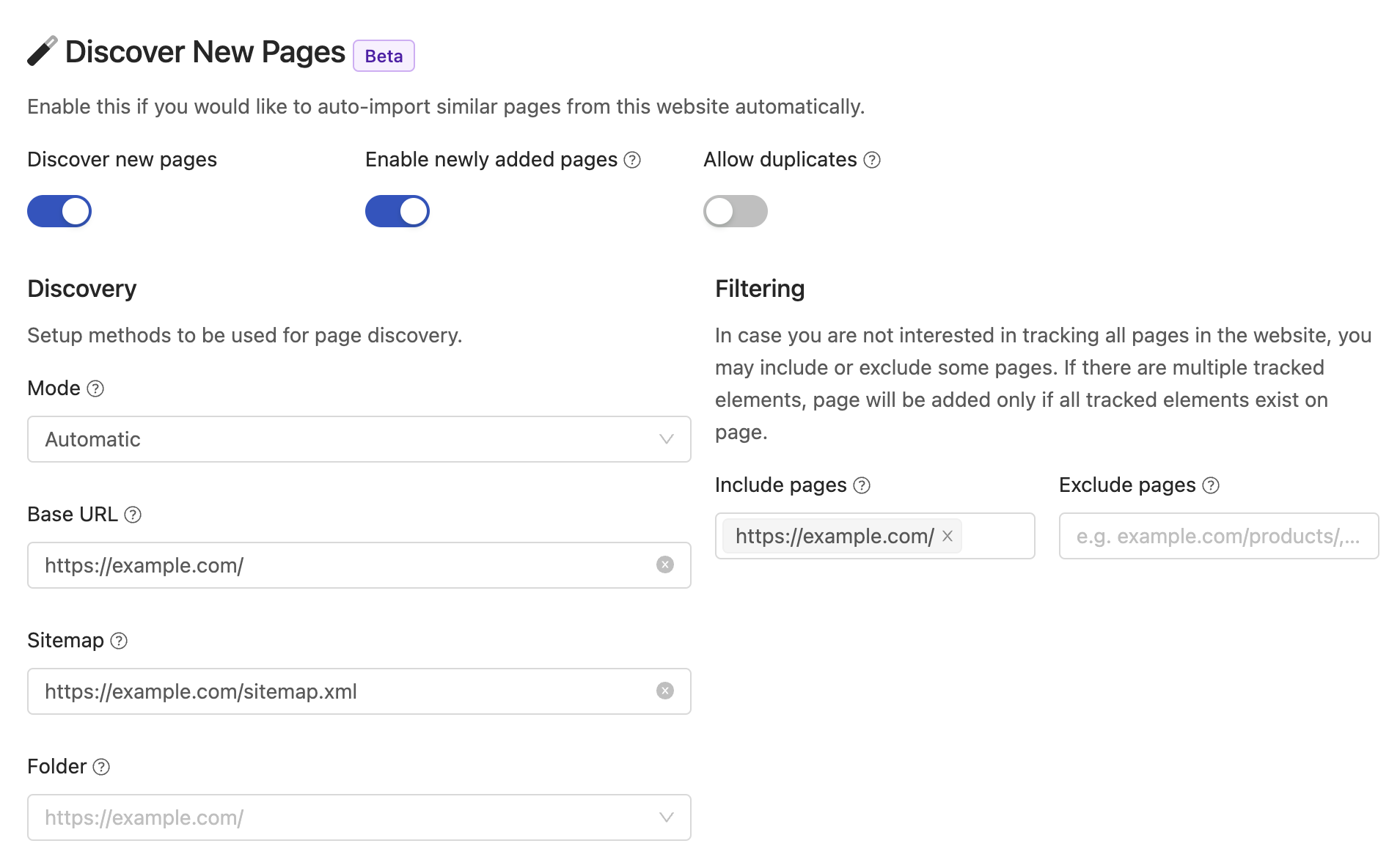
Watch a publication index for new links and monitor important documents separately for edits at the same URL. Page discovery can identify additional pages for your team to review before adding them to the watchlist. Discovery scans and content checks have separate schedules, so choose both around the update cycle of the source.
Compare the Material Behind the Headline
Track page text and supported PDF, Word, Excel, or CSV files. A revised title is a starting point; open the captured comparison to check the changed paragraph, form version, eligibility wording, or table entry before updating your own reference material. Verify each source with its first completed capture.
Focus Attention on Editorial Relevance
Describe what matters to the service in the monitor focus: new submission requirements, revised definitions, withdrawn publications, or changed contact details. AI summaries and importance scores help prioritize text changes. Your subject specialist checks the source and decides whether the change alters the advice or information you publish.
Keep Research Review Visible
Use the review board to separate incoming changes, items needing a closer look, and completed reviews. Keep the captured difference available while the editor updates a guide or catalogue record. Put the publication decision and task owner in your existing editorial system, with a link back to the observed change.
Deliver a Briefing for Each Audience
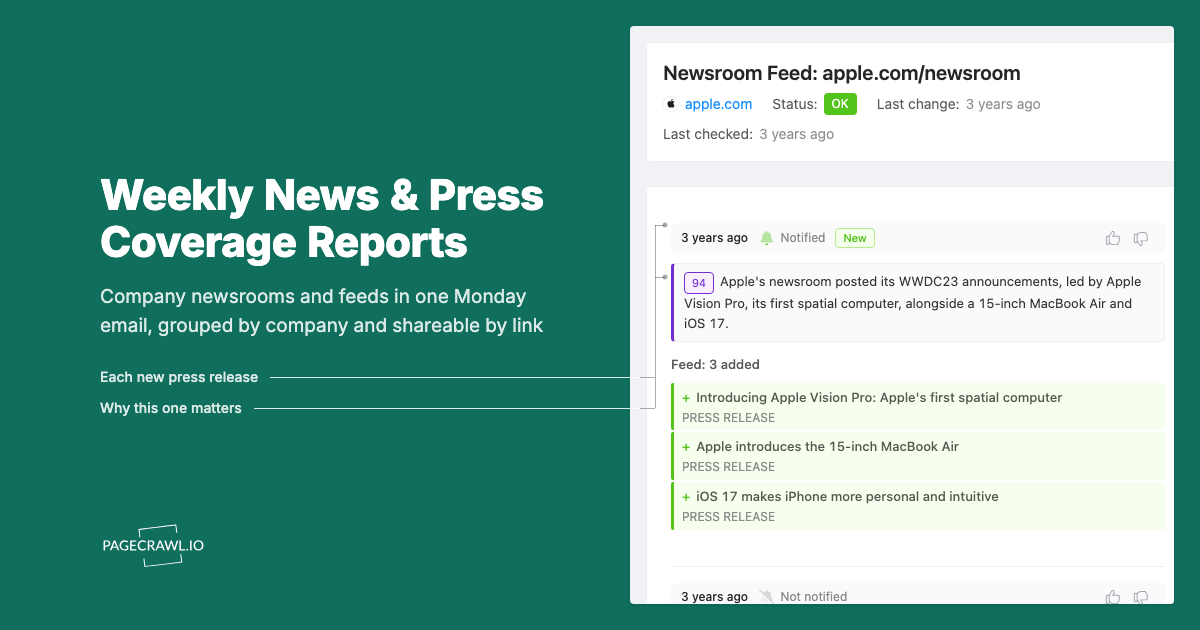
Use folders and labels to select the sources for a daily current-awareness digest or a weekly subject briefing. Enable Priority escalation on the report so changes that reach your importance threshold also alert its configured escalation channels after detection. Webhooks and the API can connect change records to your own workflow, with editorial review before redistribution.
Built For
Librarians and Knowledge Teams
Maintain subject guides, source directories, and current-awareness services from the pages your researchers actually use. Review changed links and revised publications alongside new material.
Specialist Publishers
Follow primary sources behind regulatory newsletters, professional reference products, and industry briefings. Give editors the recorded change and its source before revising published coverage.
Research and Intelligence Services
Organize a source portfolio by client, sector, or research question. Monitor the pages that inform an analysis and separate an observed update from the conclusion an analyst draws.
Legal Information Professionals
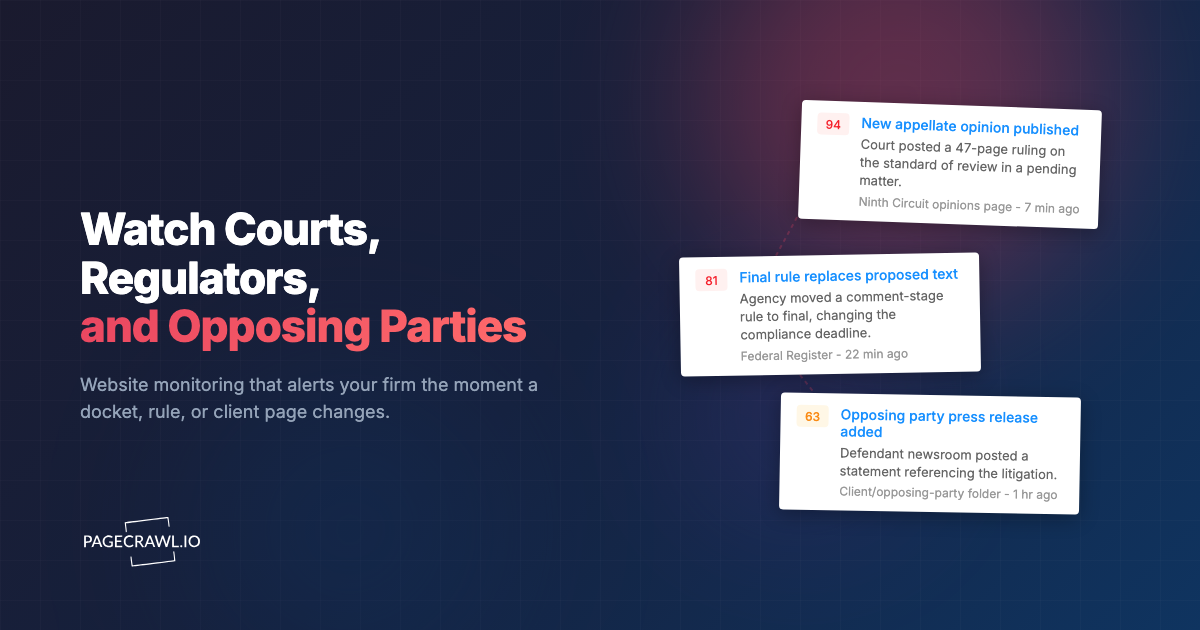
Track court form indexes, practice guidance, filing instructions, and regulator publications. Route revised materials to the relevant practice team for verification before a reference guide changes.
Frequently Asked Questions




Other Use Cases
Competitive Intelligence→Price & Stock Monitoring→Compliance & Regulatory→Regulatory Intelligence→Banking Intelligence→Insurance Monitoring→Legal & Court Monitoring→Media Monitoring→Investment Intelligence→SEO Monitoring→Brand & Reputation→Website QA & Regression→API & Docs Monitoring→Government & Public Records→Legal & Policy Tracking→Job Listings→Product Pages→Real Estate Listings→Supply Chain→News & Media→Content Monitoring→Patent Filings→Stock Availability→Event Schedules→Regulatory Filings→Academic Research→Travel & Flights→Release Notes→Grants & Funding→
How It Works
1
Add any URL: pages, prices, numbers, PDFs, login-walled portals
Paste a competitor page, a vendor DPA, a product listing, or a government docket. PageCrawl handles JavaScript-heavy pages, cookie banners, login walls, and PDFs out of the box. Track the whole page, a specific element, a price, a stock status, or a number. The choice is yours per monitor.
2
PageCrawl detects what changed and how much it matters
For text-heavy pages, an AI summary explains in plain English what shifted and assigns a 0 to 100 importance score. For numbers, prices, and stock counts, you get the raw value, no summary needed. Pick what makes sense per monitor; AI is on tap when you want it, off when you do not.
3
Alerts only when something is actually urgent
Time-sensitive changes (price drops, restocks, new filings) hit Slack, Teams, email, Discord, Telegram, or webhook. Less urgent changes (terms updates, content drift) skip the ping and wait for the morning digest. You decide which folders and tags trigger which channels.
4
Roll the rest up into reports stakeholders actually read
Changes that do not need an alert of their own flow into AI-written digests grouped by tag, folder, or domain. Daily for ops, weekly for marketing, monthly for compliance. Each audience picks the cadence and report style (patterns, action briefing, risk assessment, or six others) that fits how they work.
Start monitoring for free
6 monitors, 220 checks/month, all integrations included. No credit card required.