
Bring Website Changes Into Your Insurance Review Workflow
Insured businesses change what they offer. Carriers revise published documents. Regulators issue new bulletins. PageCrawl watches the pages your insurance team selects and brings the recorded changes into underwriting, renewal, and compliance review.
No credit card required. 6 monitors free forever.
Trusted by 5,000+ teams including Microsoft, NYT, Deloitte, and more
Why Teams Choose PageCrawl
Spot Changes in Public Business Activity
Monitor an insured business's services, locations, product pages, and public announcements. A newly advertised activity can prompt an underwriter to ask a focused question. Review the before-and-after text and confirm the actual operations with the insured before treating a website edit as a change in exposure.
Follow Carrier Documents Through Renewal
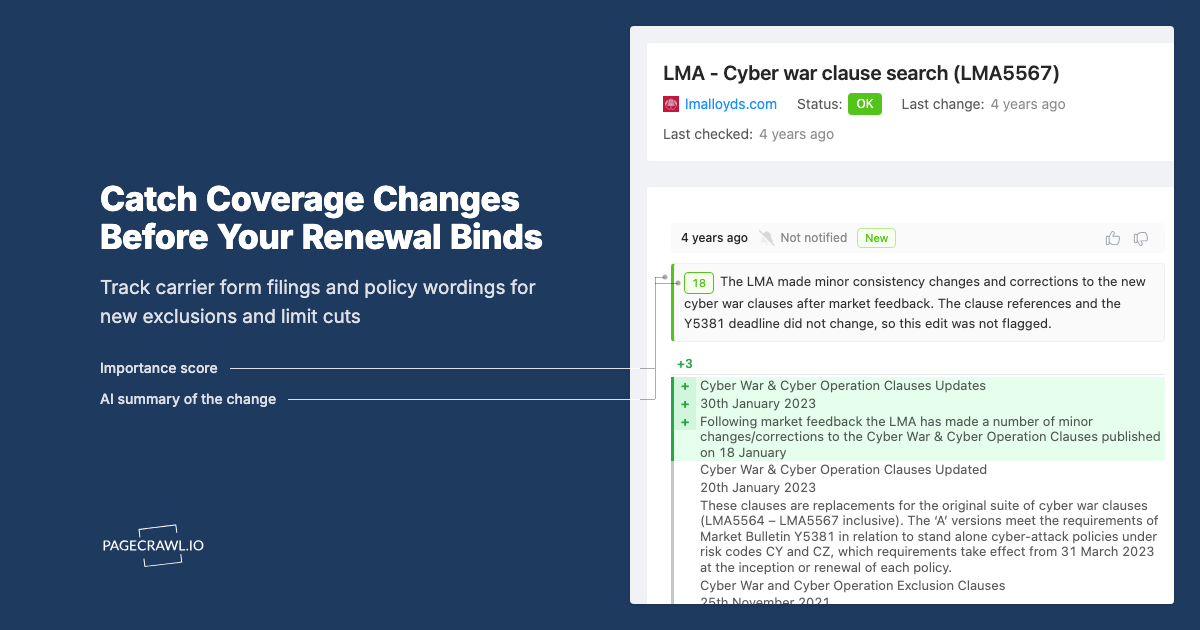
Watch carrier product pages, document indexes, and accessible policy or endorsement files for revisions. Keep the source date and changed wording available for the renewal reviewer. Published material can help surface questions, while the applicable quote, issued policy, and endorsements remain the documents your team must verify.
Organize Regulatory Updates by Jurisdiction
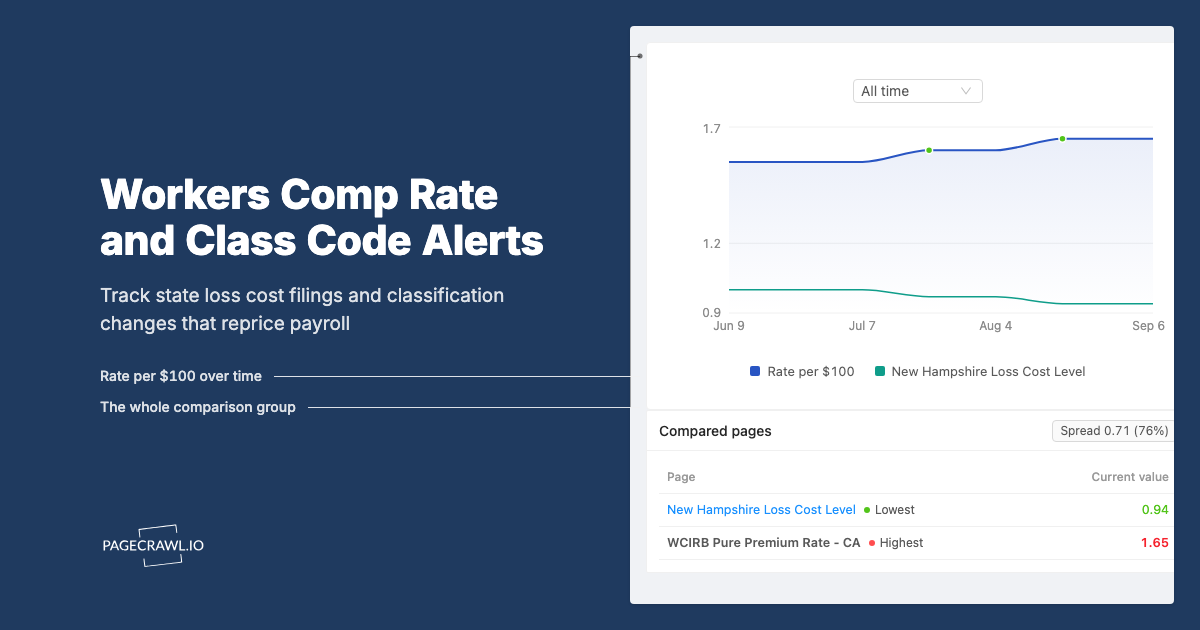
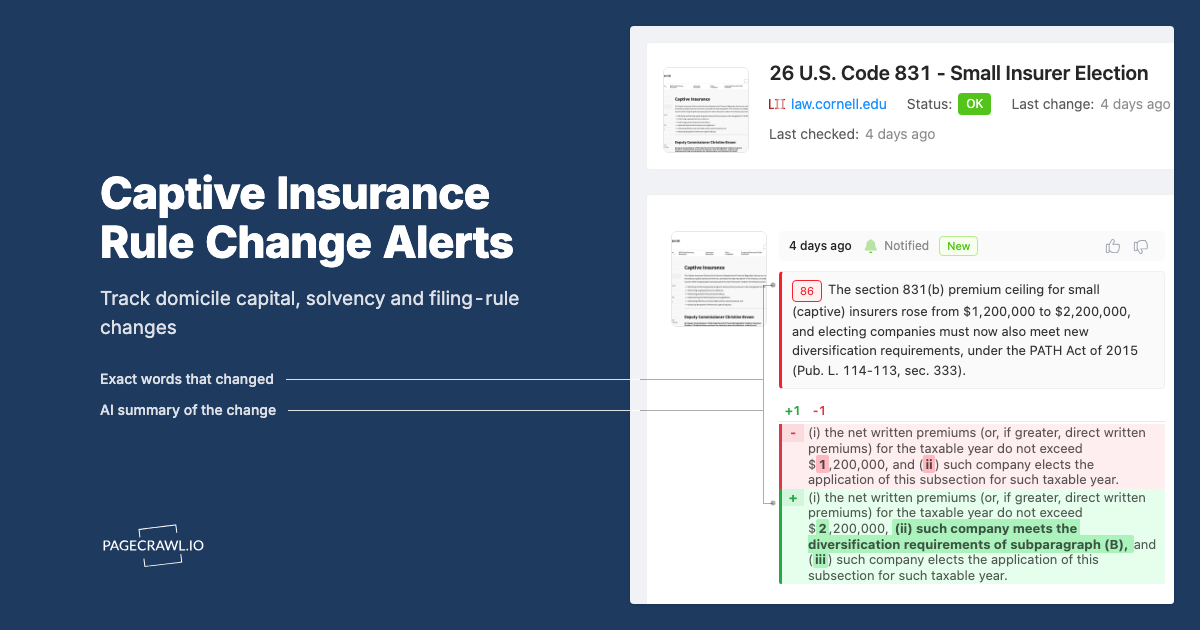
Build a watchlist of insurance department bulletins, consultation pages, filing guidance, and official notices. Label sources by jurisdiction and line of business. Focus text summaries on changed requirements, dates, or affected products, then send relevant observations to the compliance specialist who can assess applicability.
Review Distributor and Partner Wording
Watch selected broker, affiliate, and partner pages for changes to your product descriptions or approved wording. Compare the captured edit with the version your team approved and keep a follow-up record. Monitoring identifies wording to review; it does not automatically decide whether a marketing claim or disclosure complies with a rule.
Move Observations Into Owned Reviews
Group monitors by account or programme and use the review board to distinguish incoming changes, flagged items, and completed reviews. Attach the recorded difference to the work in your existing underwriting or compliance system. Keep the decision, its owner, and any request for more information with the account record.
Match Delivery to the Decision
Give renewal teams an account-folder report and compliance a jurisdiction-specific digest. Enable Priority escalation on each report and choose its threshold and channels for changes that should reach reviewers before the digest. Those changes still appear in the report. Check cadence, capture success, and delivery affect when an observation reaches a reviewer.
Built For
Underwriting and Loss Control
Follow public changes between application and renewal. Use a captured service or location update to prepare a question, then verify the exposure through the normal underwriting process.
Brokers and MGAs
Track carrier appetite pages, product information, and published document revisions. Bring relevant observations to account reviews and keep a record of the wording the team saw.
Insurance Compliance Teams
Organize regulator publications and selected distributor pages by jurisdiction and product. Give the responsible specialist the source change for interpretation and follow-up.
Corporate Risk and Procurement
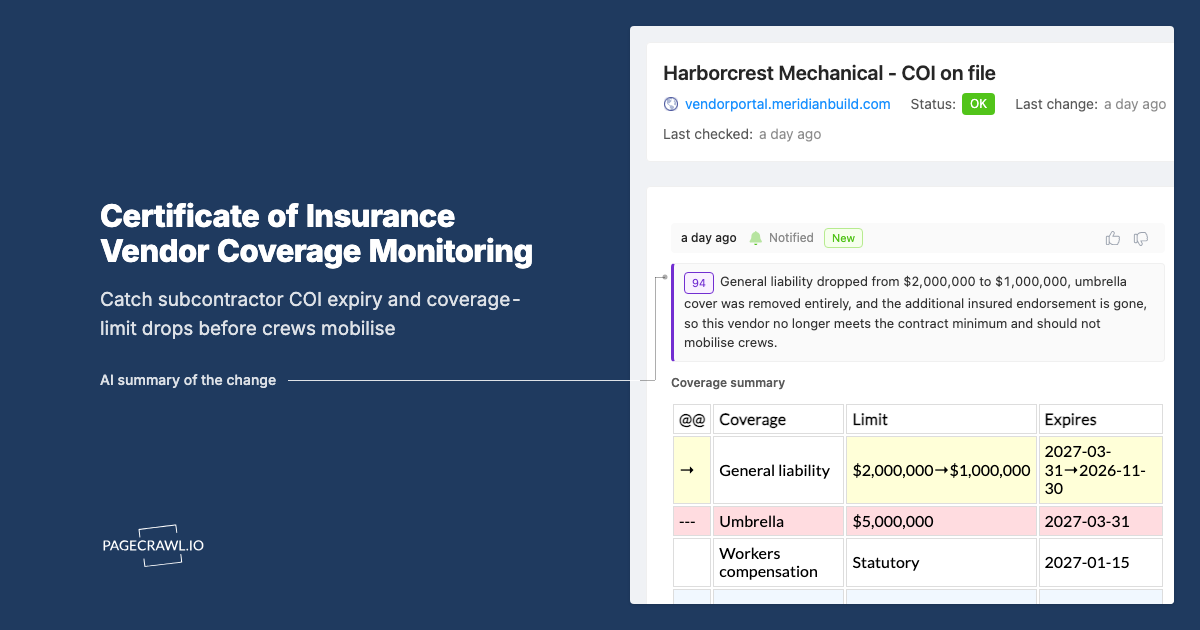
Watch accessible supplier insurance documents and published renewal information. Use changed dates or terms to request updated evidence from the supplier or broker, rather than assuming a page proves current coverage.
Frequently Asked Questions


Other Use Cases
Competitive Intelligence→Price & Stock Monitoring→Compliance & Regulatory→Regulatory Intelligence→Banking Intelligence→Information Services→Legal & Court Monitoring→Media Monitoring→Investment Intelligence→SEO Monitoring→Brand & Reputation→Website QA & Regression→API & Docs Monitoring→Government & Public Records→Legal & Policy Tracking→Job Listings→Product Pages→Real Estate Listings→Supply Chain→News & Media→Content Monitoring→Patent Filings→Stock Availability→Event Schedules→Regulatory Filings→Academic Research→Travel & Flights→Release Notes→Grants & Funding→
How It Works
1
Add any URL: pages, prices, numbers, PDFs, login-walled portals
Paste a competitor page, a vendor DPA, a product listing, or a government docket. PageCrawl handles JavaScript-heavy pages, cookie banners, login walls, and PDFs out of the box. Track the whole page, a specific element, a price, a stock status, or a number. The choice is yours per monitor.
2
PageCrawl detects what changed and how much it matters
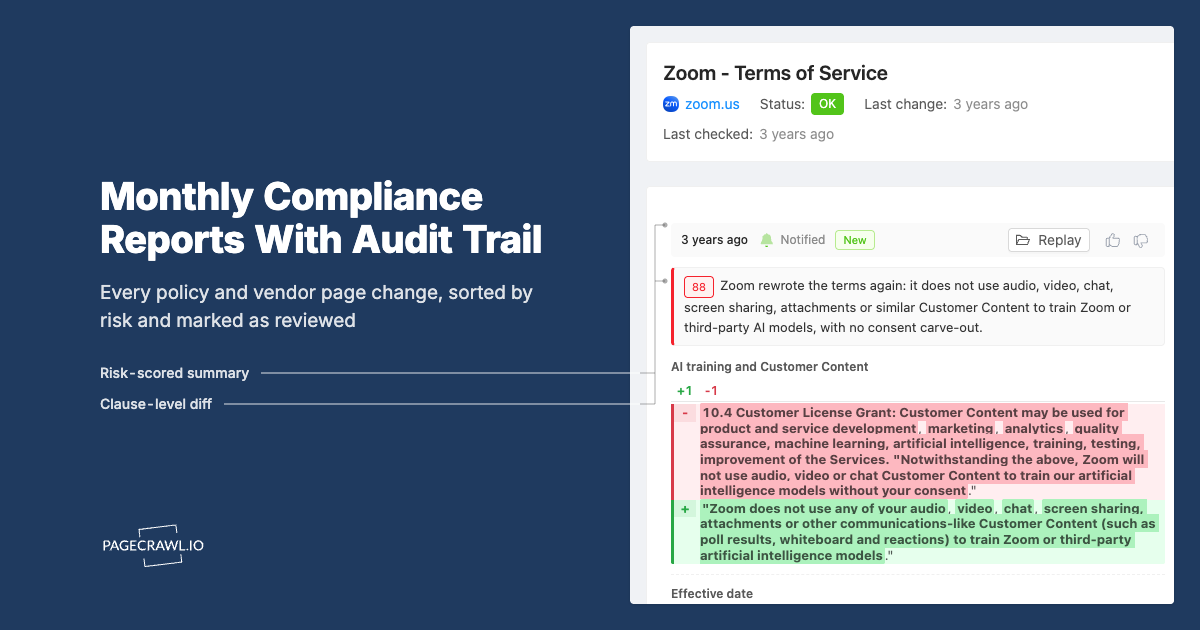
For text-heavy pages, an AI summary explains in plain English what shifted and assigns a 0 to 100 importance score. For numbers, prices, and stock counts, you get the raw value, no summary needed. Pick what makes sense per monitor; AI is on tap when you want it, off when you do not.
3
Alerts only when something is actually urgent
Time-sensitive changes (price drops, restocks, new filings) hit Slack, Teams, email, Discord, Telegram, or webhook. Less urgent changes (terms updates, content drift) skip the ping and wait for the morning digest. You decide which folders and tags trigger which channels.
4
Roll the rest up into reports stakeholders actually read
Changes that do not need an alert of their own flow into AI-written digests grouped by tag, folder, or domain. Daily for ops, weekly for marketing, monthly for compliance. Each audience picks the cadence and report style (patterns, action briefing, risk assessment, or six others) that fits how they work.
Start monitoring for free
6 monitors, 220 checks/month, all integrations included. No credit card required.