
Start with the monitor's latest recorded check. A page that was never checked, a capture missing the selected content and a detected change with no delivered alert are different problems. Identifying which stage failed makes the next step clearer and helps you verify whether a change to the settings worked.
Reviewed November 11, 2026 by the PageCrawl team using Distill's documentation and dated support sources. We make an alternative monitoring service. A historical forum report illustrates one case; it does not establish that every current monitor has that problem.
Is the monitor local or cloud-based?
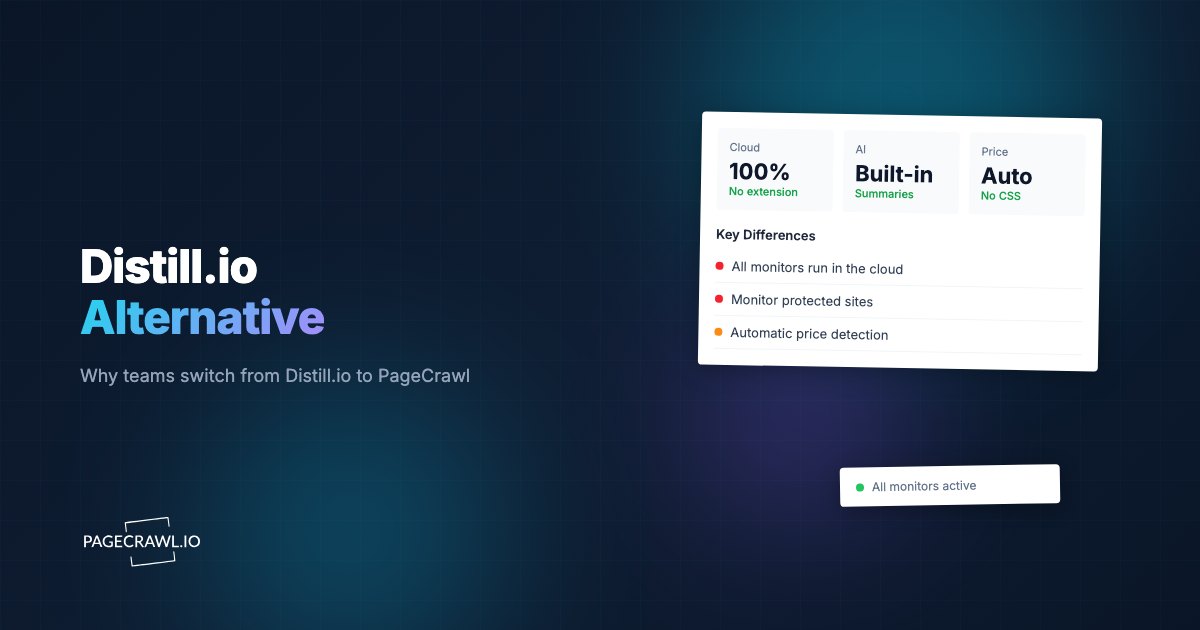
A local monitor needs the relevant computer and browser extension or desktop app to remain running. A cloud monitor runs on Distill's service. Check the assigned device and last-check time before changing notification settings, because an alert cannot report a new capture if no new check has taken place.
Distill's local and cloud guide explains the two arrangements. If a local device was asleep or the browser was closed, reopen the required application and confirm that another check actually appears in history.
For coverage while your computer is off, use a suitable cloud allowance or another continuously available arrangement. That choice is separate from whether the page can be captured successfully.
What should you inspect when a selection is empty?
An empty selection can mean that the content was removed, the saved selector no longer matches or the intended page failed to load. Open the captured result before changing the selector. A login screen, consent page or loading error should not be interpreted as evidence that the original product or paragraph disappeared.
Check the source page and the saved selection together. If the page structure changed, select the intended information again and validate it. If removal itself is the event you need to detect, test that case explicitly and check the tool's handling of empty results.
Distill's dated element-removal discussion describes a specific support case. Use it as context rather than a claim that current versions never detect removals.
Was a change recorded but no alert delivered?
If history contains the expected change, inspect notification actions, conditions and remaining allowance. The capture stage worked, so focus on whether the change qualified for an alert and whether its destination was configured correctly. Test one known change after adjusting the relevant setting rather than changing several unrelated settings together.
Review both monitor-specific and shared settings. Look for a condition that rejects your test, an action targeting a different destination, a disabled channel or an exhausted notification allowance. Check the current pricing limits before assuming cloud checks and notification quotas are the same resource.
For email, also inspect spam filtering and the delivery address. If the expected message does not appear, retain the monitor identifier, capture time and relevant settings when asking Distill support to investigate.
How can you reduce unwanted change notifications?
First identify which captured content is moving. A timestamp, rotating recommendation or reordered list may produce a valid difference that is irrelevant to your task. Narrowing a selection or adjusting conditions can help, but test both a meaningful change and an irrelevant edit so you do not hide the information you need.
Distill also offers AI summaries for eligible Flexi and Enterprise cloud monitors. Do not assume it has no AI capabilities. A generated summary and the rules deciding whether to notify are separate things to inspect.
Our false-positive reduction guide describes the same capture-first approach in PageCrawl. Fewer alerts are useful only when important changes still reach the reviewer.
What if a site blocks or incompletely loads a check?
Compare the captured response with the intended page. A visible error, missing product information or login screen requires a capture fix before alert tuning. Check the documented browser, waiting and session options for your monitoring arrangement. Changing the schedule alone does not establish that a blocked page will load correctly.
Distill's dated forbidden-request discussion and store-access discussion record individual cases. They do not establish a general failure rate or prove that another service will always succeed.
Any replacement should be tested on the same URL and page state. Check the actual content, not just an HTTP success or a green status.
What should you do before cancelling a plan?
Export the watchlist and retain the history you need before changing a subscription. Confirm the current service's downgrade, deletion and retention terms directly. A support report about one past cancellation is not enough to predict what will happen to every account or to describe current policy without a dated policy source.
For a migration, save monitor names, URLs, selected content, conditions and alert destinations. A URL import can help recreate a watchlist, but it does not guarantee that the complete configuration and historical records transfer.
When should you try an alternative?
Try an alternative when a requirement remains unmet after you identify and test the relevant settings, or when another operating model suits your team better. Compare a few representative pages in parallel. Record successful captures, relevant changes, unwanted alerts, delivery and usage instead of relying on a universal reliability promise.
The Distill and PageCrawl comparison covers the plan and workflow differences. Our migration guide explains a staged move. Keep the existing setup until the new one provides the coverage and evidence you need.