Checking a website change on your phone should be a small task. See what changed, decide whether it matters, and get back to what you were doing. Adding a page you just found should be just as simple.
We've built native PageCrawl apps for iPhone, iPad and Android around those everyday tasks. Phone notifications, adding pages and catching up on changes now have a dedicated mobile experience. Sign in with your existing account and your monitors and workspaces are already there.
The apps are available on the App Store and Google Play, on every plan, including Free.
What changes with the native apps?
The apps bring the parts of PageCrawl you use throughout the day into a simpler mobile interface. You can choose which changes reach your phone, add a page from the browser, and review what's happened across your workspace. The full website remains available when you need more advanced settings.
- Native notifications, with a quick setup. Sign in, choose specific pages or all your pages, and set how important a change needs to be to alert you.
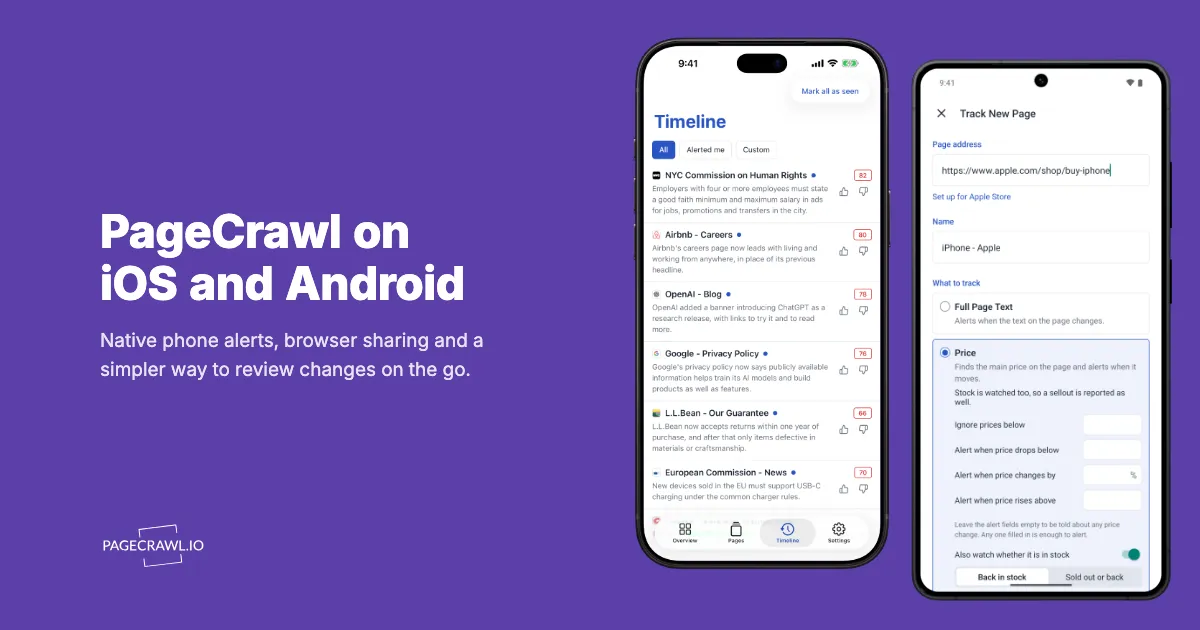
- Add pages while you browse. Share a page from Safari or Chrome to PageCrawl, or paste its URL in the app. Choose what to track and tap Start monitoring.
- Review changes on the go. Overview helps you find important changes. Timeline brings changes across your pages together, with summaries, text differences and history when you open a page.
- Read your summary reports. Open a digest in the app when you want to catch up on a group of changes together.
How do you keep phone alerts useful?
Your phone doesn't need to announce every edit on every page. The app lets you choose which monitors can reach each device and set a minimum importance score for scored changes. You can keep the full history in PageCrawl while deciding what deserves a notification on your phone.
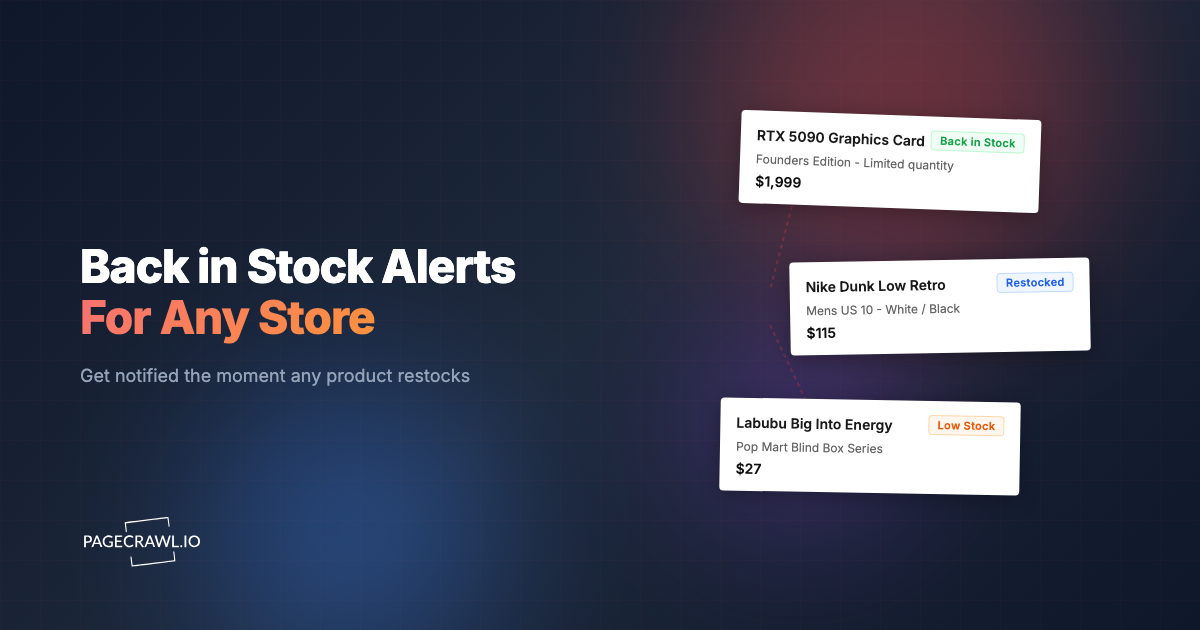
For example, you might want a restock alert for a product you're waiting for, but only important changes from the competitors you follow. Select those pages for your phone, set the importance threshold, and review the rest in Timeline or your next summary report.
Changes without a score, such as price and stock changes, still follow their monitor's notification rules. Quiet hours lets notifications arrive silently during the hours you choose. Alerts follow your monitors' check schedules, and monitoring continues when the app is closed.
Why keep the mobile website too?
The app is designed for the things you want to do quickly on a phone. The full PageCrawl website gives you the wider set of controls for configuring your monitoring. Both use the same workspace, so you can switch between them as the task gets more involved.
Share a product page to the app and start watching its price. Later, if you need to select a particular element or configure a visual area, open PageCrawl in your browser. The monitor and its history remain available in the app.
For phone alerts, we recommend the native app. Desktop browser push notifications remain available, alongside email and your connected notification channels.
How do you get started?
Download PageCrawl from the App Store or Google Play, then sign in. Open Settings > Alerts to choose your pages and importance threshold. To track something new, share it from your browser to PageCrawl or paste its URL in the app.
You don't need to recreate your monitors or change plans. Your existing monitoring limits and check frequency apply.
See the mobile app walkthrough, or follow the iPhone sharing guide, Android sharing guide and notifications guide for the setup details.
Tell us how it's going
We'd like to hear what you find useful on your phone and what still feels like too much work. Send feedback to help@pagecrawl.io or use the in-app feedback form.