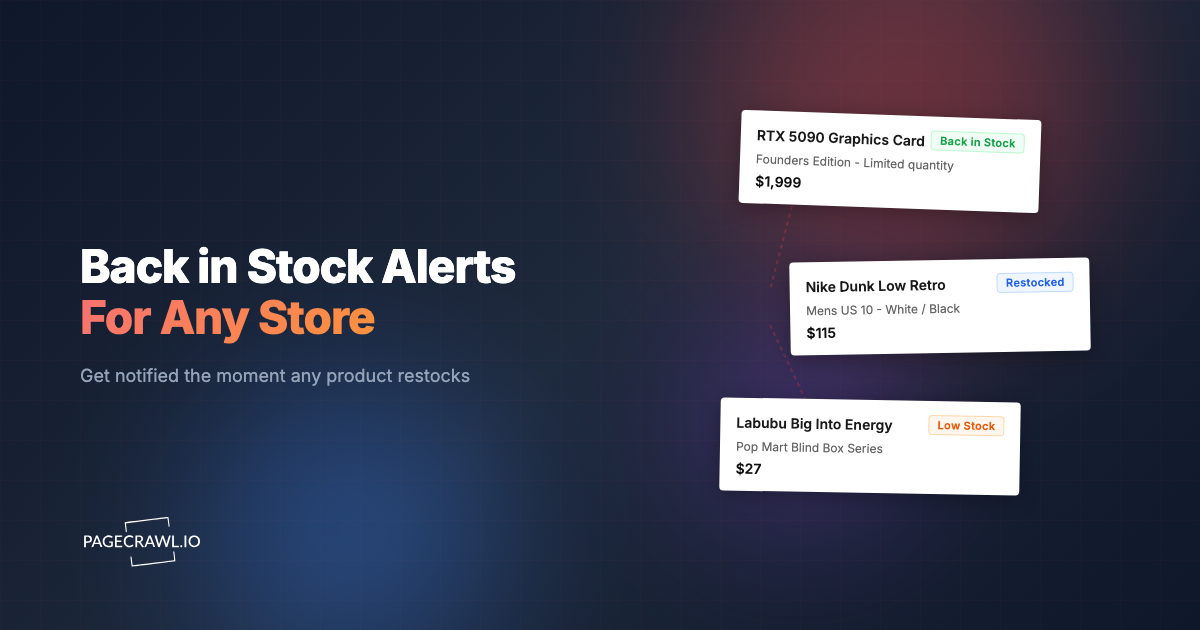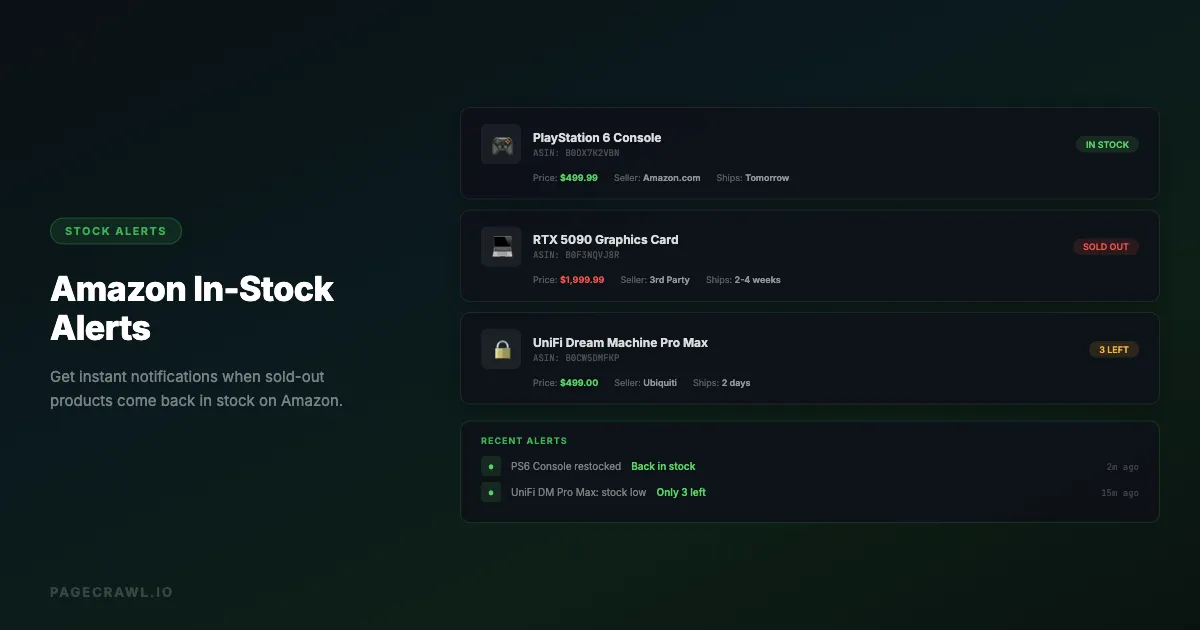
Popular products on Amazon sell out fast. Limited-edition sneakers, new gaming consoles, graphics cards, trending toys during the holiday season, and high-demand electronics can go from "In Stock" to "Currently Unavailable" within minutes of a restock.
Amazon's built-in "Notify Me" button exists, but it is unreliable. Many users report never receiving the notification, or receiving it hours after the product sold out again. Third-party browser extensions work only when your computer is on and the browser is open.
Automated stock availability monitoring solves this by checking the product page on a schedule, detecting when the availability status changes, and alerting you through Slack, email, or your phone as soon as the next check picks it up. This guide covers how to set up reliable Amazon restock alerts that actually work.
Why do Amazon's built-in restock notifications fall short?
Amazon's "Notify me when this item is available" option is slow and inconsistent. Emails often arrive hours after the restock has already sold out again, the button is missing from many listings, and you cannot pick notification channels, set price conditions, or track third-party sellers. In practice:
- No customization: You cannot choose notification channels (Slack, SMS, webhook) or set specific conditions
- No third-party seller tracking: Amazon's notification only tracks Amazon as the seller, not third-party sellers who may have stock
- No price conditions: You cannot set a price threshold, so you might get notified about a restock at an inflated price

How does automated Amazon stock monitoring work?
An automated monitor loads the product page on a schedule, extracts the availability text, compares it to the previous check, and alerts you when the status flips from unavailable to available. It runs whether you are awake or asleep, and the alert goes out when the next check detects the change. The process:
- Check the product page on a regular schedule (every 15 minutes, hourly, etc.)
- Extract the availability text from the page (e.g., "In Stock", "Currently Unavailable", "Only 3 left")
- Compare to the previous check to detect changes
- Send an alert when the status changes from unavailable to available
How do you set up Amazon restock alerts with PageCrawl?
PageCrawl can monitor any Amazon product page and alert you when the availability changes. Setup takes about five minutes: paste the product URL, choose what to track (the full page or a specific element), set a check frequency, and pick your notification channels. The steps below walk through each part.

Step 1: Get the Product URL
Navigate to the Amazon product you want to track. Copy the full URL from your browser (or add the page straight from your browser bar with the PageCrawl bookmarklet). It will look something like:
https://www.amazon.com/dp/B0XXXXXXXXXYou can use either the full URL or the shortened /dp/ format. Both work.
Step 2: Create a Monitor
Add the Amazon product URL as a new PageCrawl monitor. Choose one of these tracking approaches:
Option A: Track the full page text
Use "Full Page" tracking mode. This captures all text on the product page, including the availability status, price, seller information, and delivery estimates. You will get alerted on any text change, including price changes.
Option B: Track a specific element
Use element tracking with a CSS selector to target just the availability section. This is more precise and avoids false alerts from unrelated page changes (like review count updates).
Common CSS selectors for Amazon availability:
#availability- The main availability section#availability span- The availability text specifically.a-price .a-offscreen- The current price#buybox- The entire buy box section
Step 3: Set Check Frequency
For high-demand products (new console launches, limited drops), set the check frequency to every 15-30 minutes. For less urgent items, hourly checks are usually sufficient.
Every 15-30 minutes is a good balance between speed and courtesy to the site.
Step 4: Configure Alerts
Set up notifications on the channels where you will see them fastest:
- Slack: Get a message in a dedicated channel or DM
- Email: Reliable but potentially slower if you do not check constantly
- Webhook: Trigger any custom automation (send SMS, push notification, auto-purchase script)
- Discord: Get alerts in your Discord server
Step 5: Enable AI Summaries
Turn on AI-powered change detection and summaries so that when the page changes, you get a plain-language description of what changed. Instead of reading a raw diff, you will see something like: "The product is now showing as 'In Stock' with a price of $499.99, shipped and sold by Amazon.com."
What can you monitor beyond availability?
Amazon product pages contain useful signals beyond the simple "In Stock" or "Out of Stock" status. Price, buy box seller, delivery estimates, and limited-time coupons all change frequently, and each can be tracked with its own monitor or caught together in Full Page mode.
Price Changes
Track price fluctuations on products you are waiting to buy. Amazon prices change frequently, sometimes multiple times per day. Set up a monitor to alert you when the price drops below your target. For a complete walkthrough of price-specific tracking, see our Amazon price tracker guide.
Use the CSS selector .a-price .a-offscreen to track just the price element, or use "Full Page" mode to catch both price and availability changes.
Seller Changes
The "Sold by" and "Shipped by" information matters. A product might be "in stock" from a third-party seller at an inflated price, while you are waiting for Amazon to restock at the retail price. Monitor the buy box to see when the seller changes.
Delivery Date Changes
For backordered items, Amazon shows estimated delivery dates that update as stock becomes available. Monitoring the delivery estimate section can tell you when availability is improving.
Lightning Deals and Coupons
Amazon frequently adds limited-time deals and clippable coupons to product pages, alongside the rotating offers on its Today's Deals hub. Monitoring the price section catches these temporary discounts.
What advanced strategies improve your restock odds?
Beyond a single product monitor, three tactics improve your odds: monitor multiple sellers of the same ASIN, track related product variations as fallbacks, and connect webhooks to automation so a detected restock triggers follow-up actions without you touching anything.
Monitor Multiple Sellers
Create separate monitors for the same product from different sellers. Amazon's product page shows only the "winning" buy box seller, but you can access other seller listings through the "Other Sellers on Amazon" link. Monitor both the main listing and the all-sellers page.
Track Related Products
If a specific model is sold out, set up monitors for similar alternatives. For example, if the 1TB version of a console is unavailable, also monitor the 500GB and 2TB versions. The same approach works beyond Amazon: track the product at Apple or Costco too, and see our e-commerce monitoring tools guide for the wider landscape.
Use Webhooks for Automation
Connect PageCrawl webhooks to an automation platform to trigger actions when a product comes back in stock:
- Send a push notification to your phone
- Post a message in a group chat
- Log the event in a spreadsheet for price history tracking
Does Amazon's bot protection block monitoring?
Amazon actively detects and blocks automated page requests, which is why simpler tools often return errors or challenge pages instead of product information. PageCrawl handles monitoring pages behind bot protection, so your Amazon monitors keep running without manual intervention; for heavily protected pages, Enterprise plans add premium options. Two quirks are still worth knowing about.
Different Content for Different Visitors
Amazon sometimes shows different page content based on location, browsing history, and other factors. If your monitor is showing unexpected results, check whether Amazon is serving a different version of the page.
Product Page Variations
Some Amazon listings have multiple variations (colors, sizes, storage options). Make sure your URL includes the specific variation you want to track. The URL should contain the specific ASIN (Amazon Standard Identification Number) for your desired variation.
How do Amazon stock monitoring methods compare?
Automated page monitoring is the only method that combines speed, reliability, and always-on coverage. Amazon's own notifications are slow and email-only, browser extensions stop working when your computer sleeps, and manual refreshing does not scale. The table below summarizes the trade-offs.
| Method | Speed | Reliability | Channels | Always On |
|---|---|---|---|---|
| Amazon "Notify Me" | Slow (hours) | Low | Email only | Yes |
| Browser extensions | Fast | Medium | Browser popup | No (needs browser open) |
| Manual checking | As fast as you refresh | Depends on you | N/A | No |
| PageCrawl monitoring | Fast (minutes, set by check frequency) | High | Slack, email, webhook, Discord | Yes |
Common Issues and Solutions
Monitor Shows "Currently Unavailable" Every Check
The product may genuinely be out of stock. Check the actual page manually to verify what Amazon is showing.
Too Many False Alerts
If you are getting alerts for non-availability changes (review count, "frequently bought together" changes), switch from "Full Page" tracking to element tracking with a specific CSS selector targeting just the availability section.
Price Tracking Shows Wrong Price
Amazon shows different prices based on Prime membership, location, and whether you are signed in. By default your monitor sees the public non-signed-in price, but you can add your Amazon login once so the monitor checks while signed in and tracks the price you actually see.
Product Page Returns 404
Amazon occasionally removes and re-lists products. If your monitor starts returning errors, check whether the product URL has changed. You may need to update the monitor with the new URL.
Why does Amazon show "Currently unavailable"?
"Currently unavailable" means no seller is offering the product on that listing right now, and Amazon has not committed to a restock date. It can be temporary (a restock is coming), seasonal, or permanent for discontinued items. Since Amazon does not announce restocks, monitoring the listing's availability text is the most reliable way to catch the change.
How fast are Amazon restock alerts?
Alerts arrive when the next scheduled check detects the availability change, so speed depends on your check frequency. PageCrawl checks can run as often as every 2 minutes depending on plan, while the Free plan checks hourly. For high-demand restocks that sell out in minutes, a 15-minute or faster frequency makes a practical difference.
Can you get alerts for third-party sellers?
Yes. Amazon's own "Notify Me" button only covers Amazon as the seller, but a page monitor watches whatever the listing shows, including third-party offers that win the buy box. To catch offers beyond the buy box, add a second monitor on the "Other Sellers on Amazon" page for the same ASIN.
Choosing your PageCrawl plan
PageCrawl's Free plan, with hourly checks, is enough to validate the approach on the products you care about most. Most restock hunters graduate to a paid plan for faster check frequencies.
| Plan | Price | Pages | Checks / month | Frequency |
|---|---|---|---|---|
| Standard | $8/mo or $80/yr | 100 | 15,000 | every 15 min |
| Enterprise | $30/mo or $300/yr | 500 | 100,000 | every 5 min |
| Ultimate | $99/mo or $999/yr | 1,000 | 100,000 | every 2 min |
Annual billing saves two months across every paid tier. For restock hunters, Standard pays for itself the first time you secure a GPU or console that would have sold out before your manual refresh landed. Enterprise adds 5-minute checks and five times the pages, a better fit for resellers or households tracking launches across multiple retailers.
Getting Started
Set up your first Amazon restock alert in under five minutes:
- Copy the Amazon product URL for the item you want to track
- Create a new PageCrawl monitor with that URL
- Select element tracking with the
#availabilityCSS selector - Set check frequency to every 30 minutes
- Add your preferred notification channel (Slack, email, or webhook)
You will get an alert whenever a check detects that the product's availability status changed. For the best results, use Slack or webhook notifications, the channels you are likely to see fastest.