If you are evaluating tools for getting data from websites, you have probably come across both Firecrawl and PageCrawl. They sound similar, operate in the same "web data" space, and both handle JavaScript-rendered pages. But they solve fundamentally different problems.
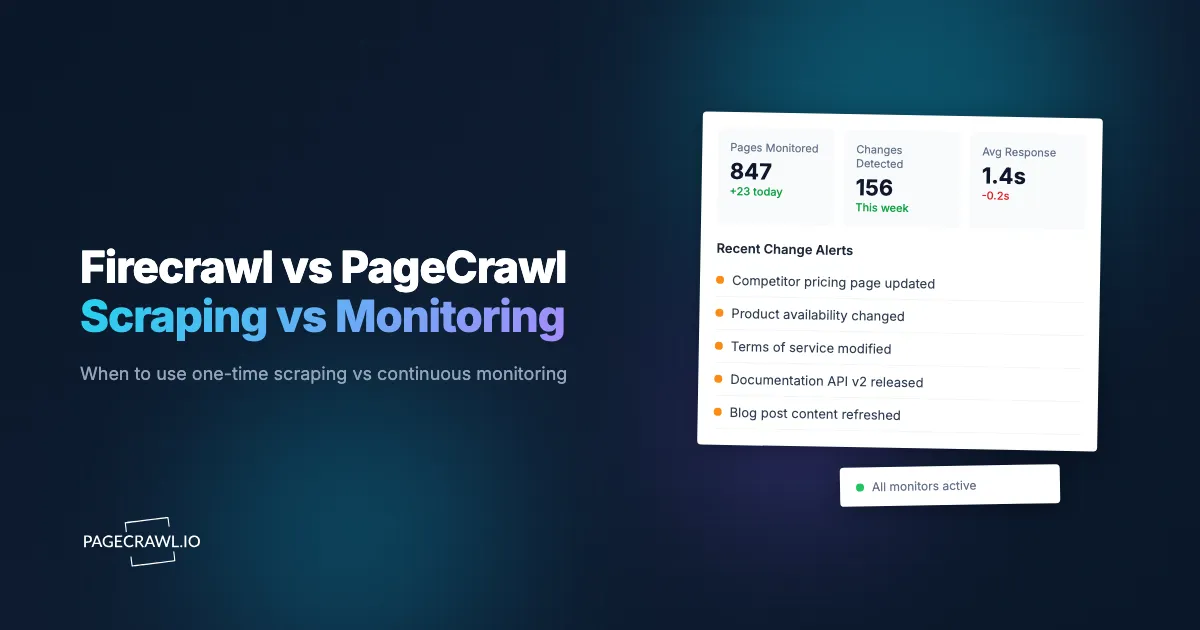
Firecrawl is a web scraping API. You send it a URL, it returns clean content. PageCrawl is a web monitoring platform. You give it a URL, it watches that page continuously and tells you when something changes. One gives you a snapshot. The other gives you a timeline.
This guide breaks down the real differences, explains when you need scraping vs monitoring, and helps you decide which tool fits your actual use case, alongside the feature-by-feature Firecrawl alternative comparison. If you are building AI agents, tracking competitor pricing, or monitoring regulatory pages, the answer might not be what you expect.
What does Firecrawl do?
Firecrawl is an API-first tool designed to convert web pages into clean, structured data. You send it a URL and it returns markdown, HTML, or schema-shaped JSON. Its primary audience is developers building AI applications, RAG pipelines, and data extraction workflows.
The core API endpoints:
- /scrape - Send a URL, get back markdown, HTML, or structured JSON. Handles JavaScript rendering and bot protection automatically.
- /crawl - Crawl an entire website starting from a URL. Returns content for every page found.
- /map - Get all URLs from a website quickly, like an automated sitemap.
- /extract - AI-powered structured data extraction using a JSON schema.
- /search - Web search plus full page content from results.
Firecrawl has SDKs in Python, Node, Go, Rust, and other languages. It integrates with LangChain, LlamaIndex, CrewAI, and other AI frameworks, and the open-source version has a large following on GitHub.
Pricing (monthly billed monthly): Free (500 lifetime credits), Hobby $16/month (3,000 credits), Standard $83/month (100,000 credits), Growth $333/month (500,000 credits).
What does PageCrawl do?
PageCrawl is a managed monitoring platform that watches web pages on a schedule and alerts you when a check finds that the content changed. It handles the full monitoring lifecycle: scheduling, checking, comparing, detecting changes, and notifying you through the channel of your choice.
The core capabilities:
- Continuous monitoring - Set a URL and check frequency. PageCrawl checks automatically on schedule, as often as every 2 minutes on paid plans and hourly on the free plan.
- Change detection - Compares each check with the previous one. Detects text changes, price changes, visual changes, and structural changes.
- Multiple tracking modes - Full page text, reader mode, price tracking, specific elements via CSS/XPath selectors, visual screenshots, feeds, SEO metadata, and more.
- Multi-channel notifications - Email, Slack, Discord, Telegram, Microsoft Teams, webhooks, and push notifications.
- AI summaries - Every detected change gets an automatic AI-generated summary explaining what changed in plain language.
- Visual diffs - Side-by-side screenshot comparison with change highlighting.
- History and trends - Full change history with timestamps, so you can see how a page evolved over weeks or months.
- API and webhooks - Full REST API for programmatic access, plus customizable webhooks that fire when changes are detected.
- MCP server - Integration with Claude, Cursor, and other AI assistants for monitoring directly from your AI tools.
Pricing: Free tier (6 monitors, 220 checks/month), Standard $8/month (100 monitors, 15,000 checks), Enterprise $30/month (500+ monitors), Ultimate $99/month (1,000+ monitors with unlimited AI).
What is the core difference between scraping and monitoring?
Scraping gives you a snapshot, monitoring gives you a timeline. That is the distinction most comparisons miss, and it decides which tool you actually need.
Firecrawl gives you a snapshot of a page at a single point in time. You call the API, you get the current state of the page, done. If you want to know what the page looked like yesterday, you need to have called the API yesterday and stored the result yourself.
PageCrawl gives you a timeline. It automatically captures the state of a page on a schedule, compares each check to the previous one, stores the full history, and proactively tells you when something changed. You do not need to call anything. You set it up once and get notified when changes happen.
This difference matters more than it seems. Consider what happens when you need to track a competitor's pricing page:
With Firecrawl: You write a script that calls the scrape API on a schedule (cron job, scheduled function, etc.). You store the results somewhere. You write comparison logic to detect changes. You build alerting to notify yourself. You handle failures, retries, and rate limits. You maintain all of this infrastructure.
With PageCrawl: You add the URL. You pick "price" tracking mode. You select your notification channels. Done. PageCrawl handles the scheduling, comparison, change detection, AI summary, and notification delivery automatically.
When You Need Scraping (Firecrawl)
Firecrawl is the right tool when:
- You need one-time data extraction. You are building a dataset, populating a database, or doing a one-off research project. You need the current state of pages, not ongoing monitoring.
- You are building a RAG pipeline. You need to ingest web content into a vector database for AI retrieval. You need clean markdown from hundreds of pages.
- You need structured data from a schema. You have a JSON schema and want the AI to extract specific fields from a page (product name, price, specifications, etc.).
- You are crawling entire sites. You need every page from a documentation site or product catalog ingested into your system.
- Your code processes the data immediately. The scrape result feeds directly into your application logic in the same request/response cycle.
When You Need Monitoring (PageCrawl)
PageCrawl is the right tool when:

- You need to know when something changes. Price drops, policy updates, stock availability, content modifications, new job postings, regulatory changes.
- You need continuous surveillance. You are monitoring competitors, tracking regulatory pages, watching for product restocks, or keeping tabs on content changes over time.
- You need change history. You want to see how a page evolved over weeks or months, not just what it looks like right now.
- You need multi-channel alerts. You want an email, Slack, Discord, Telegram, or webhook alert as soon as a check detects the change.
- You need AI-powered analysis. You want automatic summaries of what changed, not raw diffs you need to parse yourself.
- You do not want to maintain infrastructure. No cron jobs, no storage, no comparison logic, no alerting pipeline.
- Non-technical team members need access. PageCrawl has a full UI with visual diffs, screenshot history, and team workspaces.
Why does re-scraping on a schedule get expensive?
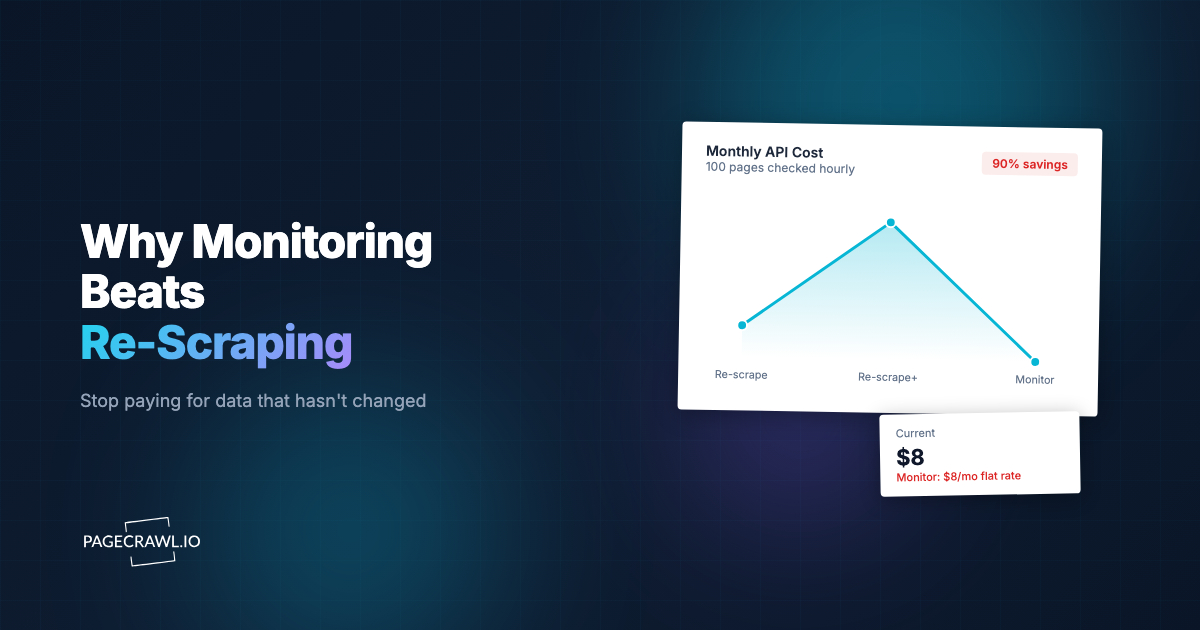
Because credit-metered scraping charges you for every check, whether the page changed or not, while a monitoring plan charges for the watch itself. Re-scraping 50 pages daily can cost several times more than monitoring them, and you still have to build the change detection and alerting yourself.
Many developers start with Firecrawl because they need data from a website. Then they realize they need to check that website regularly for changes. So they set up a cron job that re-scrapes the same pages daily.
This is expensive. Consider monitoring 50 product pages daily:
With Firecrawl Hobby ($16/month, 3,000 credits):
- 50 pages x 30 days = 1,500 credits/month just for basic checks
- If you need stealth mode (advanced bot protection), each scrape costs 5 credits instead of 1
- 50 pages x 30 days x 5 credits = 7,500 credits/month, which exceeds the Hobby tier on day 12
- You would need Standard at $83/month, and you are only monitoring 50 pages
With PageCrawl Standard ($8/month):
- 100 monitors with 15,000 checks/month included
- Check every 4 hours if you want (50 pages x 6 checks x 30 days = 9,000 checks, still within the 15,000 included)
- Plus: automatic change detection, AI summaries, visual diffs, Slack/Discord/email notifications, full history
- All included in the base price
The math is stark. Firecrawl's per-credit pricing makes sense for one-time extraction. For ongoing monitoring, it is significantly more expensive than a dedicated monitoring tool, and you still have to build the change detection and alerting yourself.
Feature Comparison
| Feature | Firecrawl | PageCrawl |
|---|---|---|
| Primary use | One-time scraping | Continuous monitoring |
| API | Yes (API-first) | Yes (full REST API) |
| Scheduling | You build it | Built-in (2 min to weekly) |
| Change detection | You build it | Built-in with 23+ tracking modes |
| AI summaries | You build it | Built-in on every change |
| Visual diffs | No | Side-by-side with highlighting |
| Notifications | You build it | Email, Slack, Discord, Telegram, Teams, webhooks |
| Screenshot history | No | Full history with every check |
| Price tracking | You extract and compare | Automatic with price mode |
| Team workspaces | No | Yes, with roles and permissions |
| MCP server | Yes | Yes |
| SDKs | Python, Node, Go, Rust, Java | API with Bearer token auth |
| Self-hosted option | Yes (limited) | No |
| Free tier | 500 lifetime credits | 6 monitors, 220 checks/month (recurring) |
| Cheapest paid plan | $16/month (3,000 credits) | $8/month (100 monitors, 15,000 checks) |
| Markdown output | Yes (core feature) | Via diff.markdown API endpoint |
| Site crawling | Yes | Via auto page discovery |
| Structured extraction | Yes (AI-powered) | Yes (AI extract natural-language mode, plus tracked elements + rules) |
Using Both Together
Firecrawl and PageCrawl are not mutually exclusive. For some workflows, using both tools together is the most efficient approach.
Pattern 1: Monitor with PageCrawl, scrape with Firecrawl on change. Set up PageCrawl to monitor a page. When PageCrawl detects a change and fires a webhook, your backend calls Firecrawl to do a deep structured extraction of the updated content. The reference on the PageCrawl REST API and webhooks for custom integrations covers the endpoints and payload shape. This way, you only burn Firecrawl credits when something actually changed, instead of on every check.
Pattern 2: Discover with Firecrawl, monitor with PageCrawl. Use Firecrawl's crawl or map endpoints to discover all pages on a competitor's site. Then use PageCrawl's bulk import API to add the important ones as continuous monitors. Firecrawl finds the pages, PageCrawl watches them.
Pattern 3: Build a RAG pipeline, keep it fresh. Use Firecrawl to do the initial ingestion of documentation or knowledge base content into your vector database. Set up PageCrawl monitors on the same pages. When PageCrawl detects content changes via webhook, re-ingest the changed pages with Firecrawl. Your RAG pipeline stays current without re-crawling everything on a schedule.
For AI Agent Developers
If you are building AI agents, here is the practical distinction:
Firecrawl is for data acquisition. Your agent needs to read a web page right now, extract specific information, or ingest content for processing. Firecrawl is excellent at this.
PageCrawl is for data freshness. Your agent needs to know when web content changes so it can react, re-process, or alert users. PageCrawl handles this without your agent needing to poll.
The combination is powerful. An agent that uses Firecrawl for on-demand extraction and PageCrawl webhooks for change-triggered updates has both capabilities without wasteful periodic scraping.
PageCrawl's MCP server also means AI assistants like Claude can set up and manage monitors directly, without any manual configuration. See connecting PageCrawl to AI assistants over MCP for the tools each assistant gets.
Getting Started
If you are not sure which tool you need, ask yourself one question: Do I need the data once, or do I need to know when it changes?
If you need data once (or on-demand), start with Firecrawl. If you need to know when something changes, start with PageCrawl. If you need both, start with PageCrawl for monitoring and add Firecrawl for deep extraction when changes are detected.
Set up 3-5 monitors on the pages that matter most to you. Run them for two weeks. If you find yourself checking the pages manually to see if something changed, that is exactly the problem monitoring solves.
PageCrawl was built with developers in mind from day one. The full REST API, webhooks, MCP server, and OpenAPI spec exist because programmatic access is a first-class feature, not an afterthought bolted on for enterprise customers. The free tier includes 6 monitors with AI summaries and notifications on every plan, so you can evaluate the full monitoring workflow without a credit card.