The plan fits on a sticky note: download each page's HTML on a schedule, compare it with the last copy, and when they differ, ask a language model what changed. On ten pages over a weekend, it works.
Now picture it watching a thousand pages on a few hundred sites for a month. Alerts arrive for pages nobody touched, real changes go unnoticed, and the AI writes a confident paragraph about a product that was never removed. These failures come from volume, variety and time, so a small prototype rarely shows them.
This post covers what breaks "fetch, diff, ask an AI" at scale, and what a monitor has to deliver instead. For the cost of building one yourself, see the build vs buy comparison.
Why isn't fetching HTML and asking an AI enough?
Because each step assumes something that stops being true across many pages. The HTML is not always the page people see, a difference is not always a change, a successful download is not always the page, and an AI describes whatever it is handed, noise included.
| The pipeline assumes | What actually happens |
|---|---|
| The HTML is the page | Content loads later, from scripts or after a click |
| Any difference is a change | Timestamps, ads and rotating lists change on every visit |
| A successful download is the page | Some visits get walls, queues and error pages |
| Every capture is complete | A half-loaded capture looks like a mass deletion |
| The copy you received is current | Caches can keep serving an old copy |
| Your pipeline never changes | One improvement makes every page look changed |
| The AI describes the change | It describes whatever it is given |
| Every check ran | A missed check looks like a quiet page |
Why is the HTML you fetch not the page a person sees?
A plain download returns the starting document, not the finished page. On many sites, scripts then fetch the price, stock or article text and build the page in the browser, and some content appears only after a scroll or a click. Diff two such downloads and you compare two near-empty frames.
Google's JavaScript SEO guide notes that on app-shell sites "the initial HTML does not contain the actual content". HTTP Archive's 2025 Web Almanac found the median mobile home page used 22 KB of HTML and 632 KB of JavaScript.
Switch JavaScript off on many online stores and the header and footer load, but the price, stock or reviews do not. It fails the other way too: the HTML can stay identical while a banner image is swapped under the same file name or a style change hides a section.
A monitor that works at scale alerts on what visitors would actually notice, including visual changes the text alone would miss, and stays quiet when nothing they would see has changed.
Why does a plain diff alert on pages that did not really change?
Because pages churn all day without changing in any way that matters. Rotating "Trending" lists, "updated 5 minutes ago" stamps, view counters, ads, consent banners and A/B test variants differ between visits. A raw diff fires on all of it, and an AI asked what changed dutifully summarises the trivia.
The raw HTML adds churn that nobody ever sees on screen and that changes on nearly every visit. Load a news homepage twice, an hour apart, and the headline order, the "Most read" list and the ads all differ, yet most of that churn is not worth an alert. The real cost is the change that does matter, lost inside a busy diff.
A monitor that works at scale alerts on changes people care about, stays quiet on churn, and still lets a real change through among dozens of trivial ones. The guide to reducing false positives and the help article on noisy alerts cover the controls on your side.
What happens when a site answers with a block page instead of the content?
A naive pipeline stores the block page as the page's new version. Sites answer some visits with a notice refusing access, a page asking visitors to prove they are human, a queue page, a login or consent wall, or a not-found message, many with a normal success status. The diff then reports the real content as removed.
Google's search documentation calls one family of these a soft 404: a success response whose content is an error message or an empty page. Discontinued products are a quieter variant, often redirected to a category page that loads fine.
While the wall lasts, real changes are invisible, yet the monitor looks healthy. When the wall lifts, the returning content triggers a second alert. At a big concert on-sale, such a monitor can spend the whole sale watching a queue page.
A monitor that works at scale:
- Reports a block, error or queue page as "could not see the page", never as a change.
- Treats a wall that comes and goes as a non-event: no alert when it appears, and none when it lifts unless the page itself changed.
- Flags a monitor that keeps landing on a wall, or whose page is gone for good, instead of showing it quiet and green.
Why does an empty or half-loaded capture look like a major change?
Because a capture can fail partway and still look like a page. The header and footer arrive, but the main content times out, or an overloaded server returns an error page. The diff says most of the page was deleted, and the next good capture reads as everything coming back: one glitch, two false alerts.
Picture a shop page that came back without its product details. An AI reading the leftovers reports the product as removed, in confident prose. Run enough checks and a rare glitch becomes a daily one.
A monitor that works at scale records a capture glitch as a failed check, not a change, so one glitch costs zero alerts instead of two, while a genuine removal, such as a delisted product, still alerts.
Can a cache hand your monitor an old copy of the page?
Yes. A site's content delivery network keeps copies of its files close to visitors. If a site sends a file with a long cache lifetime and later edits it in place at the same address, those copies can keep serving the old version until that lifetime runs out.
Under RFC 9111, the HTTP caching standard, a stored copy that is still fresh "can be used to satisfy subsequent requests without contacting the origin server", and max-age sets how long freshness lasts, in seconds. A feed or a PDF sent with a long max-age can stay out of date in caches long after it was edited.
Web developers know this from the other side: fix a stylesheet and visitors keep the old styles. A naive monitor misses the change for weeks, or reports the same edit more than once, with an AI describing each report as news.
A monitor that works at scale tells you about an edit once, and does not leave you weeks behind it.
Why can one change make every monitored page look different at once?
Because a monitor's own improvements look exactly like page changes. Change anything about how pages are captured or read, and the next capture of every page can differ from the stored one although no page changed. Every monitor alerts at once, and an AI writes earnest summaries of nothing.
The tempting response is to stop improving the pipeline, which is its own failure. Sites cause the same flood from their side: a retailer adds a holiday banner or a new cookie notice to its template, and someone watching hundreds of its product pages gets hundreds of alerts about one edit.
In a monitor that works at scale, the monitor's own updates never reach you as alerts, and a site-wide edit is quick to review while each page's own changes still come through.
Why can't you just ask an AI what changed?
Because an AI answers the question it is handed. Give it a noisy diff and it reports the noise in fluent prose. Give it a wall or a broken capture and it writes a confident story about a page it never saw. Give it long terms of service where "may" became "will", and it can call that routine wording.
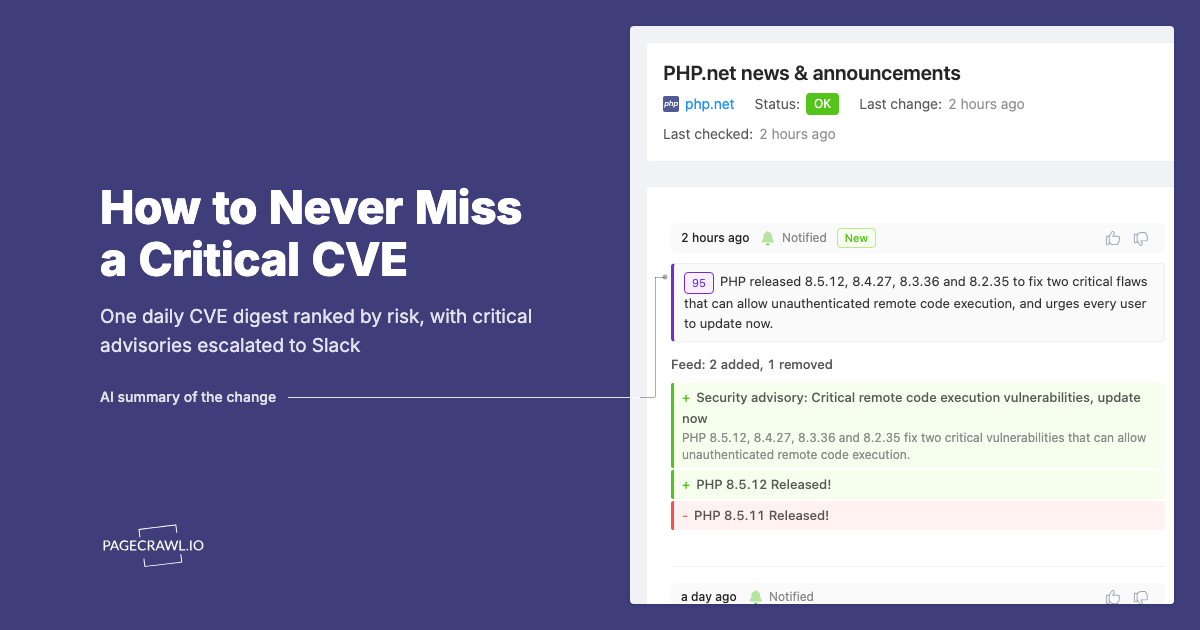
These are documented generative AI risks. NIST's Generative AI Profile lists confabulation, "confidently stated but erroneous or false content", including outputs that "diverge from the prompts or other input". It also describes indirect prompt injection, where attackers exploit applications built on language models "by injecting prompts into data likely to be retrieved". A monitored page is that kind of data, so any text on it that reads like an instruction is untrusted input.
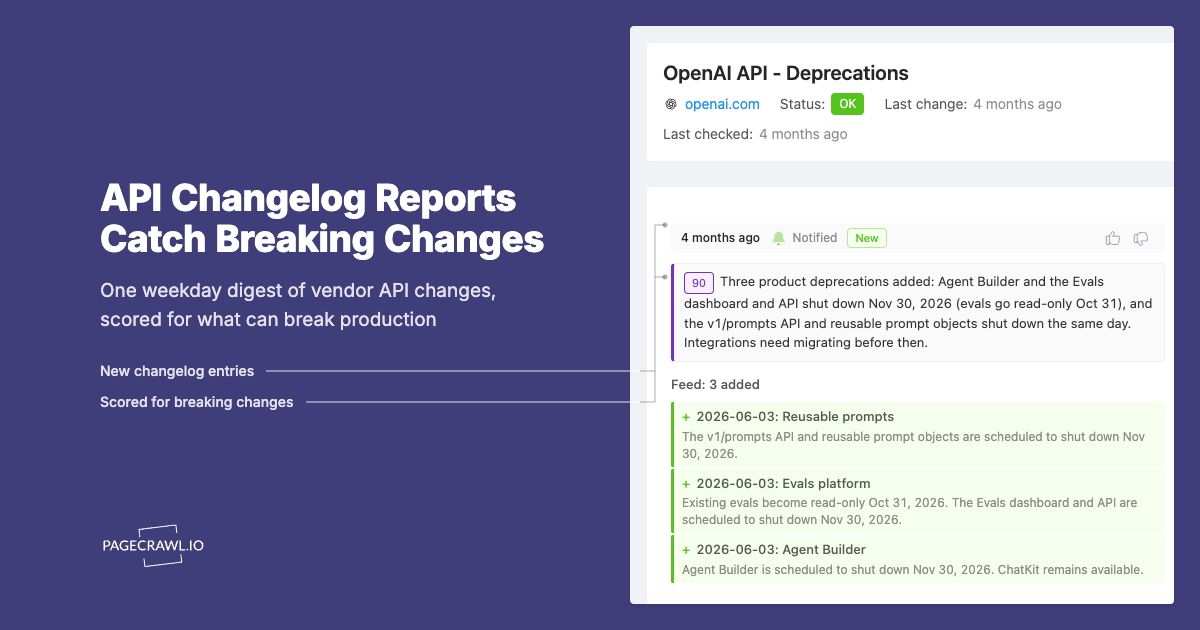
A monitor that works at scale describes the real change accurately, ignores anything on the page that tries to steer it, catches small but important edits, and still lets you see a change the AI misjudged.
Note: PageCrawl's summaries and importance scores are AI-generated and can be wrong. How PageCrawl Uses AI explains each one, and changes scored below your minimum still stay in the page history.
What goes wrong when AI reviews every check across thousands of pages?
Volume turns small flaws into large ones. If you watch 1,000 pages hourly, that is 24,000 AI questions a day, most of them about nothing. The same change can get a different score on two runs, and an AI call that fails can quietly hide a change.
- Repetition. One footer edit across hundreds of pages on a site becomes hundreds of paid questions, each answered slightly differently.
- Drift. AI vendors update and retire models on their own timetable, so judgement can shift while nothing changed on your side.
- Tuning cuts both ways. Pushing an AI to report less noise also pushes it to dismiss small real changes, and those misses are invisible.
- Silent failure. Nobody reports an alert they never received, so a missed change looks exactly like a quiet week.
A monitor that works at scale gives consistent, affordable judgements at volume, and a failed AI call never hides a change from you.
Why are schedules, retries and timeouts hard across many sites?
Because simple schedules bunch up. Cron-style schedules put checks on the hour, so many monitors on one site arrive in the same minute and can get throttled or blocked. Naive retries make it worse, and a check that never ran looks like "no change".
RFC 6585 gives rate limiting its own status code, 429 Too Many Requests, which "MAY include a Retry-After header indicating how long to wait before making a new request". It leaves each site to decide how it identifies visitors and counts requests, so sites draw the line in different places. Then come the traps:
- Retrying straight away ignores the site's request to wait and keeps its limit tripped.
- A site that hangs can hold up checks on other sites.
- Short timeouts produce half-loaded captures, and long ones make the schedule drift.
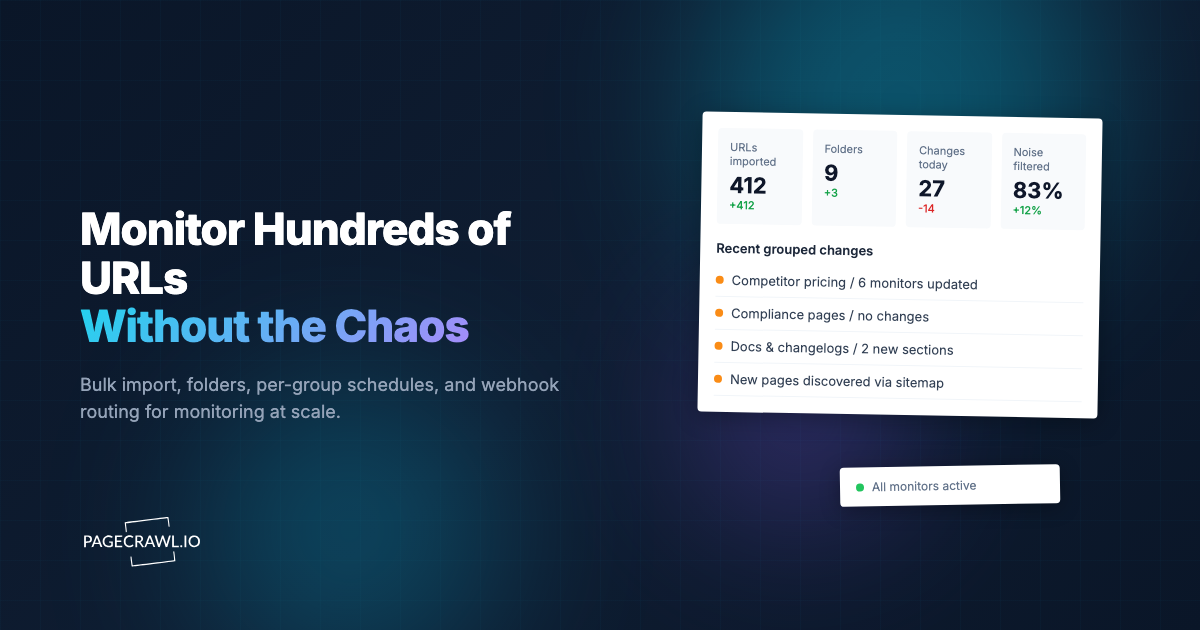
A monitor that works at scale stays welcome on the sites it watches, keeps one slow site from holding up the rest, and shows every scheduled check as run or missed. In PageCrawl, Crawl Politeness lets a team choose how gently its checks visit any one site.
What should you expect from a monitoring service at scale?
Expect outcomes, not just alerts. A service worth trusting at scale shows you the page people see, stays quiet on churn, never records a wall or a glitch as a change, keeps you current, never alerts on its own updates, uses AI without letting it lose changes, and tells you when a check did not happen.
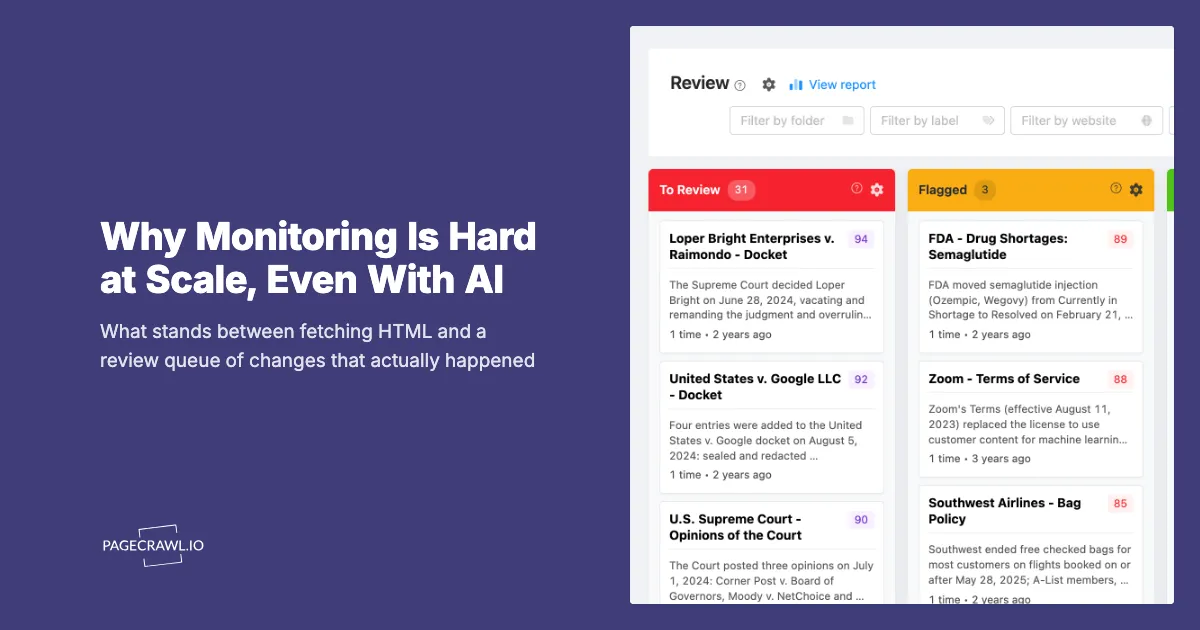
PageCrawl catches most block and error pages on its own and records them as failed checks rather than changes. In the app, it flags a monitor in the page list when its recent checks could not see the page properly, and the Overview groups pages that changed in the same way. The Review Board gives a team one queue of detected changes to triage.
Getting Started
Take the pages that broke your own script, or the ones you would least like to miss, and add them to a free PageCrawl account. Watch for a couple of weeks: what comes through, what stays quiet, and how failed checks show up. To add hundreds more, bulk URL monitoring covers importing and organising them.