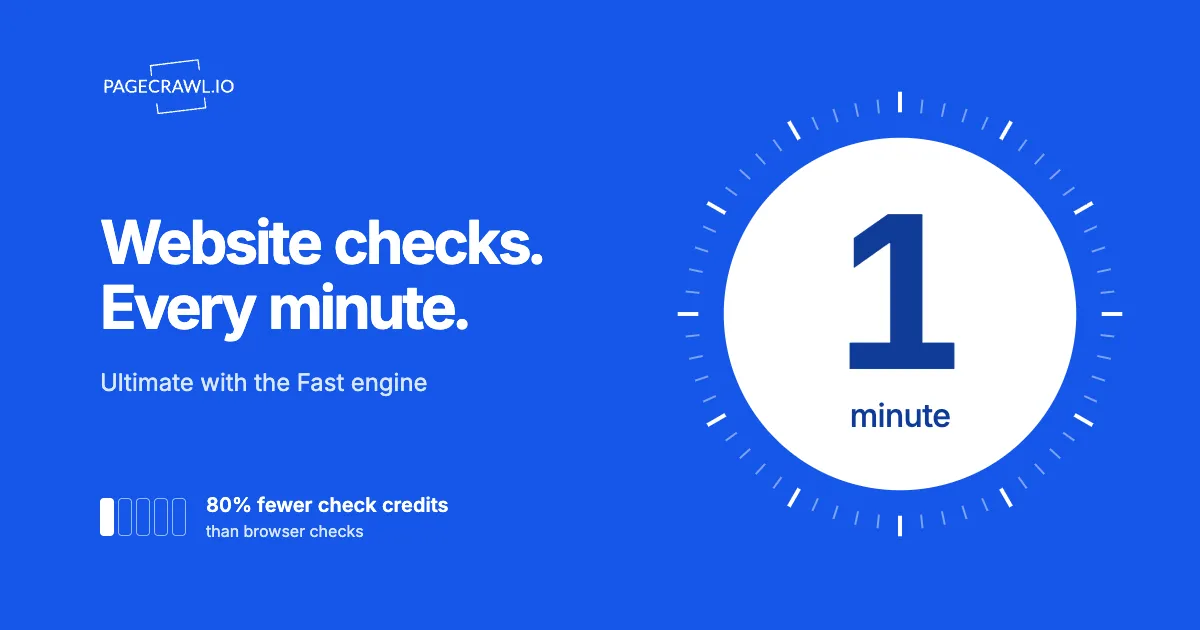
PageCrawl Ultimate lets you check supported pages as often as every minute when you choose the Fast engine. It is useful for pages where a shorter wait between checks matters, such as a supplier's published price, a new announcement or an updated availability message.
Fast also stretches your monthly check credits. Each Fast check uses 1/5th of a check credit, compared with 1 credit for a standard browser check. That is 80% less. Five Fast checks use the same number of credits as one standard browser check.
Who can use one-minute checks?
One-minute checks are available on Ultimate when a monitor uses Fast. Set the frequency for each page separately, and keep the schedule within your workspace's active hours and monthly check allowance. Browser engines on Ultimate can check every two minutes or longer.
Fast is available on every plan, including Free. Free's 220 monthly check credits cover up to 1,100 Fast checks. One page checked hourly for 30 days makes 720 checks and uses 144 credits, leaving 76. Only Ultimate unlocks the one-minute schedule.
Use the shortest interval for pages where you can act on a change quickly. A supplier price you need during purchasing hours may justify it. A policy page reviewed once a week probably does not. You can use different frequencies for different monitors in the same workspace.
The lower credit cost describes Fast checks. It does not mean the page loads five times faster or that notifications arrive five times sooner.
Which pages work well with Fast?
Fast works well when the information you want is available without clicking buttons, filling forms or waiting for additional page content to load. That includes many straightforward text pages, published prices, RSS feeds and data endpoints. Check the captured result on your own page before relying on frequent monitoring.
Practical examples include:
- Supplier prices: Follow a published price that Fast can capture correctly, so your team can review a change before placing an order.
- Announcements and listings: Watch a readable announcement page or RSS feed for newly published information. For example, the Federal Reserve publishes announcement feeds you can follow.
- Availability messages: Track a visible availability statement when Fast captures the correct product and message.
- Published data: Check a data endpoint that provides the value your business follows.
How many check credits does one-minute monitoring use?
One page checked every minute around the clock makes 43,200 checks over 30 days. At 1/5th of a check credit per Fast check, that uses 8,640 credits. Ultimate includes 100,000 monthly check credits, so ten such pages use 86,400 credits, leaving 13,600 for other checks in that 30-day example.
| Pages checked every minute | Checks over 30 days | Fast check credits used |
|---|---|---|
| 1 page | 43,200 | 8,640 |
| 5 pages | 216,000 | 43,200 |
| 10 pages | 432,000 | 86,400 |
These examples assume every check uses Fast and runs throughout the full 30 days. Longer months, additional checks and other monitors change the total. If a monitor uses a different engine, its credit cost changes too, so review usage after changing its settings.
The saving applies to check credits. AI credits are separate, and the usual AI and other plan limits still apply. For a broader planning guide, see the monitoring frequency and check-budget calculator.
Does every-minute monitoring mean immediate alerts?
No. Every minute is the check frequency, not a promise that every change reaches you within 60 seconds. PageCrawl must run a check, capture the changed information and apply your alert settings before sending a notification. The website's response, processing time and notification delivery can add time.
A change that appears and disappears between checks may not be captured. If you need to respond quickly, choose a notification destination you actually watch and make sure the monitor's alert conditions match the change you care about.
Frequent checks also continue when nothing changes. Reserve them for time-sensitive pages and slow down monitors that do not need that level of attention.
How do you set up one-minute checks?
Create or edit a monitor in an Ultimate workspace, choose Fast under Engine, and select Every minute under Check Frequency. Save the monitor and review its first completed check to confirm that it captures the information you need. Then check its notifications, active hours and estimated usage before expanding your watchlist.
- Add the page and select the text, price or other supported information to track.
- Choose Fast under Engine.
- Set Check Frequency to Every minute.
- Save and inspect the captured result, including the correct product or page section.
- Confirm the alert destination and review your monthly check usage.
Your workspace schedule controls the days and hours when checks run. Use it when monitoring is only useful during working hours, and follow any minimum schedule requirements shown in the app. For RSS sources, see the feed tracking guide.
Note: Fast may not suit every page or monitoring task. It does not support screenshots, visual monitoring, or page interactions, and some pages need a browser to load the information. Check your first saved result. One-minute monitors stay on Fast if a check fails; you can auto-switch to a browser engine with a two-minute or longer interval.
Start with one important page, confirm that Fast captures it correctly, and then expand. View Ultimate pricing to choose the monitoring capacity your team needs.