
PageCrawl can monitor Excel files hosted online and notify you when their content changes. It extracts text and data from the spreadsheet, compares it against the previous version, and shows exactly what was added, removed, or modified.
Supported File Types
xls, xlsx, ods
Setup
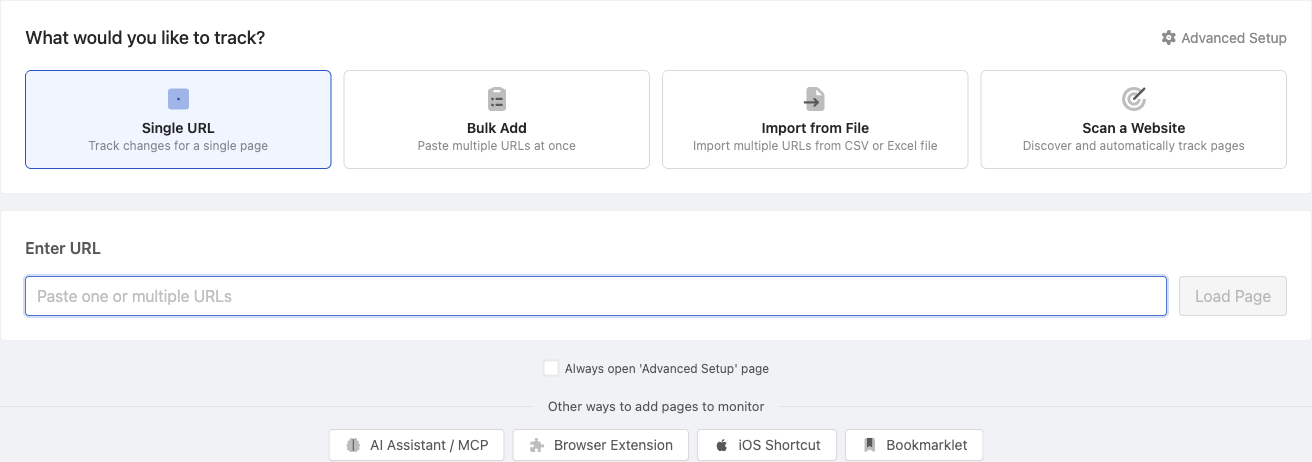
- Click Track New Page
- Paste the direct URL to the Excel file
- PageCrawl detects the file type and shows the appropriate configuration
- Choose your check frequency and notification preferences
- Save
Password-Protected Files
Excel files behind login authentication are supported. Configure an authentication setup first, then select it when adding the file.
Related Articles
- CSV Files - Monitor CSV file changes
- Google Docs & Sheets - Monitor Google Sheets and Docs
- File Checksum Monitoring - Detect any file modification