
PageCrawl can monitor PDF files hosted online and notify you when the text content changes. It extracts text from the PDF, compares it against the previous version, and highlights exactly what was added, removed, or modified.
How It Works
- PageCrawl downloads the PDF file at your configured check frequency
- Text is extracted from the PDF
- The extracted text is compared against the previous version
- If changes are detected, you receive a notification with a diff showing exactly what changed
Note: text tracking stores and compares the first 500,000 characters of a document's text, so in a very long document a change further in may not be detected. Add file checksum monitoring to be alerted to any change to the file.
Setup
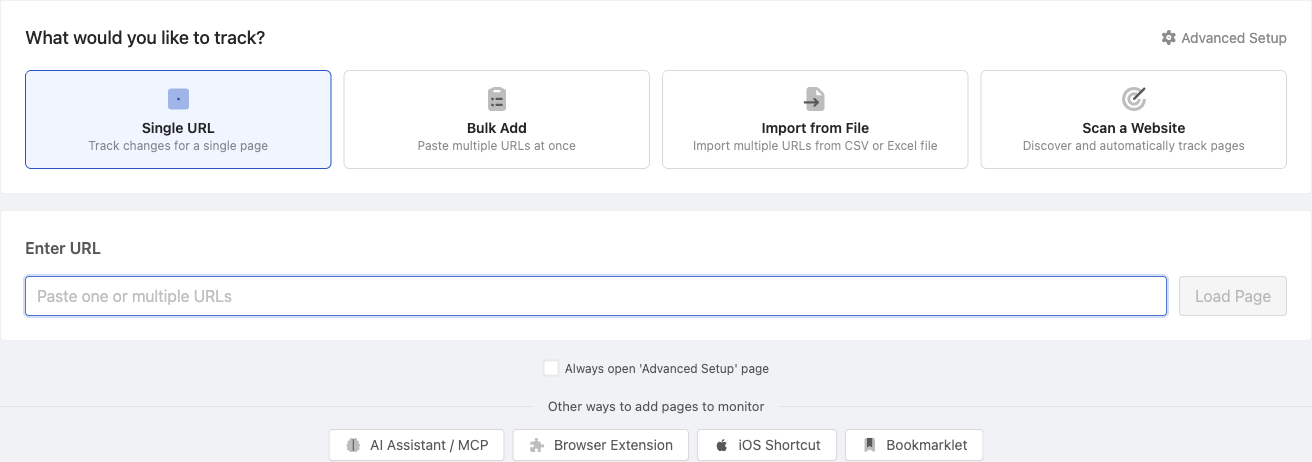
- Click Track New Page
- Paste the direct URL to the PDF file
- PageCrawl automatically detects it as a PDF and shows the appropriate configuration options
- Choose your check frequency and notification preferences
- Save
What is formatted text capture for PDFs?
Formatted text capture is an optional extraction mode that reads the PDF the way a person would. Instead of one flat block of text, it captures the document as structured text: headings stay headings, tables stay tables, and multi-column pages are usually read column by column. Column order is a best effort: a line that spans the full width of the page, such as a caption or a wide table row, can make the columns of that part of the page read line by line instead. It also adds a page count line, so you get alerted when pages are added to or removed from the document.
Enable it when adding the PDF: with Text content selected in the file tracking options, switch on Capture formatted text. For an existing PDF monitor, open Advanced Setup and tick Capture formatted text inside the File detected notice, then save. For formatted text on web pages, see Capturing Formatted Text on Web Pages.
Formatted text capture helps most with:
- Multi-column documents (reports, meeting minutes, regulatory filings) where standard extraction mixes the columns together and produces confusing diffs
- Documents with tables (fee schedules, rate sheets, price lists) where you want the table structure preserved in alerts and reports
- Growing documents (public registers, appended addendums) where a change in page count is itself the signal you care about
Note: enabling formatted text capture changes how the document is compared, so the first check after enabling it will report a one-time change. Existing PDF monitors are not affected unless you enable it.
Scanned PDFs Without Text
Some PDFs contain only scanned images and no readable text. Text tracking cannot see changes in those files, and the monitor will report that the PDF has no readable text. In that case use the one-click Switch to File Checksum suggestion on the monitor page, which alerts you whenever the file itself is updated. See file checksum monitoring for details.
Password-Protected PDFs
PDFs behind login authentication are also supported. Configure an authentication setup first, then select it when adding the PDF to monitor.
PDF vs File Checksum
| Method | What It Detects | Diff Available |
|---|---|---|
| PDF text tracking | Text content changes (additions, deletions, edits) | Yes, line-by-line diff |
| File checksum | Any modification to the file (including metadata, images) | No, only detects that something changed |
Use PDF text tracking when you need to see exactly what text changed. Use file checksum monitoring when you need to detect any modification, including non-text changes.
Related Articles
- File Checksum Monitoring - Detect any file modification using SHA-256
- Tracking PDF Files (Tutorial) - Step-by-step PDF monitoring guide
- Excel Spreadsheets - Monitor Excel file changes